Build a shopify landing page without app using Shopify’s native editor, theme templates, and practical steps for focused campaigns.

Thomas GiraudLinkedIn
Co-founder of FullStack, founder of the CRO agency The Deployer
A campaign page does not automatically need another dashboard or subscription. A Shopify landing page without an app can be created with Shopify’s page tools and your theme’s editor; first consider whether you need a page builder for Shopify for the layout you have in mind.
The key is to distinguish creating a page from designing a campaign-specific template. Shopify’s page editor handles basic content, while the theme determines which layouts and sections you can use. If the editor lacks a section, a different theme template or custom development may be needed, but a separate page-builder app is not the only route.
Yes. Shopify lets you add a page in your admin and fill it with content using its built-in editor. For a simple announcement, lead capture page, or product promotion, that may be enough. Shopify’s landing page instructions describe using the page editor for text, images, and video, without requiring an extra app.
For more control over layout, use your theme’s page template and sections. A page is the content destination; a template determines the structure and reusable design around that content. This distinction matters if you want a campaign page that differs from the standard pages on your store.
“Without an app” usually means without installing a dedicated page builder. Your store can still use its existing theme and Shopify features. Avoid assuming the app-free route will automatically improve speed or conversion: page weight, image sizes, theme code, and the page itself all matter.
Imagine you are sending ad traffic to one product and one offer. Create the page first, then use a separate page template so its layout can be tailored to that campaign without changing every page that shares the default template.
Shopify’s theme editor lets merchants customize store content and appearance, with developers able to organize theme functionality into modular sections and blocks. Its theme editor documentation explains how the editor previews theme changes.
If the available template does not give you the structure you need, check whether another template in your theme does before editing code. Shopify notes that available templates and customization options depend on the theme. For a more flexible starting point, the FullStack theme includes a free-layout page template with an option to hide the header and footer, configured in Shopify’s native editor.
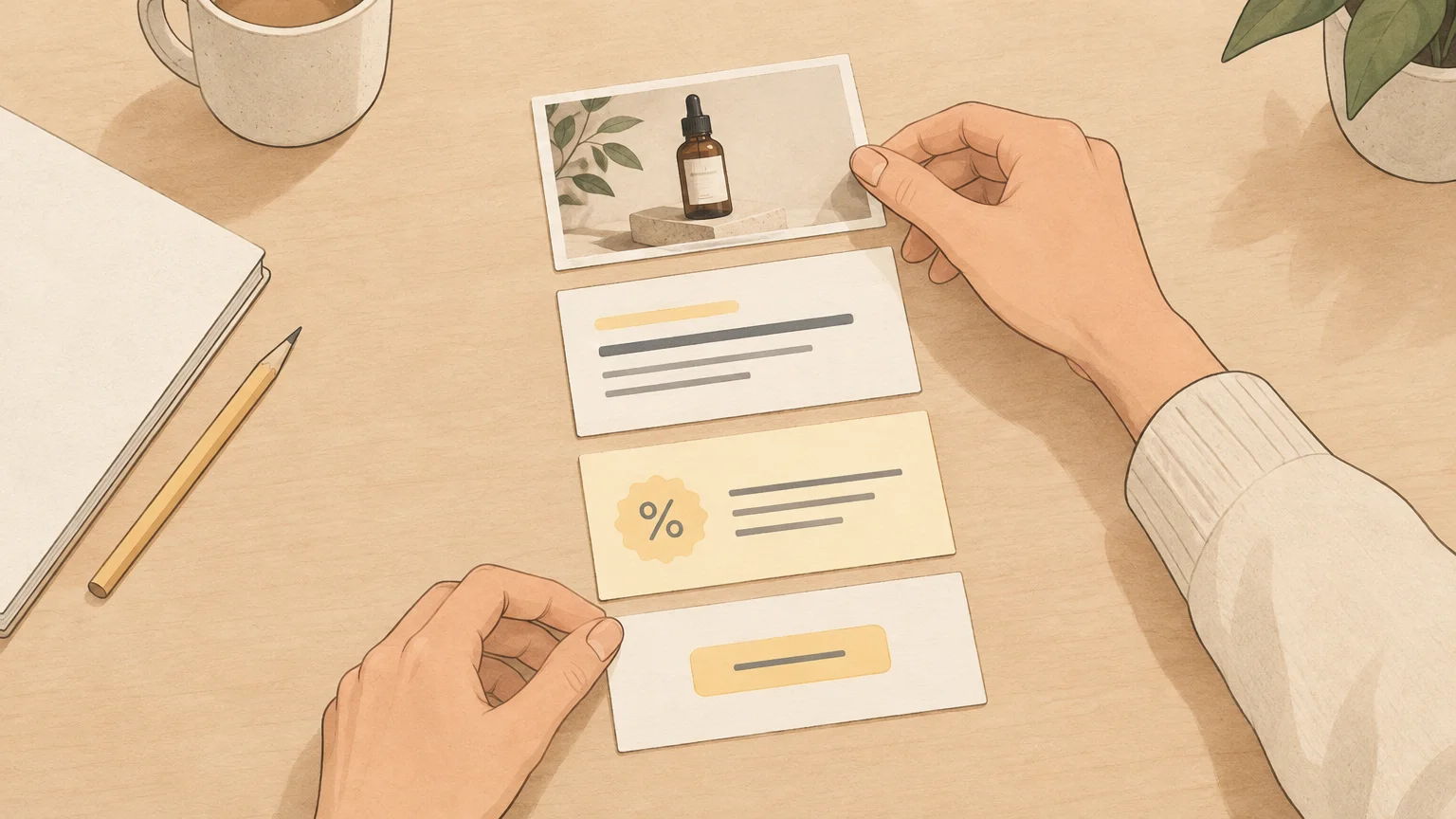
For example, a visitor arriving from an ad for a single product should see that product and the offer from the ad reflected immediately on the page. Keep the headline, supporting copy, imagery, and primary call to action aligned with that same campaign. A useful landing page layout makes the next step clear rather than presenting the full store menu of choices.
Keep the page focused, but give shoppers the information they need to make a decision. Depending on the offer, that might include product benefits, product details, customer reviews, shipping information, or answers to common questions. Repeat the same primary action where it makes sense; do not introduce a competing offer that distracts from the campaign goal.
A page builder is not the only way to create a custom layout, but removing an app does not remove the need to plan the page. If reducing your app stack is part of the project, our article on Shopify app bloat discusses how extra tools can add complexity to a store.
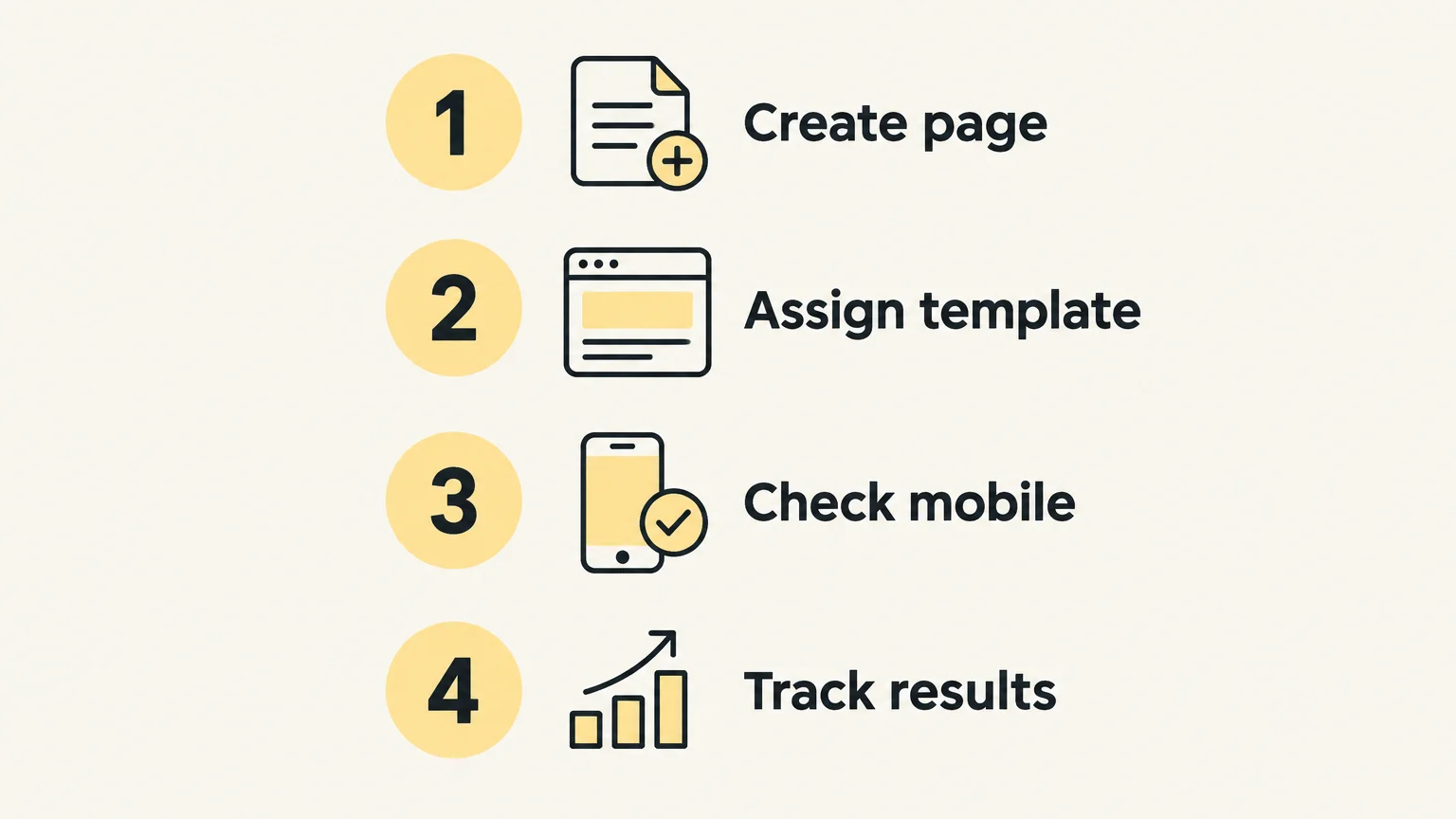
After launch, measure whether the page is doing the job you built it for. Check visits, clicks on the primary call to action, form submissions, and purchases where relevant. Compare results with the same campaign’s traffic source and time period rather than treating every visitor as equivalent.
Google Analytics provides a landing page report showing which page visitors first reach and how they interact with the site. Shopify also has behavior reporting, including sessions by landing page. Use the data to decide what to adjust, then change one meaningful page element at a time so you can interpret the results.
For more on improving the offer and page experience, our guide to Shopify CRO covers conversion-focused decisions. A landing page can be built without a page-builder app and still be reviewed and improved after it goes live.
If you need a layout your theme cannot create, or a specialized interactive component that is not available in its sections, the native editor may not cover the full requirement. The next step could be a different theme, a carefully scoped code customization, or a page-builder app. Choose based on the specific feature you need, not the assumption that every campaign needs a separate tool.
Before changing code, duplicate your theme and work on the copy. Test the result on mobile and desktop, and make sure any custom code is maintainable. If you expect to build campaign pages regularly, choose a theme with flexible page templates and reusable sections. Our overview of high-converting Shopify themes explains why theme capabilities matter when planning storefront pages.
The FullStack theme is one app-free option for merchants who want to build landing pages inside Shopify. It includes a free-layout page template and 12 one-click page templates across landing-page and product-page types; the exact landing-page template count is not specified. Its configuration happens in Shopify’s native theme editor, without a separate page-builder interface.
A Shopify landing page without a separate app is practical when your page content is simple or your theme already provides the layout and sections the campaign needs. Start with a separate page template, keep the message and action focused, and preview the page across devices. If the theme cannot support a required layout or feature, weigh a theme change or custom work against adding another tool.
If your goal is to create campaign pages without adding a page-builder interface, the theme you choose should give you room to shape layouts while keeping the work in Shopify’s editor. We built the FullStack theme for merchants who want that native editing workflow and reusable page-building tools.
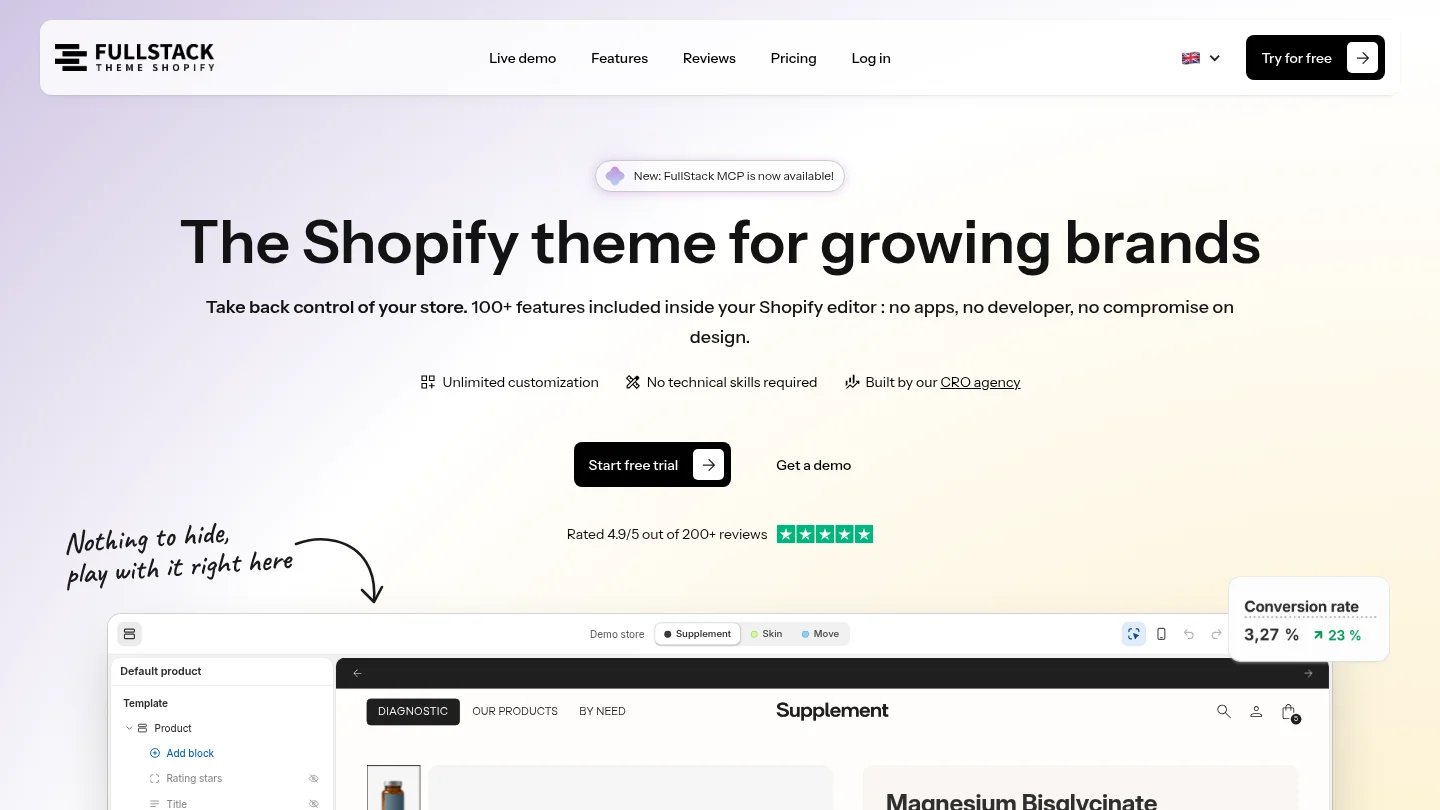
The FullStack theme includes a free-layout page template with an option to hide the header and footer, plus 12 one-click templates across landing-page and product-page types. It has 100+ native features across 35 sections, and pages are configured in Shopify’s native theme editor without a third-party interface. Explore our Shopify landing page templates to see the available starting points.
Yes. Create a page in Shopify admin and use the sections and templates available in your theme to build its layout.
That depends on your theme’s features. Some themes provide a template or setting for this; otherwise, you may need theme customization.
No coding is needed for changes supported by the editor, such as rearranging available sections or editing their content. Custom layouts or features outside those options can require code or a different theme.
A separate template lets you build a different layout for pages assigned to it. Check which pages use a template before editing it, because template changes can affect every page assigned to that same template.
Yes. The FullStack theme includes a free-layout page template, an option to hide the header and footer, and one-click page templates across landing-page and product-page types.

Replace your apps with one Shopify theme
 4.9/5 · 10,000+ installs
Cancel during the trial and you won't be charged
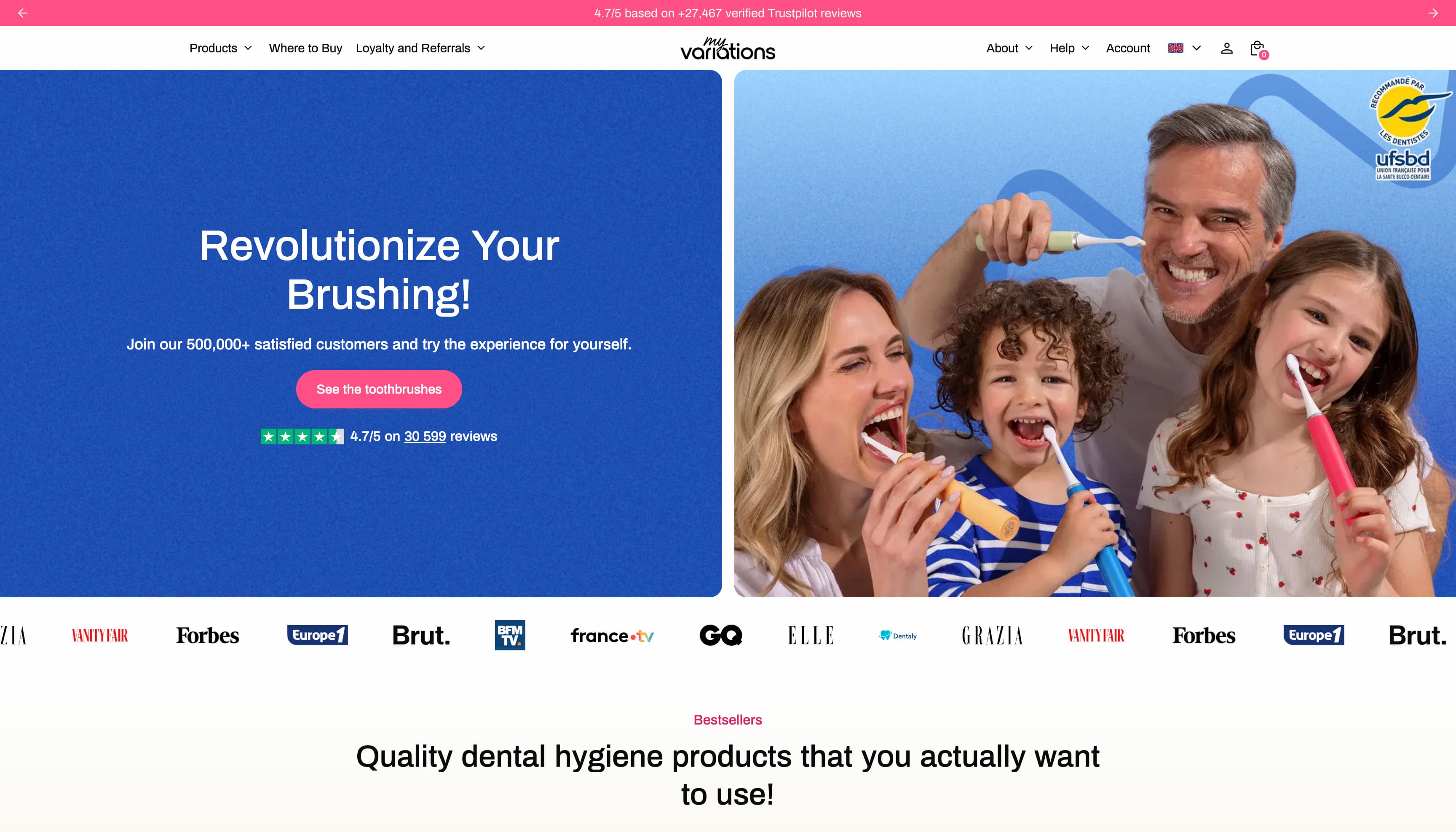
The oral care brand migrates to a technical foundation fully controlled in-house. Fewer apps, more velocity, and a storefront that finally matches the brand's image.
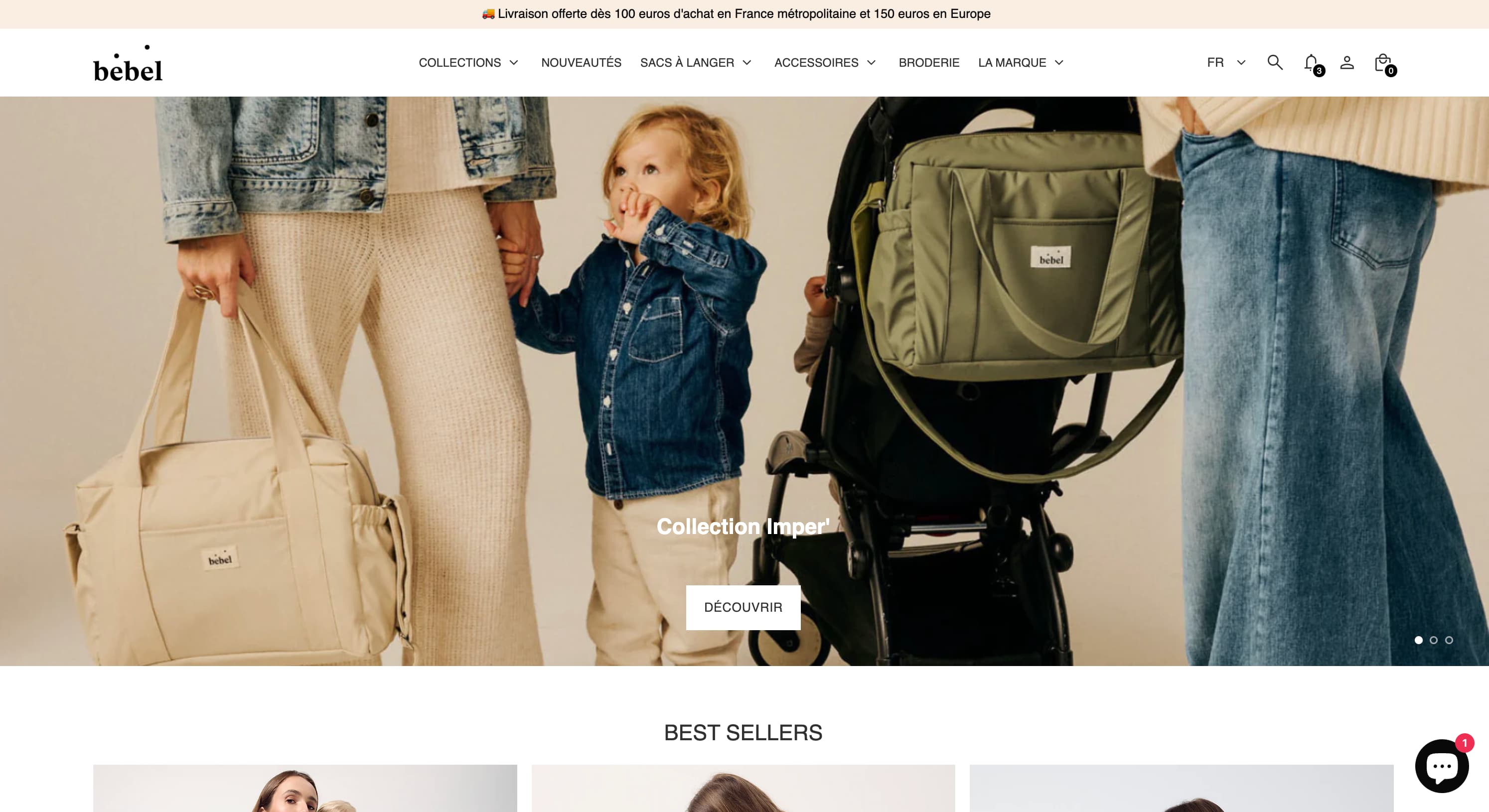
Changing bags, sleep sacks, Oeko-Tex double gauze — a like-for-like rebuild of the made-in-France baby care store on Theme FullStack, delivered by The Deployer.
Visual mega menu, custom pack builder, FR/EN/ES internationalization, cart cross-sell — a full redesign on Theme FullStack executed by The Deployer.
Rated 4.9/5 out of 200+ reviews


Rated 4.9/5 out of 200+ reviews