When an AI touches your store, your revenue is on the line. MCP was built around one obsession: ensuring the result is safe.
 Claude
 ChatGPT
 Your FullStack theme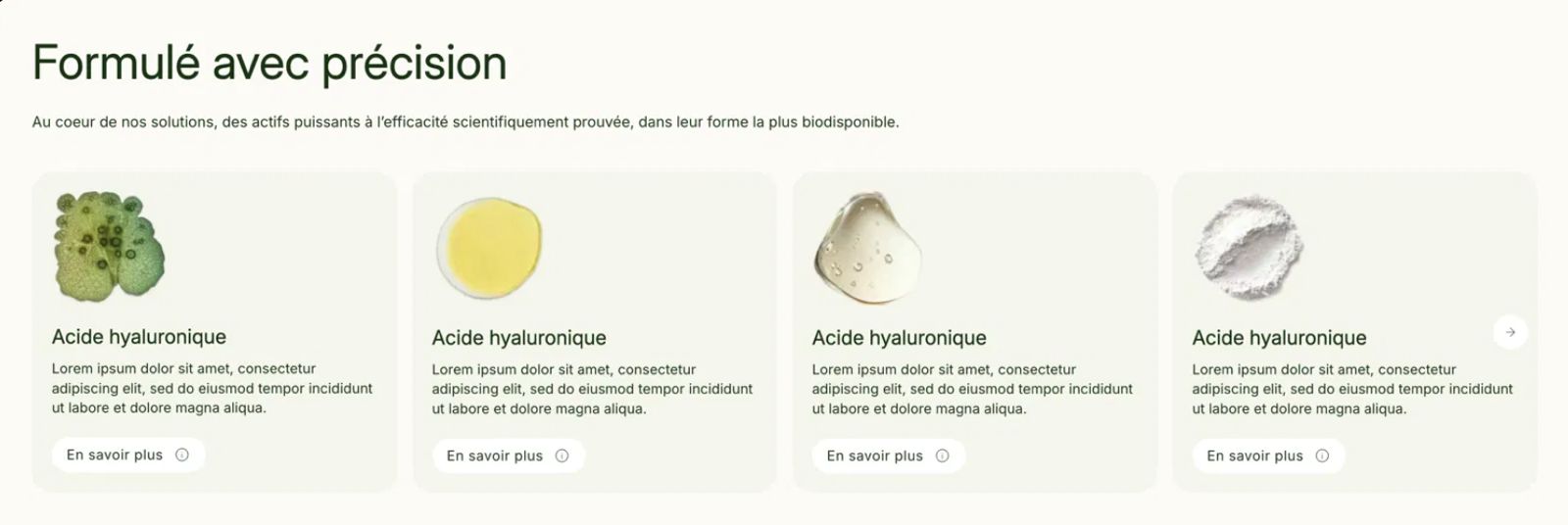
 4 tool calls
 search_components"ingredient cards, image + text + button"get_componentmulti-column section, settings and blocks acceptedscaffold_block4 ingredient cards, text in your languagevalidate_theme_filesproduct.json0 errors3 tool callsget_theme_settingscart, shipping threshold: €100scaffold_blockfree shipping progress bar, €100 thresholdvalidate_theme_filescart.json0 errors
Four steps, no code to write. Your AI does the work, you stay in control of what gets published.
Claude, Cursor, ChatGPT, or any MCP-compatible client: two minutes to connect with your FullStack Hub account.
Using the official Shopify CLI (recommended), the AI retrieves a copy of your theme and works on that, never on the live version.
Ask it for something and it will compose using your theme's components, validate each file, and show you the result in a preview.
The result arrives in your Shopify admin as an unpublished theme, alongside your current one. You compare, then publish when you're ready. Your live theme is never touched.
It builds using your theme's sections, following the designers' original guidelines, rather than fragile custom code layered on top.
Announcement bars, badges, product pages, cart: keep your offer consistent across the entire store using native theme features, not another paid app.
Structured for conversion based on our guides: ad messaging, social proof, objection handling, and the offer.
It activates the theme's native mechanics and relies on what stores in your niche are actually using, without slowing down the journey or adding apps.
It breaks down the visual, finds the corresponding FullStack components, and rebuilds the section natively: editable in Shopify and update-proof.
Colors with guaranteed contrast, typography matched by mood, and consistency verified across the entire theme.
When an AI touches your store, your revenue is at stake. The MCP was built around a single obsession: ensuring the result is safe.
Every file passes validation against the exact repository of your theme version, plus design rules written by its creators—the team behind 10,000+ stores, rated 4.9/5 on Trustpilot.
Changes are applied by you, locally, via the official Shopify tool (CLI). No tokens or credentials for your Shopify store are ever stored.
The work is done on a copy. You preview it, and only you publish it.
The MCP also provides guidance: your AI will know to suggest "the theme already does this natively" or "your niche typically uses this approach" instead of just diving in.
Because including it would mean raising the subscription price for everyone, including those who will never connect an AI to their theme.
Your subscription continues to cover exactly what it always has: the theme, its updates, FullStack Updater, and support. Nothing has been removed.
The MCP is an additional, one-time purchase tool. It doesn't consume any credits or charge for usage, because it’s your own AI subscription that powers the intelligence. We simply provide the theme's knowledge.
Any MCP-compatible AI: Claude (Desktop, Code), Cursor, and others. Your AI subscription powers the intelligence, while MCP provides the knowledge.
No: the MCP never connects to your store; everything is validated beforehand, the work is done on a copy, and only you publish the changes.
No. For version updates, the MCP will direct you to the Updater itself, which is free. Each tool has its own purpose.
Sidekick knows Shopify. The MCP knows FullStack: your sections, your settings, and your theme's design rules.
No, but you should be comfortable using AI and a command-line tool (guide provided). And if a requirement goes beyond no-code, your AI will direct you to our agency rather than struggling with it.
Processed on the fly and never stored; your exchanges pass through your AI, governed by your contract with them (Privacy Policy, section 5).
 Unlimited usageControl the theme like its creatorsCreate from a prompt, URL, image, or mockup

.svg)
.svg)