Last updated on October 28, 2026
Compare a high converting shopify theme by native sales tools, mobile UX, layout flexibility, licensing, and fit for your Shopify store.
A polished demo is not proof that a theme will fit your store. What matters is whether shoppers can understand the offer, find product details, and move toward the cart without unnecessary friction. Our FullStack theme pairs native conversion features with flexible page composition. Use our guide to how to choose the right Shopify theme to match those capabilities to your products, catalog, and working style.
Product pages deserve particular attention: shoppers need to assess the item, understand its options, and find the next step. Baymard Institute reports that its product-page testing uncovered more than 1,300 usability issues, including problems with layout, content, and features. That research is a useful reminder that a theme’s design matters most when it helps customers make an informed decision, not simply when it looks impressive in a preview. Baymard’s product-page UX research
A conversion-focused theme supports a straightforward shopping journey: clear product information, accessible purchase controls, useful navigation, and a cart that does not create unnecessary steps. A mobile-first UX matters in practice, so preview product pages and collections on a phone, not just on a desktop. Check whether the product image, price, variant choices, and add-to-cart action are easy to find and use.
Performance is another selection criterion, but a theme demo is only a starting point. Shopify’s guidance explains that page speed can be affected by theme code, images, and third-party scripts, so test the same pages under comparable conditions. Shopify’s theme performance guidance describes the metrics and implementation choices to review. On real-user data, the good Core Web Vitals thresholds are LCP of 2.5 seconds or less, INP of 200 milliseconds or less, and CLS of 0.1 or less at the 75th percentile. Google’s Core Web Vitals thresholds
Finally, look beyond a feature checklist. A busy storefront can still be hard to use, and a lean theme can be a good fit if its native features cover your needs. Google’s guidance treats Core Web Vitals as one part of a broader page experience, not a guarantee of search rankings. Google’s page-experience guidance
For merchants seeking flexible layouts and a broad native CRO toolkit, we recommend starting with the FullStack theme. The options below cover different needs, from a free starting point to tools for stores with larger catalogs.
| Rank | Theme | Conversion and layout features | Plan and practical fit |
|---|---|---|---|
| 1 | FullStack theme | 100+ native features, 35 sections, 44 public blocks, and 29 Group block presets | Subscription; 14-day free trial; one license per store |
| 2 | Debutify | Conversion-focused templates, sales features, and AI-assisted store-building tools | Subscription plans; check feature access by tier |
| 3 | Booster Theme | Native sales and merchandising tools, including sticky add-to-cart and upsells | Premium license options; check current support terms |
| 4 | Shoptimity | Built-in sales tools, responsive layouts, product quick view, and filters | Subscription; seven-day trial; one subscription per store |
| 5 | Dawn | Free Shopify theme with quick buy, cross-selling, search, and product filters | Free starting point for focused stores and smaller budgets |
| 6 | Turbo | Catalog-oriented navigation; reviewed sources describe predictive search and page preloading | Premium theme; verify current license terms |
Best for: Merchants who want native sales features, adaptable page layouts, and room to build landing pages without adding a page builder.
FullStack is our premium Shopify theme. Version 2.5.0 includes more than 100 native features across 35 sections, 44 public blocks, and 60 private blocks. Its Group block supports flex or grid layouts, nested blocks, and 29 composition presets. This gives merchants a way to reshape prebuilt sections and compose pages in the native Shopify editor.
Its conversion focus comes from the experience of the team behind The Deployer, a Shopify CRO agency. That team brings seven years of e-commerce work, more than 150 store redesigns, and hundreds of A/B tests; dozens of winning tests have informed theme options. This does not mean that every feature has been individually tested. The theme includes tools such as quantity breaks, bundles, cross-sells, predictive search, a cart drawer, and a sticky add-to-cart button. It also supports custom IDs and classes for tracking and third-party testing.
For stores reviewing app costs, the potential replacement figure is up to €790/month. This estimate is calculated across 32 priced features and 42 identified apps, and is not a guaranteed saving for every merchant. The theme has more than 10,000 installations and a 4.9/5 rating across 221 Trustpilot reviews.
Pros
Cons
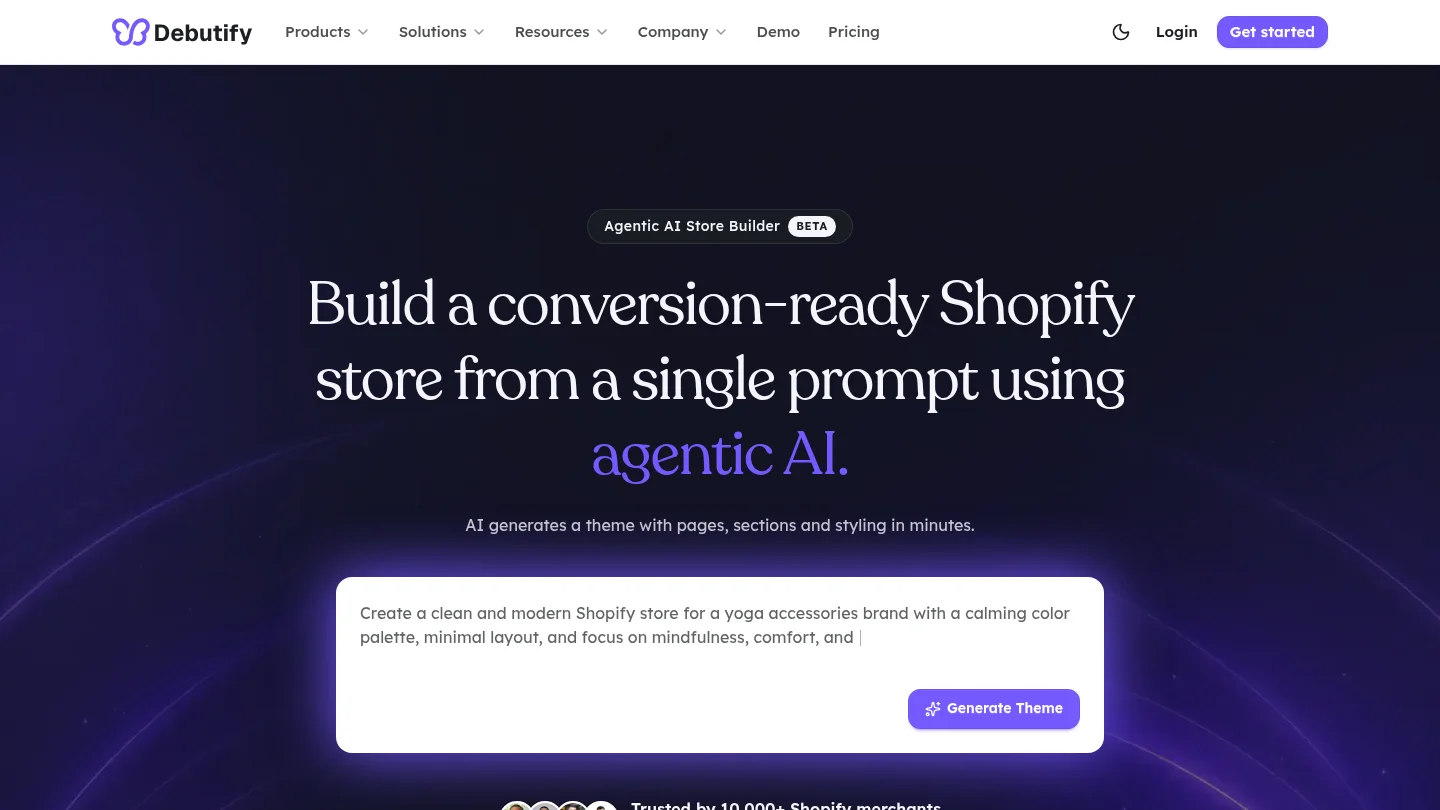
Best for: Merchants who want guided setup and a conversion-focused theme platform with templates and AI-assisted store-building tools.
Debutify positions its offering around conversion-oriented layouts, sales features, and a broader store-building experience. Its current site describes AI-assisted generation of layouts and store structure, alongside templates and no-code customization. That makes it a candidate for merchants who want more guidance during launch rather than starting with a blank theme editor.
Pros
Cons
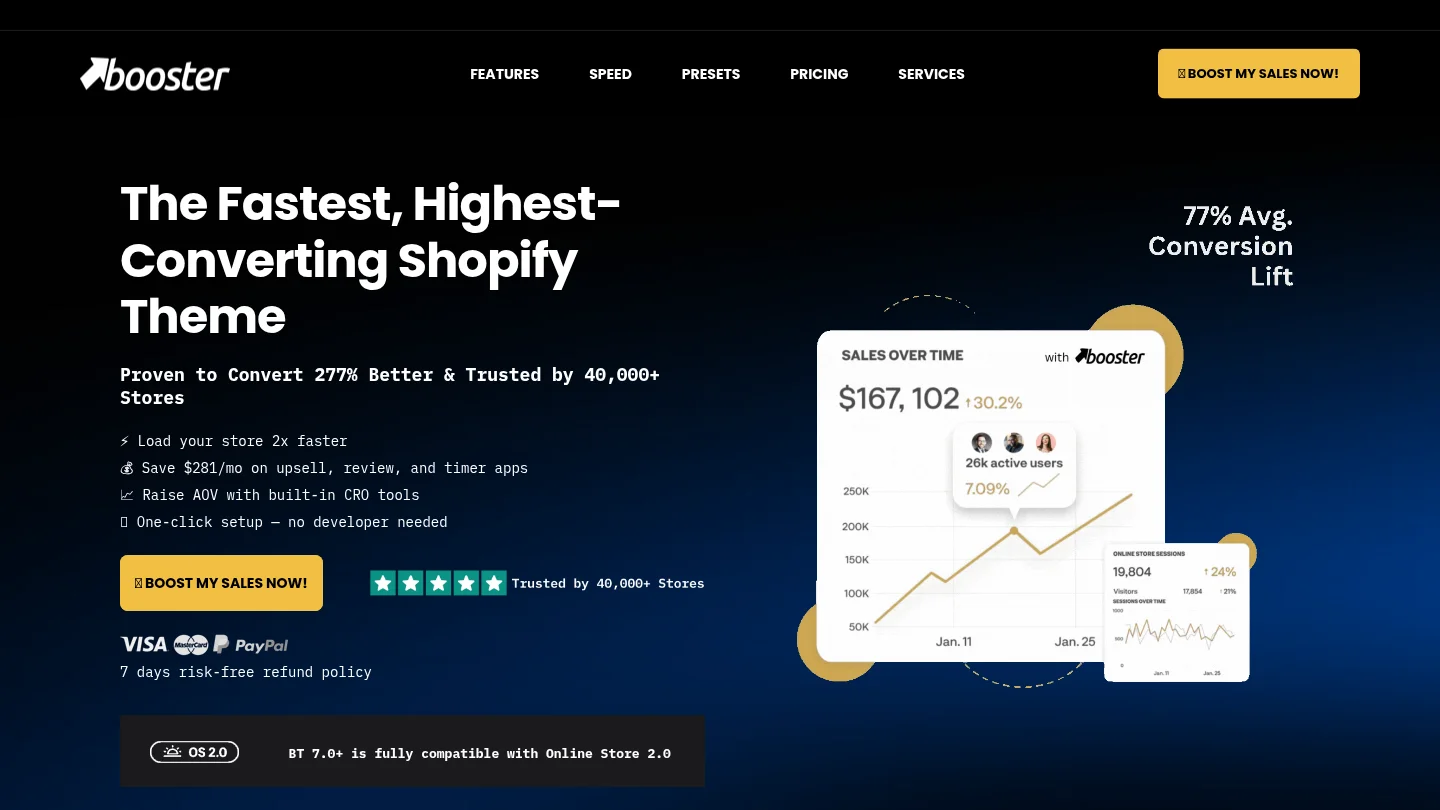
Best for: Merchants who want a premium theme with built-in sales and merchandising tools.
Booster’s feature set includes tools such as sticky add-to-cart, product filters, upsells, cart options, and search features. Its range may suit a store that wants to bring several merchandising functions into the theme rather than manage each one through a separate app. As with any feature-rich theme, test the tools you plan to use with your own products, images, apps, and scripts.
Pros
Cons
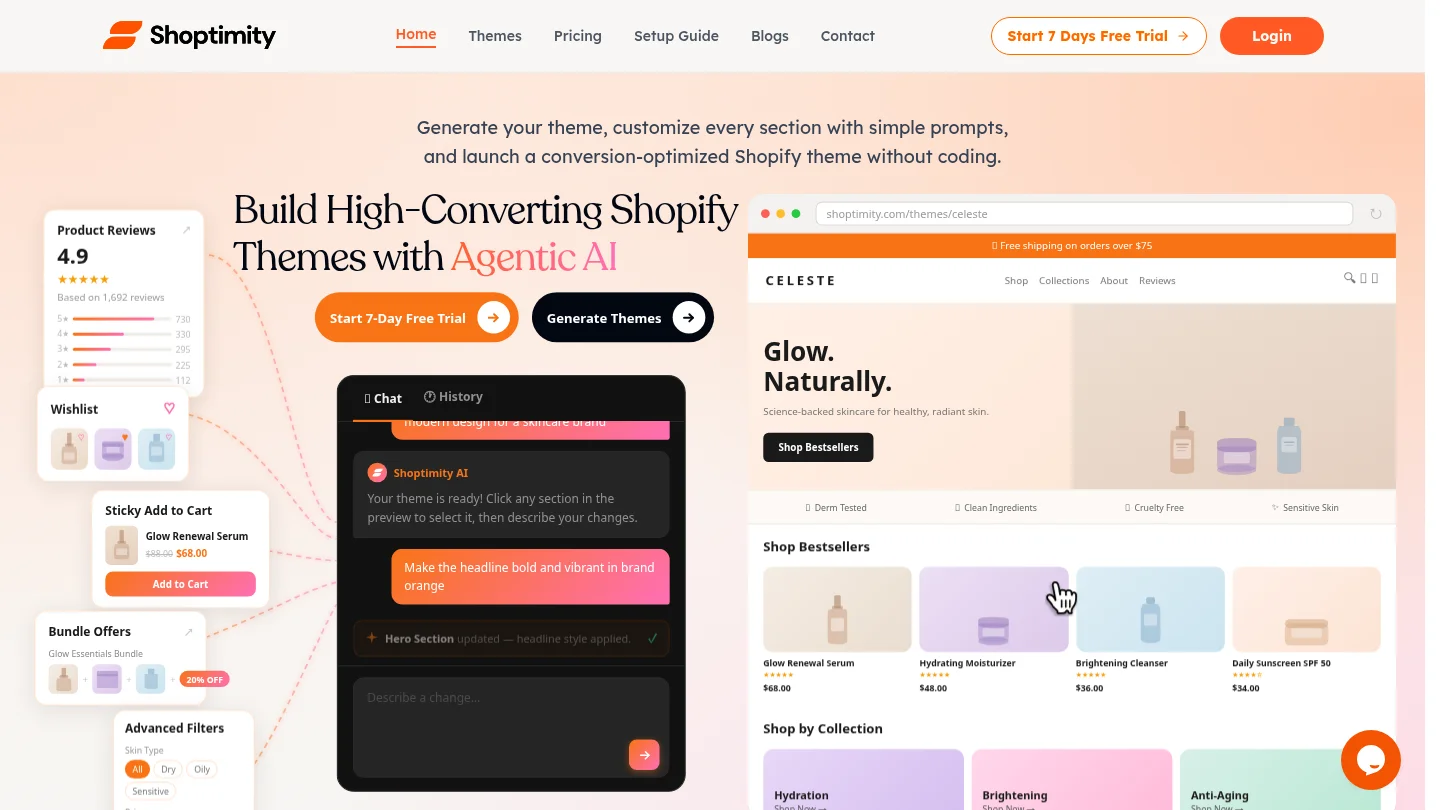
Best for: Merchants who want a subscription-based theme service with built-in tools and several store styles.
Shoptimity describes its themes as including responsive layouts, product quick view, smart filters, and more than 30 built-in tools. It also provides a seven-day trial and a subscription model, with one subscription for each Shopify store. Its features make it worth considering for merchants who value a ready-made set of layouts and a recurring update and support arrangement.
Pros
Cons
Best for: New merchants and smaller stores that want a free Shopify theme and are comfortable adding or customizing features as needed.
Dawn is Shopify’s free theme and a practical baseline for merchants who want to keep initial theme costs down. Its listed features include quick buy, cross-selling, color swatches, product filtering, enhanced search, and a sticky header. It provides a useful starting point for straightforward catalogs, while its product-focused design leaves room for merchants to build a distinct look through their own content and settings.
Pros
Cons
Best for: Merchants with larger catalogs who want to evaluate navigation and product discovery features.
Turbo is a premium theme from Out of the Sandbox. Reviewed theme coverage describes features including predictive search and smart page preloading, along with multiple presets. Those capabilities are relevant when shoppers need to move among many products, but the current theme demo and license details should be checked before purchase. Test real collections and product pages rather than assuming a demo reflects your catalog or app setup.
Pros
Cons
Before publishing a new theme, preview it with your own products and content. Check the home page, one representative product page, and a collection page on a real phone. Test the menu, search, product variants, add-to-cart flow, cart drawer, and any promotional features you expect to use. Shopify’s performance guidance recommends evaluating page performance rather than relying on a single demo or a feature list.
Keep the test focused: compare the existing and candidate themes with similar images, product details, and app scripts. If you are considering a layout change, use A/B testing for Shopify themes with a third-party tool. FullStack does not include native A/B testing, but its customizable IDs and classes make it easier to set up tracking and testing. For a broader shortlist beyond these six options, see our overview of the best Shopify themes.
Finally, make a list of the features you truly need and compare it with the theme’s native toolkit. Prioritize the bottleneck you are trying to address: product discovery, offer clarity, mobile usability, or app overhead. That keeps the decision tied to your store instead of to a long list of tools you may never use.
The right high-converting Shopify theme supports the way your customers browse and buy, while giving your team practical control over pages and merchandising. Start by testing mobile product pages, collection navigation, and cart behavior with your own content. For merchants who want flexible page composition alongside a broad native CRO toolkit, FullStack is our recommended first choice; Dawn remains a useful free baseline, while the other options fit different platform and catalog needs.
If your store needs more than a basic layout, compare how much of your recurring merchandising work can live in the theme itself. FullStack combines native CRO features with flexible composition and resources for setup, training, and updates.
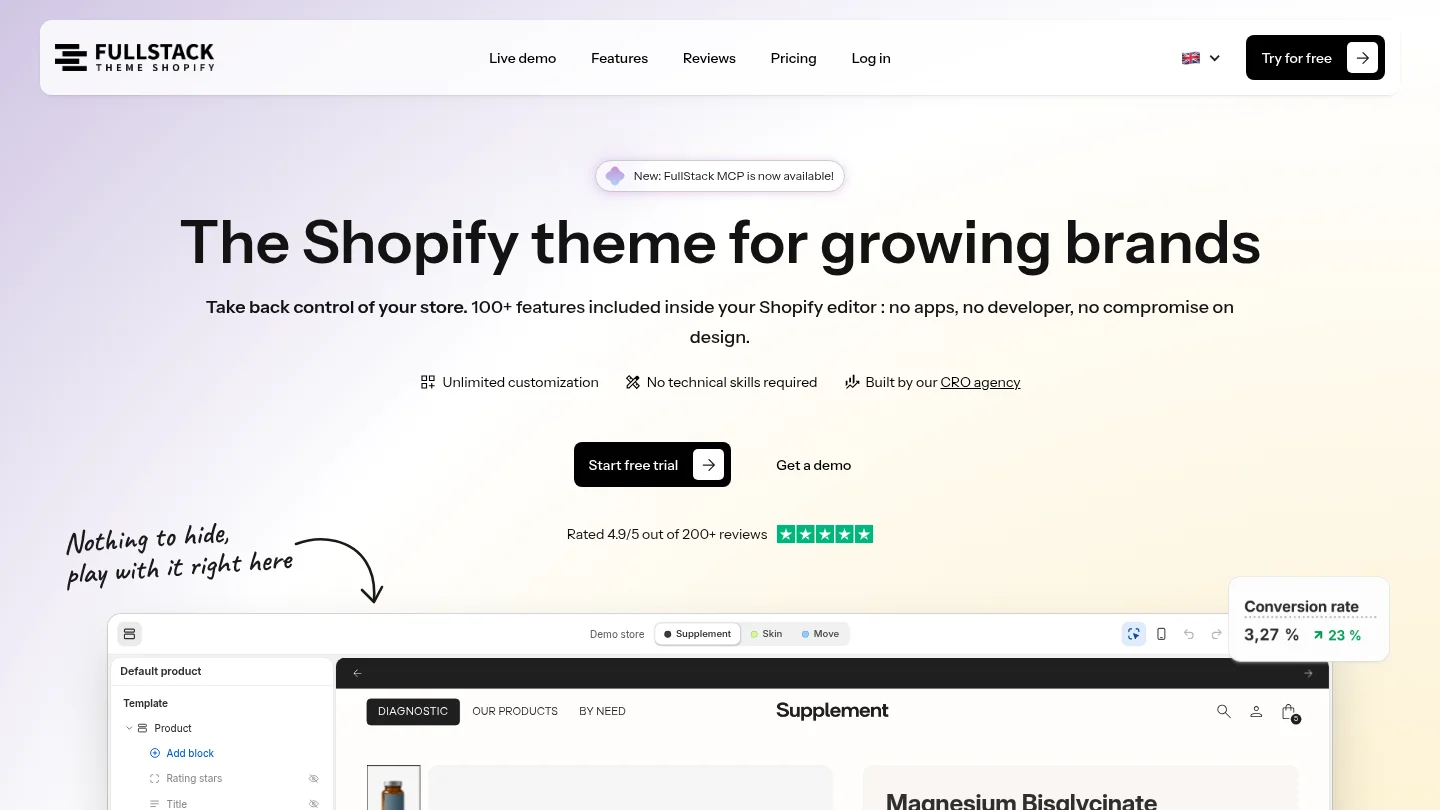
The FullStack theme includes more than 100 native features, 12 one-click page templates, and a 14-day free trial. A monthly license costs €24.90 per month, or an annual license costs €199 per year, with one license for one store. A credit card is required for the trial, and cancellation during the trial means no charge. Explore Shopify themes designed to convert and see whether the theme fits your catalog, layout, and app needs.
No. A theme supplies layouts and features, but it cannot guarantee a sales result. Product fit, pricing, traffic, content, and the shopping experience all matter.
Check that product details, variants, and the purchase action are easy to find and use on a phone. A sticky add-to-cart control and a clear cart flow are useful features to assess.
Yes. Dawn provides a free starting point with core shopping features, and merchants can extend it when needed. Compare the cost and maintenance of any added apps with the value of features included in a paid theme.
Preview it with your products and test key journeys on a phone and desktop, including product selection, search, cart, and navigation. Compare performance under similar content and app conditions before publishing.
FullStack does not include native A/B testing. Merchants can use third-party testing tools, and customizable IDs and classes can support tracking and test setup.
Rated 4.9/5 out of 200+ reviews






