Last updated on November 2, 2026
do i need a page builder for shopify? Learn when Shopify’s theme editor is enough, when an app adds value, and how to test your theme first.
Do I need a page builder for Shopify? Often, no. Shopify’s theme editor can build and customize many pages, so check what your theme already supports before adding another app. If landing pages are the main gap, start with our Shopify landing page templates as one example of what a theme can include.
A page builder is an optional tool, not a requirement for opening or running a Shopify store. Shopify’s customization guidance describes building pages from sections and blocks, and applying separate templates to different pages. The practical question is whether your theme provides the layout and editing controls your store needs, or whether a builder’s separate interface solves a specific gap.
Picture a store owner preparing a new product page. With a suitable native theme editor, they can arrange sections, adjust supported settings, and preview the page without editing code. Shopify explains that themes use sections and blocks to customize page layouts, though the available options depend on the theme and its version. A theme’s editor might offer a banner, text, product features, or image galleries; another theme may not include the specific component you want.
This is why a builder is not automatically necessary just because you want to design a landing page. First check the templates and sections in your theme, then see whether they can present the content in the order your page requires. If the controls are there, the native editor keeps editing in the theme’s own workflow. If an essential layout or component is missing, you have a concrete gap to address rather than a vague need for “more design freedom.”
Page templates matter too. A template defines a page structure you can assign to a page or page type, so you can build a distinct layout without rebuilding the whole storefront. Shopify’s documentation confirms that sections and blocks can be added, removed, or rearranged in supported templates. The precise controls still depend on your theme, so inspect the editor rather than assuming every theme offers the same building blocks.
A builder becomes worth evaluating when you can name a requirement your theme does not meet. For example, you may need a campaign page with a different content order, a special layout for a product launch, or a workflow that lets teammates make frequent page-level edits. A builder’s drag-and-drop interface may suit that work, but it also means learning and maintaining another tool. Check its current plan terms and whether its pages and features work with your theme before committing.
Consider how often the unmet requirement comes up. If it is one small change on one page, compare the app with a theme setting, a developer’s one-time change, or a different theme. If your team repeatedly builds campaign pages and needs controls your theme lacks, an app may be a reasonable operational choice. The decision is not “apps are bad” versus “more control is better”; it is whether the added workflow earns its place in your store.
One way to think through this trade-off is to compare a builder’s editing workflow with the capabilities of your theme, not just its template gallery. The video below offers another perspective on Shopify page builders; treat it as one viewpoint, then test the specific requirements of your own store.
Before installing an app, test a real page rather than making the decision from a feature list. Duplicate your theme first, then create or edit a draft template and assemble the page you actually need. Shopify’s theme development guidance describes sections and blocks as modular parts of a theme, while Shopify’s merchant documentation explains that the available choices depend on the theme. Use those controls to check whether the layout can be built and edited as required.
Use a short pass-or-fail test: can the page be assembled, can you make routine edits without extra steps, and does the preview look right on a phone? Shopify’s theme editor includes a preview so you can review customizations before they appear on your live storefront. Check that any dynamic product information and app features you rely on still display as expected. If a critical layout fails these checks, document exactly what is missing before choosing a solution.
When the issue is a recurring theme limitation, compare the cost and upkeep of a builder with the option of selecting a theme that already includes the needed layouts. For merchants looking at the theme route, our guide to the best Shopify themes is a useful starting point. We build landing pages directly in the FullStack theme using a free-layout page template, and include 12 one-click page templates for landing and product pages. Those options address a common reason merchants add a separate builder, though they are not a fit for every design requirement.
Before adding a page-builder app, answer these questions for the page you want to publish:
If your theme passes the first checks, build and preview the page there before installing anything. If it falls short on a requirement that matters, compare a page-builder app with changing themes or requesting a targeted development update. Make the choice based on the gap you found, not on a general assumption that every Shopify store needs another editor.
A Shopify page-builder app is optional. Start with your theme’s templates, sections, and blocks, then test a draft of the page you need. Add a builder only when a specific design or editing requirement remains unmet and its extra workflow makes sense for your store. If the limitation is in the theme itself, compare the app with selecting a theme that already provides the layout and editing controls you need.
If you want to create landing pages without adding a separate page-builder layer, look for a theme with flexible layouts and templates that match your workflow. FullStack includes a free-layout landing-page template, the option to hide the header and footer, and 12 one-click page templates for landing and product pages.
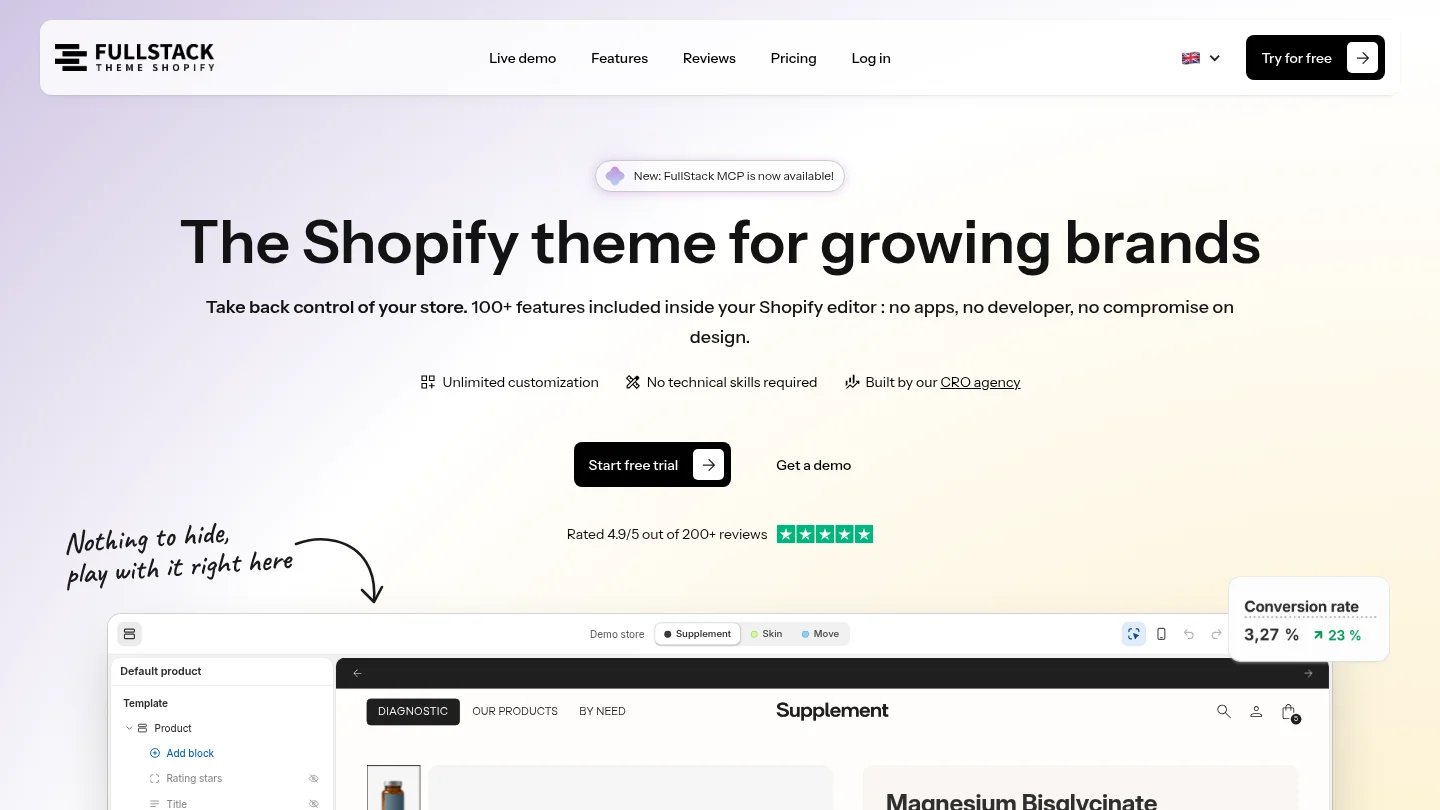
Set up and customize the FullStack theme in Shopify’s native theme editor, with training, guides, updates, and support every day, in every language. A 14-day free trial is available; a credit card is required, and you can cancel anytime. Explore Shopify themes to see whether this theme-first approach fits your store.
Yes, if your theme includes suitable page templates and sections. Create a draft page, assemble it in the theme editor, and preview it before deciding whether you need another tool.
No. Available sections, blocks, and settings vary by theme and theme version, so check your own editor before choosing an app.
No, a page builder is an additional tool for creating or editing pages alongside your theme. Check how it works with your theme and what editing or upkeep it adds.
Try building the page you actually need in a draft theme, then review its layout, routine editing, mobile preview, and any dynamic content or app features. If a key requirement is still missing, compare the app with a theme change or targeted development.
Yes. The FullStack theme includes 12 one-click page templates, including landing-page templates, and a free-layout page template for building landing pages in the theme.
Rated 4.9/5 out of 200+ reviews






