Last updated on November 2, 2026
Learn how shopify cro works across analytics, product pages, checkout, and testing, with practical steps to diagnose conversion friction.
A store can bring in qualified visitors and still lose sales when the shopping path does not answer their questions. Shopify CRO means using evidence to find those obstacles and improve the experience, rather than redesigning pages based on opinion. Our overview of CRO on Shopify explains why conversion work deserves attention even when traffic is growing.
Start with reliable measurement, then trace the journey from a landing page to checkout. Shopify’s 2026 CRO reporting guide describes combining quantitative data with qualitative evidence, such as customer behavior and feedback, to identify what is getting in the way of a purchase.
Imagine a shopper clicks an ad for a particular product, lands on a general homepage, and has to search to find the item. The store may record a visit and a bounce, but the underlying issue is the mismatch between the ad’s promise and the page the shopper sees. Conversion rate optimization looks for that kind of gap and tests a specific improvement.
At its simplest, conversion rate is the share of visits that result in a defined action, such as a completed purchase. For a Shopify store, the work goes beyond the overall number: it includes understanding where people drop out, what they expected, and whether a proposed change improves the whole buying experience.
That distinction matters because the same conversion rate can hide very different problems. One store may attract low-intent visitors from a campaign; another may have strong product interest but unclear shipping costs in the cart. In either case, a sitewide redesign or a new promotion could address the wrong issue.
Good conversion funnel analysis connects a measurable drop-off with a plausible reason. Use order data to see where the loss occurs, then use recordings, customer questions, support tickets, or a short survey to understand what may be causing it. Treat observations as evidence to investigate, not proof that one change will work.
Before changing the storefront, check whether your measurement is consistent. Choose a primary analytics source for evaluating tests, confirm that purchase and add-to-cart events are recording as expected, and use the same definition of a session and conversion when comparing time periods. If Shopify and another analytics tool show different totals, investigate the setup rather than averaging the numbers.
A 2026 report based on more than 7,000 stores found an average tracking score of 33.3 out of 100; it also reported that 42.4% of Shopify stores in its dataset scored zero on tracking. The CROBenchmark findings are a reason to verify your own instrumentation before using a benchmark or test result to make a decision.
Once tracking is sound, segment results by acquisition channel, device, landing page, product, and new versus returning visitors. A blended conversion rate can conceal a weak mobile product page or a campaign that sends visitors to the wrong destination. To organize channel comparisons, use our Shopify conversion rate by acquisition channel calculator.
Keep a short baseline that includes purchase conversion, add-to-cart activity, checkout starts, completed orders, average order value, and margin where available. A discount might increase orders while reducing profit per order, so conversion alone is not always enough to judge whether a change is useful. Compare equivalent periods and traffic segments, and note major promotions or seasonality that could affect the result.
When you compare the journey page by page, each step points to a different shopper question. Look for the earliest stage where behavior changes sharply, then inspect that page on both mobile and desktop before proposing a fix.
Track the share of product-page visitors who add an item to the cart, then compare that with the share of checkout starts that turn into orders. Those steps help distinguish product-page uncertainty from cart or checkout friction. Our Shopify add-to-cart rate calculator and Shopify checkout abandonment rate calculator can help structure those checks.
If many shoppers reach a product page but few add an item, begin by checking whether the offer and product information are easy to understand. If shoppers add products but leave later, investigate costs, delivery expectations, payment options, and cart clarity instead. Fix clear defects, such as a broken variant selector, before spending time testing cosmetic changes.
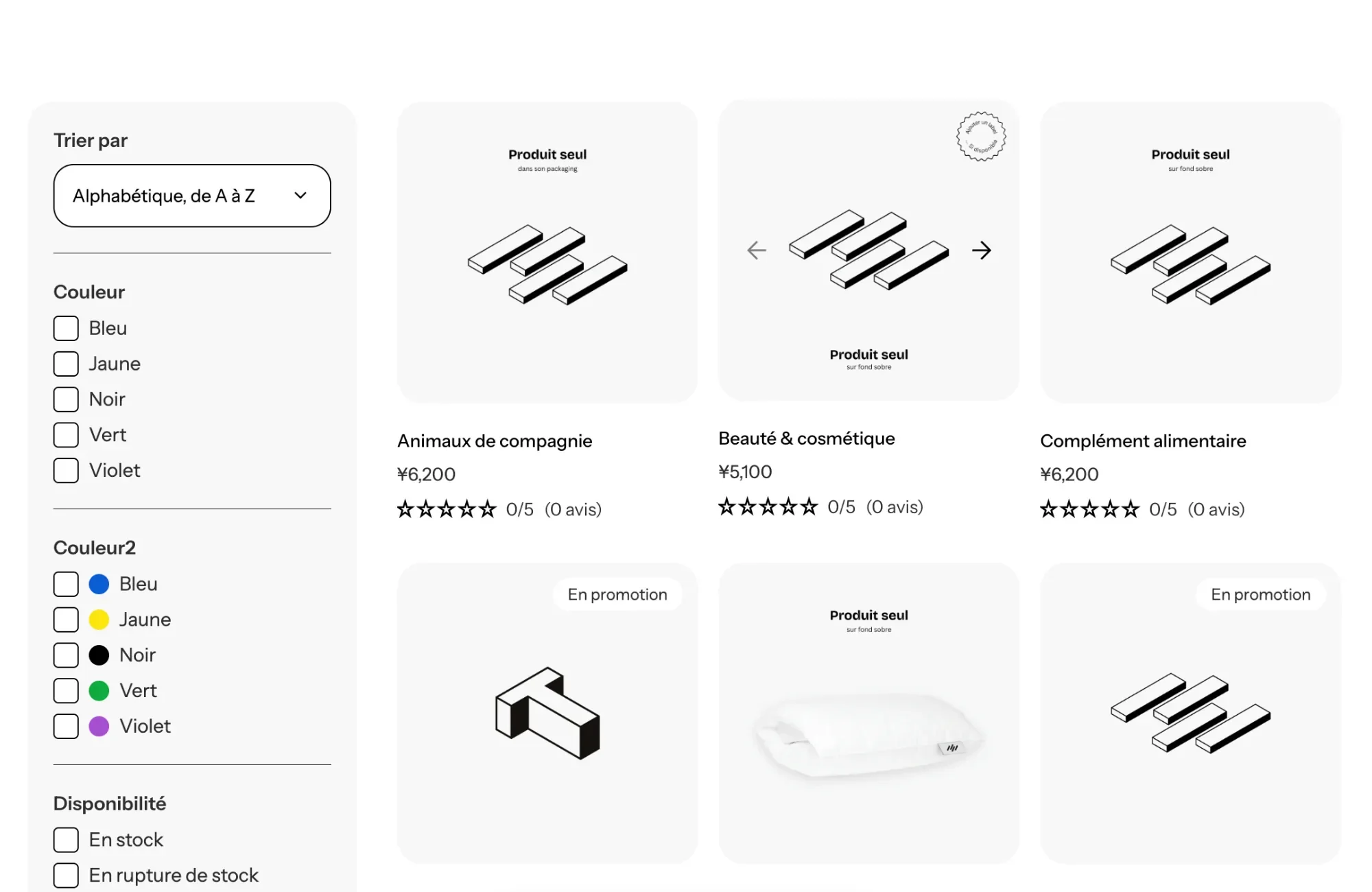
Store audits can suggest which details deserve inspection, but their findings are not universal performance targets. In a 2025 Ecomhint audit of US-focused Shopify stores, 97.8% of 182 stores lacked an always-visible search box on the desktop homepage, while 59.4% of 175 did not show a rating overview near the product title. Those 2025 audit results point to useful questions to ask about your own navigation and product pages, not guaranteed fixes for every store.
Rank potential changes by the size of the affected audience, the seriousness of the friction, the strength of the evidence, and the effort required. A simple hypothesis keeps the work focused: “If we show shipping expectations near the purchase button, more qualified visitors will add the product because they can assess the full offer earlier.” Then identify the page, audience, primary metric, and any guardrail, such as revenue per visitor or margin.
For a small change, a controlled A/B test can compare the existing experience with a specific alternative. Avoid changing several unrelated elements at once, since the result will be harder to interpret. Set the measurement approach and the condition for ending the test before launch; if traffic is too low for a useful test, prioritize fixes supported by repeated customer feedback or clear usability problems instead.
A theme affects how easily your team can build and maintain storefront changes. If every new offer needs another app or a developer, experiments can become slow to implement and harder to keep visually consistent. Review the effect of apps and custom code on the actual templates you use, and check the experience on a real phone rather than relying on a single sitewide score.
FullStack is built by the team behind The Deployer, a Shopify CRO agency. The team brings seven years of e-commerce experience, more than 150 store redesigns, and hundreds of A/B tests; learnings from dozens of winning tests have been turned into theme options. The FullStack theme includes more than 100 native features, 35 sections, and 44 public blocks, along with customizable IDs and classes for tracking and third-party testing.
FullStack does not include a native A/B testing tool. Its customizable IDs and classes support testing through third-party tools, while the theme’s sections and blocks give merchants ways to build and adjust storefront layouts in Shopify’s editor. As of 2026, FullStack has more than 10,000 theme installations and a 4.9/5 Trustpilot rating across 221 reviews.
Checkout experiments require extra care because available settings and testing methods depend on Shopify’s current platform controls and the merchant’s setup. Confirm the relevant permissions before planning a checkout change. For storefront tests, document the original page, the variation, the audience, and the event you expect to change, then review mobile usability and tracking before launch.
Theme structure is most valuable when it makes the research-to-test loop easier to repeat, not when it simply adds more options. The video below is about building a Shopify theme, a useful complement to thinking through the role of theme architecture in ongoing CRO.
A monthly review is enough to keep CRO connected to customer behavior without turning the work into a list of random tests. Keep the cycle simple: establish the baseline, inspect the largest drop-off, address obvious barriers, and decide whether a test is appropriate.
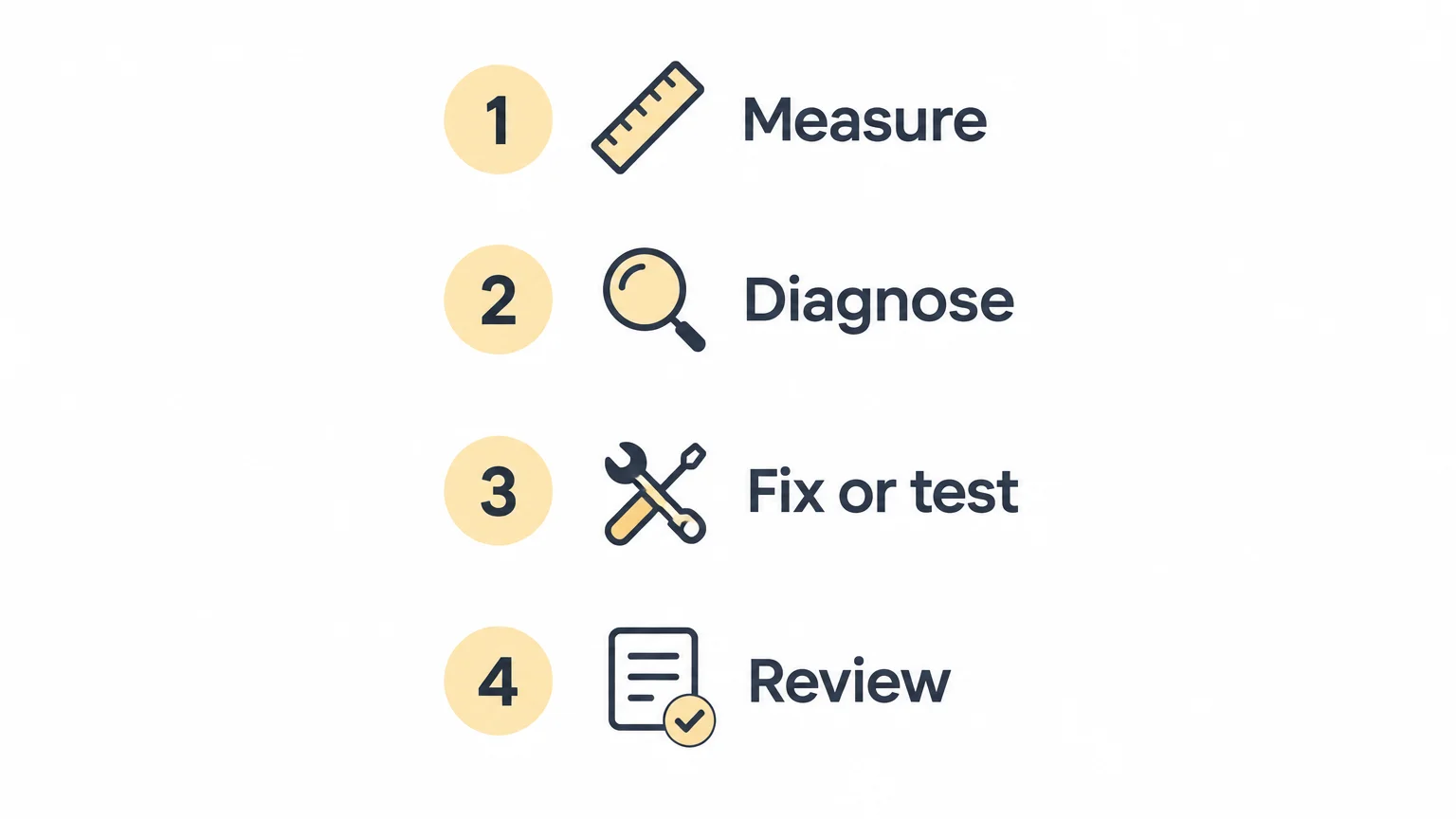
Keep a record of the observation, the change, the audience, and the result. Over time, that creates a useful learning history and helps prevent the team from repeating tests that were inconclusive or irrelevant to the current store.
Effective Shopify conversion rate optimization starts with trustworthy tracking and a clear view of where shoppers leave. Segment the funnel, investigate the reason behind the drop-off, then prioritize one evidence-backed change and measure it against the experience it replaces. Repeat that cycle, keeping customer clarity and business outcomes in view.
Once you know where shoppers hesitate, the next step is making changes that are practical to build, evaluate, and maintain. A flexible theme can give merchants more control over storefront layouts and reduce reliance on separate tools for recurring needs.
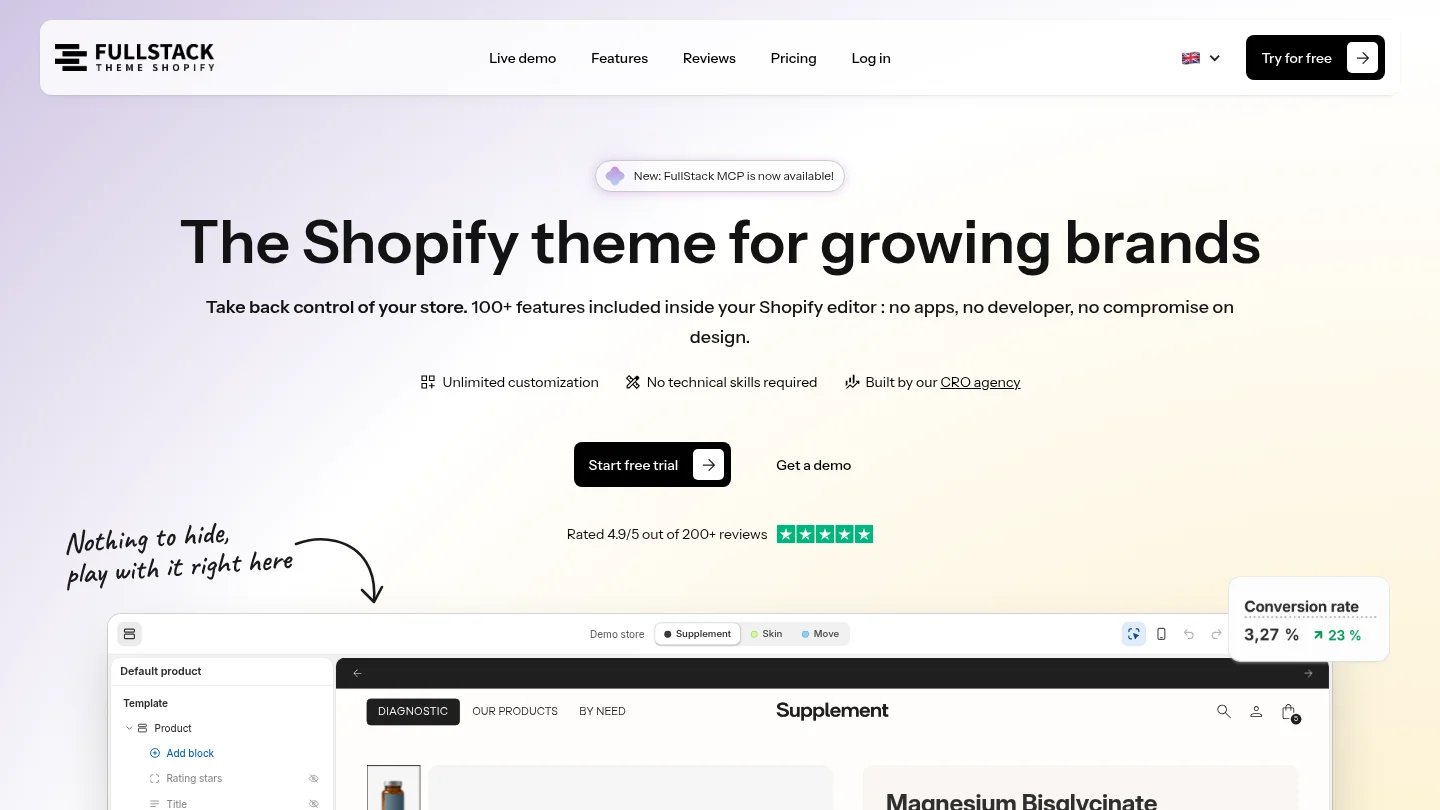
The FullStack theme includes 100+ native features, customizable IDs and classes, training, updates, and support every day, in every language. It does not include native A/B testing, but it supports experiments through third-party tools. Try the theme with a 14-day free trial, with a credit card required and the option to cancel during the trial, or explore our Shopify A/B testing setup.
Shopify CRO is the process of finding and addressing barriers that prevent store visitors from completing a desired action, usually a purchase. It combines funnel measurement, customer research, and focused improvements to the storefront.
Compare your store with itself over comparable periods, and segment results by channel, device, product, and landing page. External benchmarks are context, not a target, because their samples and measurement methods differ.
Start with the page or funnel step where the largest meaningful drop-off occurs, then inspect it for a plausible cause. A product page with strong visits but weak add-to-cart activity calls for a different diagnosis than a cart with high checkout abandonment.
Testing options depend on Shopify’s current platform controls, the merchant’s plan, and the tools being used. Check what your setup permits before designing a checkout experiment.
No, the FullStack theme does not include a native A/B testing tool. It supports third-party testing workflows with customizable IDs and classes, while merchants remain in control of changes and publication.
Rated 4.9/5 out of 200+ reviews






