Reduce shopify app costs with a clear audit of recurring fees, overlapping tools, usage charges, and theme features that fit your store's needs.

Thomas GiraudLinkedIn
Co-founder of FullStack, founder of the CRO agency The Deployer

App subscriptions become expensive less because of one dramatic charge than through a pile of small renewals, usage fees, and tools left on after a campaign. To reduce Shopify app costs, measure what each app does today, not just what it promised when installed. Our article on Shopify app bloat explains why overlapping storefront functions deserve a closer look.
Begin with your Shopify bill and the workflows your store depends on. A useful audit separates essential tools from duplicates and unused subscriptions, then tests whether a simpler setup can handle the same job. The goal is not the smallest possible app count. It is a lower recurring cost without losing a function customers or staff rely on.
A Shopify bill can include recurring app subscriptions, charges based on usage, and one-time app purchases. Shopify’s billing documentation explains that app subscriptions and usage charges are billed as part of its 30-day subscription billing period, while one-time purchases are billed separately. Check each charge type before comparing apps by their advertised starting price, which may not reflect how your store is billed.
Export or record the last three months of charges and create one line for each app. Note the billing frequency, plan, usage charge, and the team member who owns the tool. Reviewing several billing cycles helps expose annual renewals, seasonal usage, and charges that appear only when activity passes a limit.
Then calculate the actual monthly equivalent of annual subscriptions and mark any variable charges separately. Avoid treating a one-time fee as a recurring expense, or assuming a usage-based plan will cost the same every month. This gives you a realistic baseline for deciding which costs to investigate first.
For every app, write down the job it performs and who uses the result. “Installed for conversion” is too vague to guide a decision. Record the specific workflow, such as showing product reviews, offering a bundle, collecting customer information, or sending post-purchase messages.
An app with little recent activity is a candidate for a controlled test, not an automatic cancellation. A tool may support an infrequent but important task, such as a seasonal promotion or customer service process. Confirm the workflow first, then decide whether the app, another tool, or a native feature should handle it.

Apps often overlap in part, not in every capability. Two tools may both add product recommendations, for example, while only one supports the merchandising rules your team uses. Compare the exact workflows, integrations, customer-facing presentation, and data each one handles before deciding whether to consolidate.
A 2026 study of the Shopify app ecosystem analyzed 4,213 active applications across 55 functional categories. That breadth is a reason to compare tools against your actual requirements, not a reason to assume your store needs every available function. The 2026 ecosystem study describes the marketplace, but it does not determine which apps a particular merchant can remove.
For storefront features, compare app functionality with what your theme already supports. Our page on Shopify theme features that can replace apps is a useful reference when you are checking for native options. If bundles are part of the overlap, our overview of Shopify bundle apps can help you frame the comparison around the bundle workflow you actually need.
Keep the app if it performs a necessary task that the alternatives do not cover reliably. Consolidation is useful when it removes a genuine duplicate, but replacing two specialized tools with one that cannot support a key workflow simply shifts the cost into staff time, development, or lost functionality.
Before removing an app, compare its recurring charge with the full cost of replacing its function. Include setup time, migration, staff training, custom development, and any payment or usage charges that apply. A lower software bill is not a saving if the replacement introduces ongoing work or breaks a customer-facing process.
Some functions may already exist in your Shopify theme. Our FullStack theme includes 100+ native features across 35 sections and 44 public blocks, including tools for bundles, cross-sells, quantity breaks, product pages, and cart features. Its features are not a blanket substitute for every app, so match each one to the precise workflow and test it before changing your stack.
Our team brings seven years of ecommerce experience, more than 150 store redesigns, and hundreds of A/B tests to the development of the theme. We have calculated potential app savings of up to €790/month across 32 priced features and 42 identified apps. That figure is a maximum estimate, not a guaranteed saving or a claim that every store can replace every app.
Also account for charges that change with usage. Shopify’s developer documentation distinguishes usage charges from subscription charges, which is why checking only an app’s base plan can leave part of its bill unexamined. Review how your usage is measured and whether the feature’s value justifies the charge at your current level of activity.
Choose one low-risk app to review first, and avoid changing several connected tools at once. Document its settings, data, and dependencies, then test the replacement on a duplicate theme or in a non-live workflow. Check the result on mobile and desktop, and verify the relevant customer and staff experience before you switch anything on for shoppers.
Keep the original app active while you test, and set a clear decision date before its next renewal. If the test passes, confirm how to export or retain any important data, disable the app, and recheck the storefront and Shopify bill. If it fails, restore the original workflow and investigate the gap rather than removing another tool blindly.
A worked example can make app stacking easier to picture, but one store’s bill is not a benchmark for yours. Use the example as a prompt to calculate your own recurring costs and compare the functions included in your current stack.
Start with actual charges, confirm which workflows each app supports, and test possible replacements before canceling. A disciplined app audit can reveal unused subscriptions and safe opportunities to consolidate, while protecting the functions your customers and staff depend on. Revisit the bill after changes so new tools and usage charges do not quietly rebuild the old stack.
If your audit finds that several paid apps cover storefront tasks, a feature-rich theme may be a better baseline than adding another app. Our FullStack theme is built on seven years of ecommerce experience, more than 150 redesigns, and hundreds of A/B tests, with 100+ native features across 35 sections and 44 public blocks. Check those features against your own workflows rather than assuming every app is redundant.
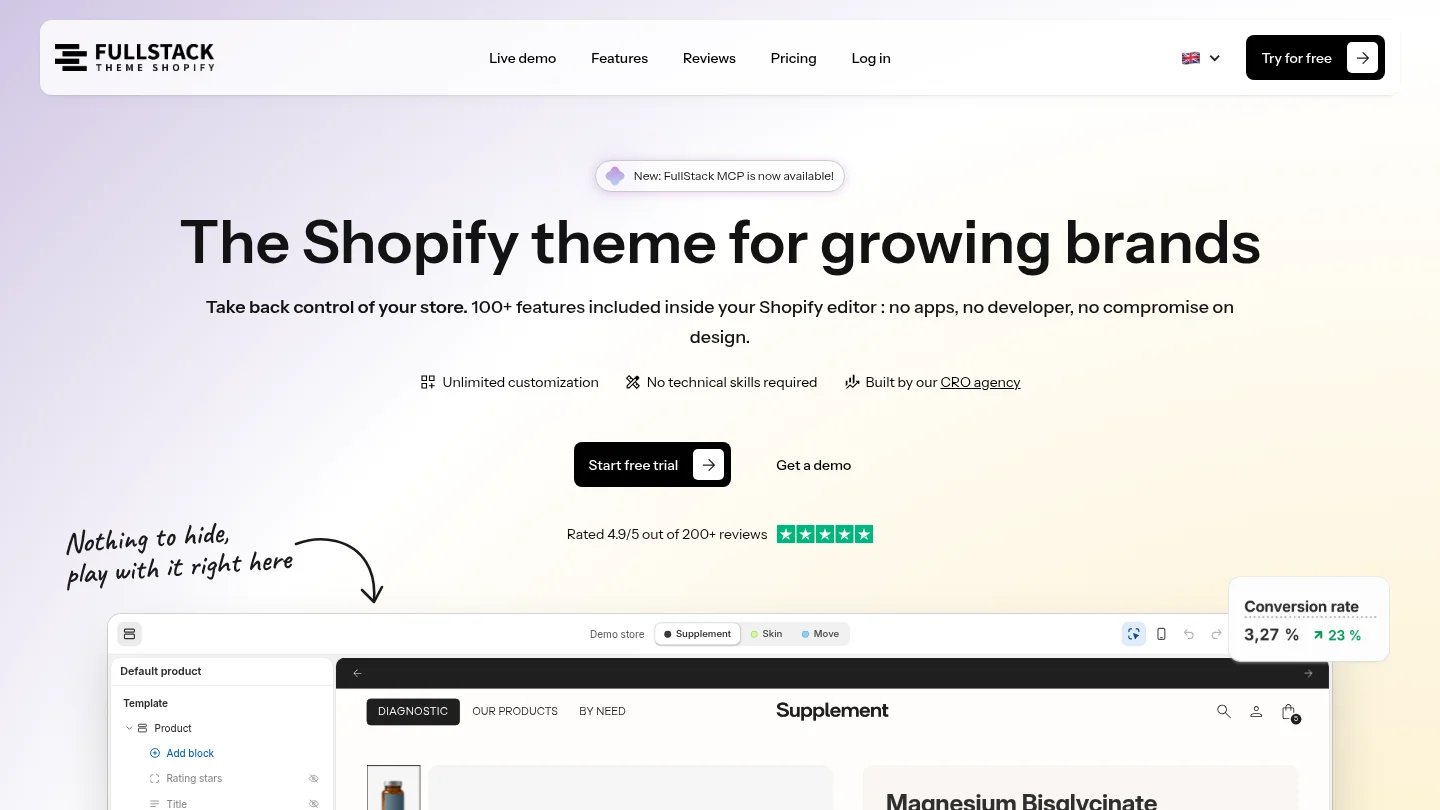
A license costs €24.90 per month or €199 per year per store. You can try the theme for 14 days with a credit card; cancel during the trial and you will not be charged. See Shopify theme pricing for plan details. Our calculated app replacement potential is up to €790/month across 32 priced features and 42 identified apps, not a guaranteed saving for every store.
Review app charges monthly and do a deeper audit before renewals or after a major change to your store. Check again after removing an app to confirm that the new setup works and the charge has ended.
First confirm that it does not support a seasonal, customer-facing, or operational workflow. Test a replacement or a temporary pause before canceling if the app handles data or functions your team depends on.
No. A theme may cover some storefront functions, but it will not necessarily replace specialized services, integrations, or business workflows. Compare the exact capabilities you use before removing an app.
The bill may include usage-based charges, a different plan tier, or one-time fees in addition to recurring subscription charges. Review the app’s billing details and recent usage alongside the Shopify bill.
Our FullStack theme includes 100+ native features, including storefront and cart functions that may suit some app-replacement needs. Check each feature against your store’s workflow and test it before changing your app setup.

Replace your apps with one Shopify theme
 4.9/5 · 10,000+ installs
Cancel during the trial and you won't be charged
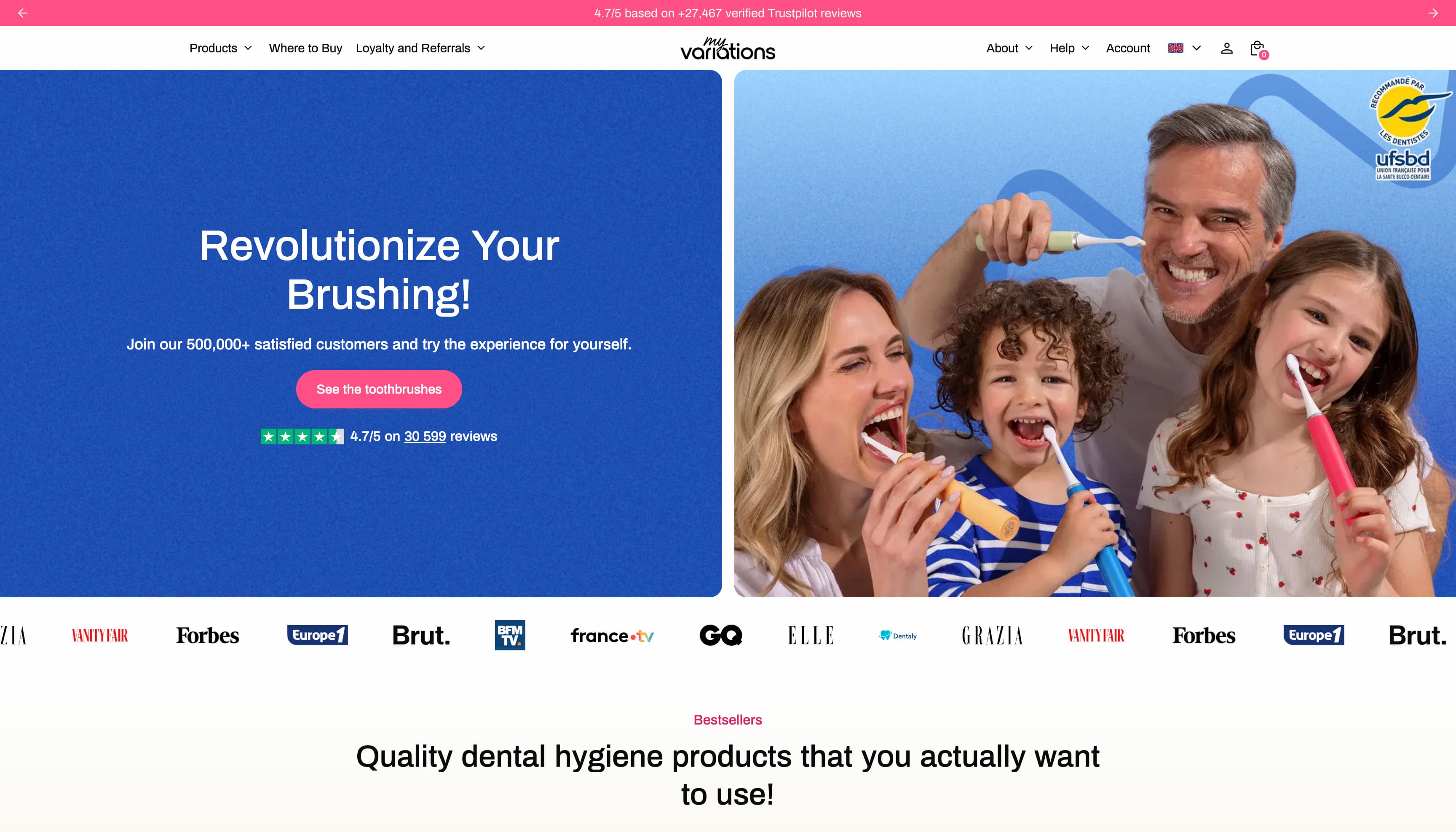
The oral care brand migrates to a technical foundation fully controlled in-house. Fewer apps, more velocity, and a storefront that finally matches the brand's image.

Changing bags, sleep sacks, Oeko-Tex double gauze — a like-for-like rebuild of the made-in-France baby care store on Theme FullStack, delivered by The Deployer.
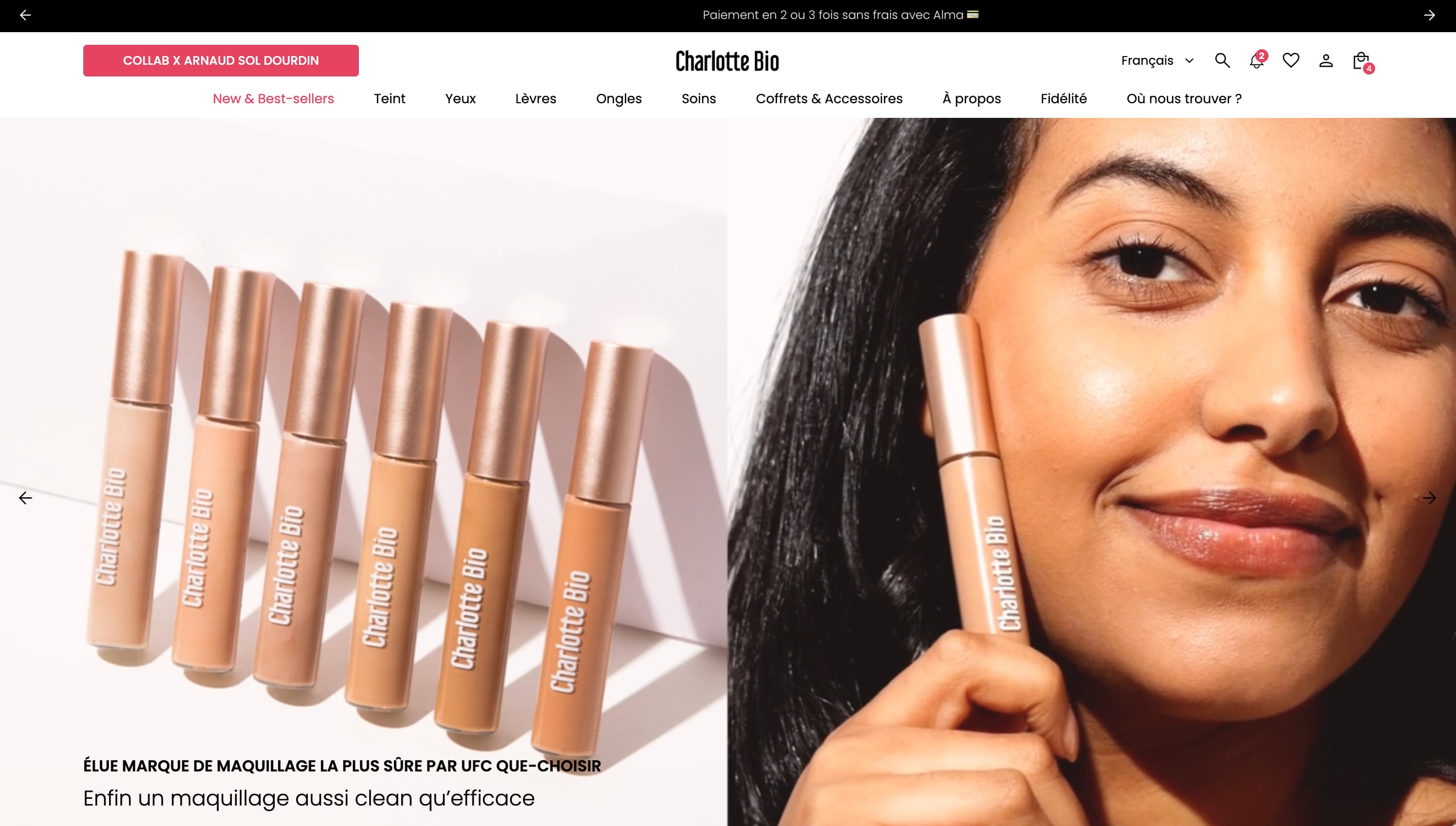
Visual mega menu, custom pack builder, FR/EN/ES internationalization, cart cross-sell — a full redesign on Theme FullStack executed by The Deployer.
Rated 4.9/5 out of 200+ reviews


Rated 4.9/5 out of 200+ reviews