Feature
Layout
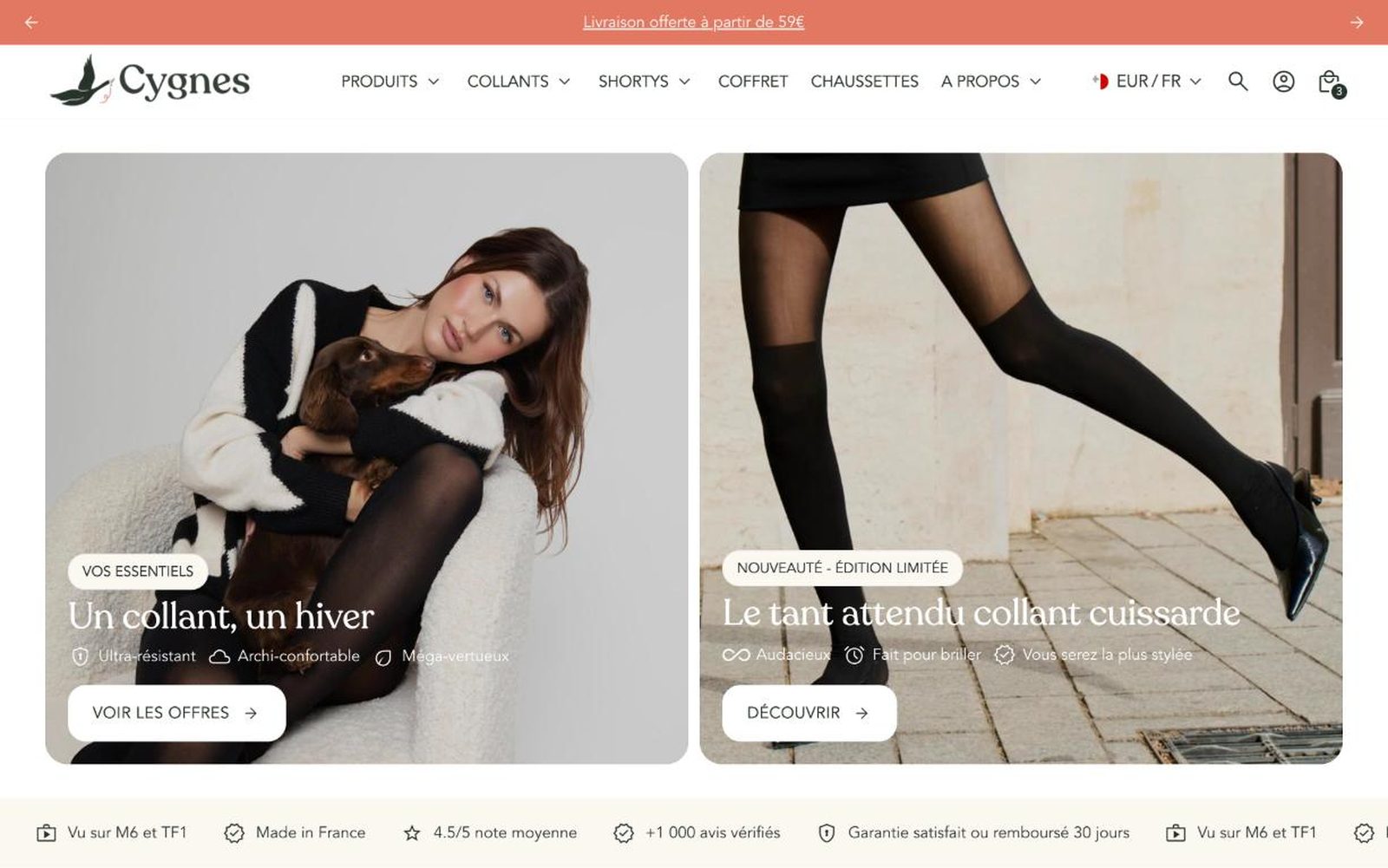
The Fullstack theme offers over 100 features, distributed across more than 40 sections and over 60 blocks. All this, without compromising your brand's visual identity.
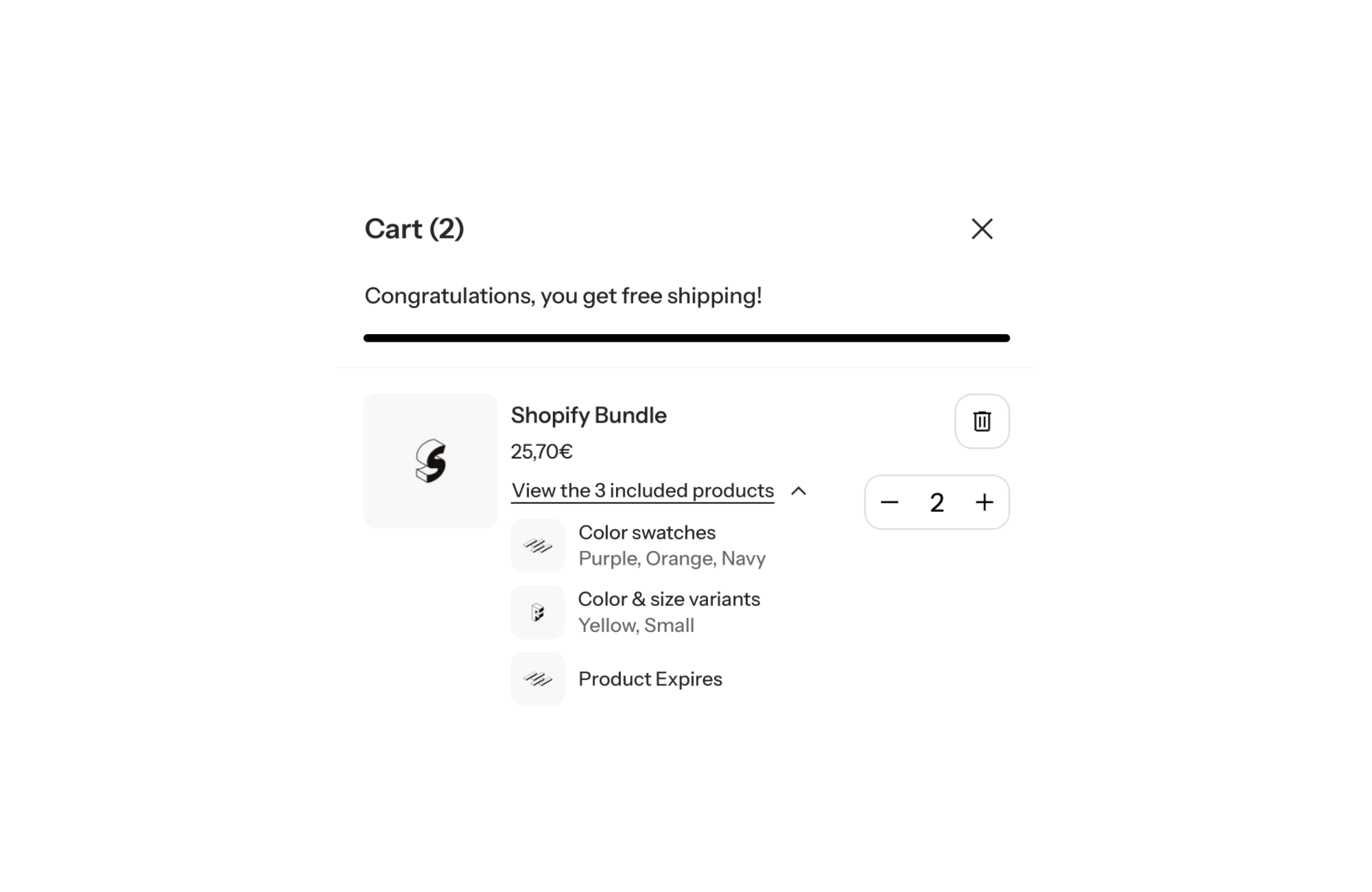
A Shopify theme with Shopify Bundle and Nested Items display support presents bundles built with Shopify’s native bundles the right way: on the product page, shoppers pick the options of each product in the bundle, and in the cart, the bundle line expands to show the products it contains, with their image and chosen variant. Without that support, shoppers see a single line and lose track of what they are actually buying.
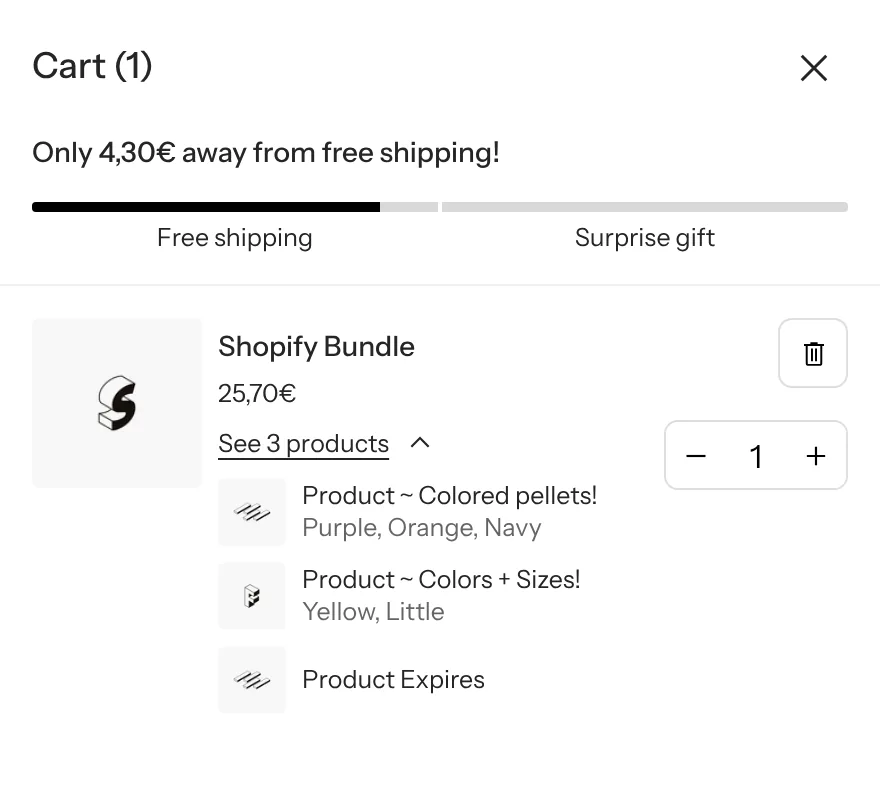
A bundle is a promise: several products for one price. Shoppers accept it when they clearly see what they get. If the cart only shows the bundle name, they have to remember its contents and the options they picked (color, size) right when they are about to pay. That is exactly where doubt creeps in.
With Shopify’s native bundles, a “bundle” product groups component products. Shopify handles inventory for each component and attaches those products to the bundle line in the cart: these are nested lines, or “nested items”. The theme still has to know how to display them.
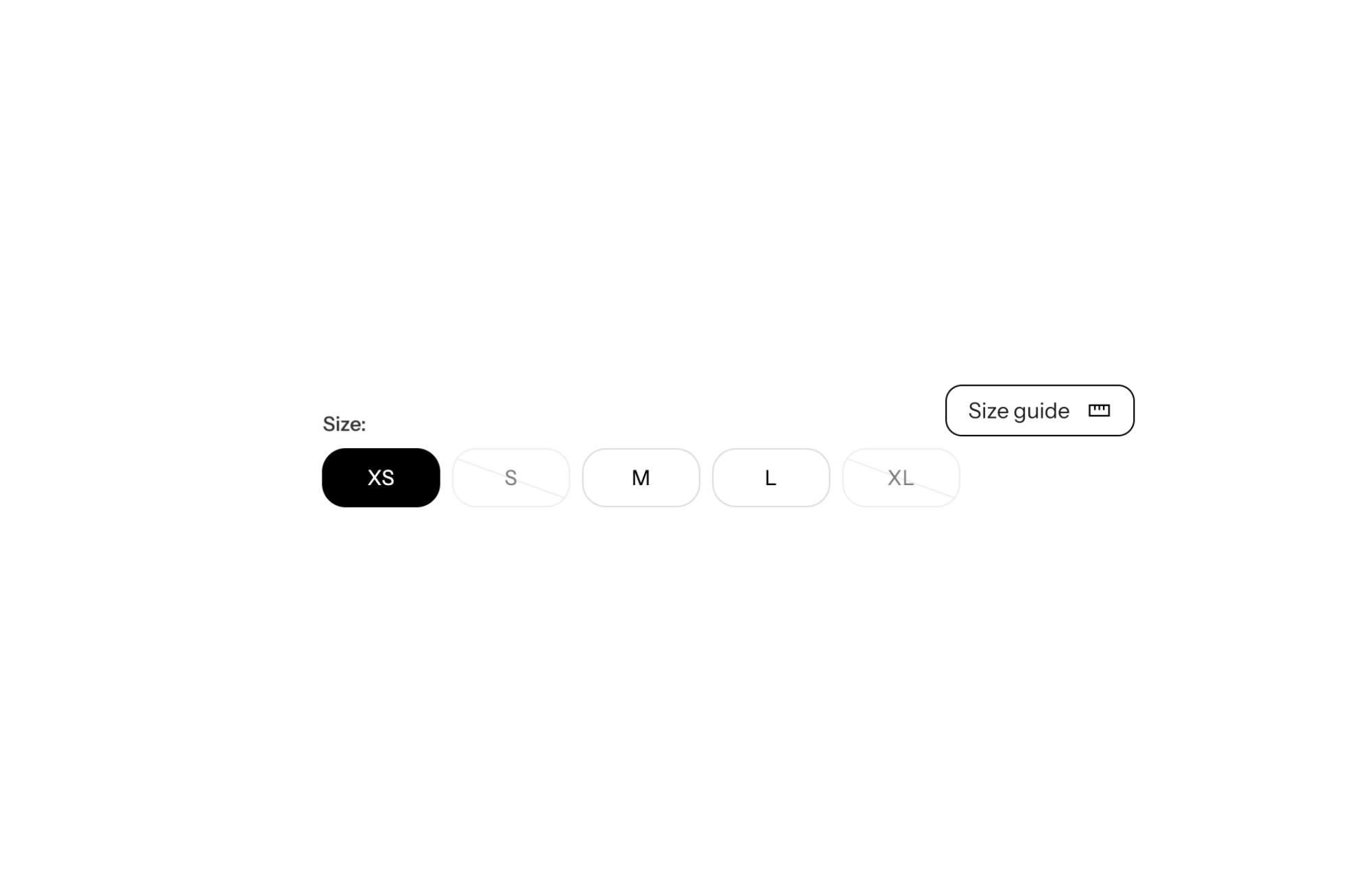
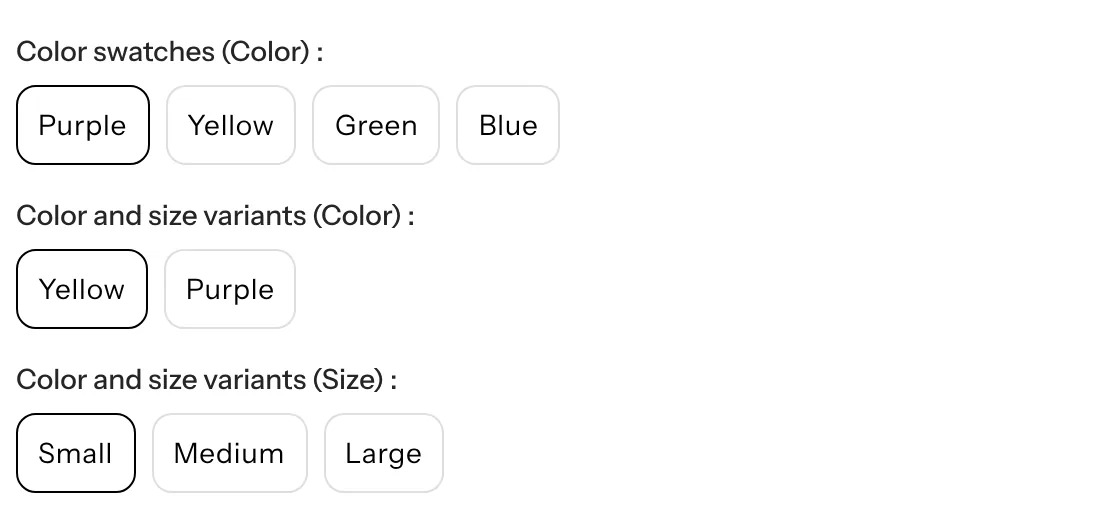
Bundle options go through the theme’s variant picker. Each option carries the component product name and its option, for example “Color and size variants (Size)”. Shoppers pick the color and size of each item in the bundle with the same buttons as for a regular product.
In both the cart drawer and the cart page, the bundle line shows its name, its price and a collapsible “See X products” link. Expanded, it lists each nested product with its thumbnail, title and selected options. Shoppers check the bundle contents without leaving the cart, and the line stays compact until they open it.
A cleanser, serum and cream bundle, with a skin type choice on one of the products. On the product page, a “This pack contains” block shows the three items and their individual prices. In the cart, the expanded line confirms exactly which products ship.
A top and bottom sold together, each with its own size. The two “(Size)” pickers appear one under the other on the product page, and the cart confirms both sizes.
A gift box of products with no options: the product page stays simple, and the cart lists what is inside the box to reassure shoppers before checkout.
The theme displays bundles, it does not create them: bundle contents and price are set up in Shopify with a bundles app. The “This pack contains” block does not sync with the bundle’s contents, its list is maintained by hand. FullStack licensing and the free trial are on the pricing page.
Yes, the bundle itself is created with a bundles app. FullStack then handles the display on the product page and in the cart.
One line for the bundle, with a “See X products” link that expands the list of included products, their image and chosen options.
Yes, if the component products have options. The variant picker shows one row per option, labeled with the product it belongs to.
Rated 4.9/5 out of 200+ reviews



Rated 4.9/5 out of 200+ reviews