
Save €12/month
Block
Layout
The Fullstack theme offers over 100 features, distributed across more than 40 sections and over 60 blocks. All this, without compromising your brand's visual identity.
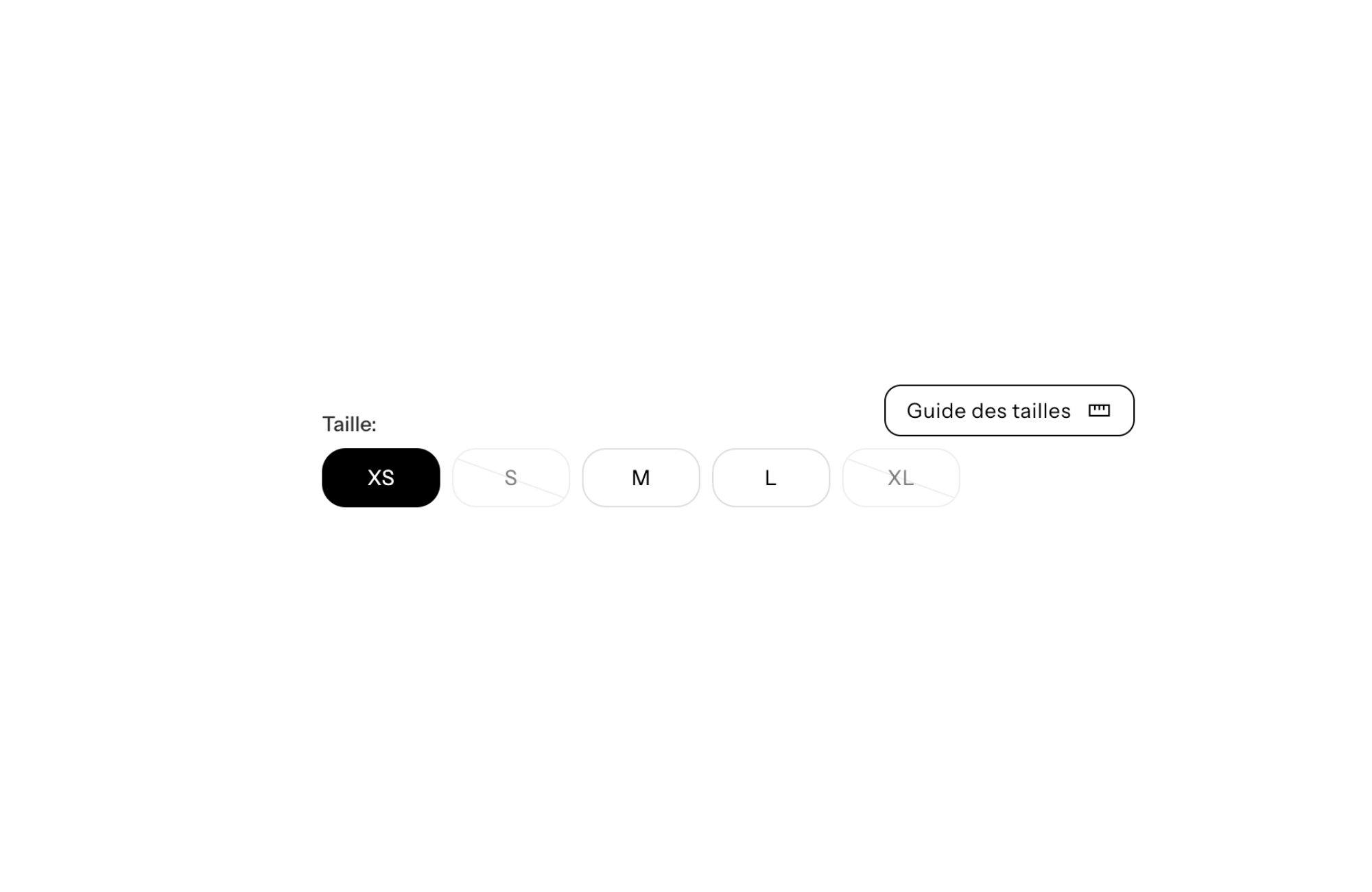
Are you looking for a Shopify theme with size guide (popup) to optimize the shopping experience of your customers? This feature is essential for reducing product returns and increasing your sales. In this article, we will see together how the FullStack theme can meet this need and what are the benefits for your online store.
In e-commerce, the lack of physical interaction with the product is a major challenge. Customers can't try on items before buying them, which can lead to doubts and hesitation, especially in the apparel and accessories industry. According to a study conducted in 2024, nearly 70% of product returns are due to an incompatibility in size or dimensions. This represents a significant cost for e-retailers, estimated on average at 10 euros per return considering logistics and management costs.
Integrating a popup size guide on your online store is therefore an effective solution to overcome this problem. By providing customers with accurate and easily accessible information, you help them make the right choice from the first purchase. Plus, a well-designed size guide can build customer trust in your brand, increasing conversion rates and retention.
The popup size guide offers an optimal user experience. Unlike static or downloadable guides, the popup appears instantly without the customer having to leave the product page. This reduces browsing time and keeps the customer focused on the product they are considering buying.
Recent statistics show that using a popup size guide can reduce cart abandonment rates by 20%. By facilitating decision-making, you are simplifying the buying journey for your customers. Plus, by offering detailed, personalized information, you show that you care about their satisfaction, which can increase average order value by 12%.
The FullStack theme is specially designed for e-retailers who are looking for effective and simple solutions to set up. One of its key features is the native integration of the popup size guide. Unlike other solutions that require the installation of expensive third-party applications (between 5 and 15 euros per month per application), FullStack offers this functionality at no additional cost.
The intuitive user interface allows you to create and customize your size guide in a few simple steps. You can import size charts, add explanatory images, and even customize the popup design to match your brand's visual identity. In addition, thanks to code optimization, the popup loads quickly without impacting the performance of your site, which is crucial for SEO and the user experience.
Setting up the size guide with the FullStack theme is a quick and easy process:
1. Access theme customization : From your Shopify dashboard, click “Themes” and then click “Customize.”
2. Activate the Size Guide feature : In the theme settings, navigate to the “Product” section and activate the “Size guide (popup)” option.
3. Add your size data : You can import a CSV file containing your size data or enter it manually. FullStack also supports variations by product or by collection.
4. Customize the popup design : Choose colors, fonts and images so that the guide is in line with your graphic charter. You can also add descriptions or tips to help your customers.
5. Preview and test : Before publishing, use the preview tool to check that everything is working properly. Test the popup on different devices to make sure it's responsive.
6. Publish changes : Once satisfied, save and publish. The size guide will now be available for your customers on the relevant product pages.
This process typically takes no more than 15 minutes, allowing you to focus on other aspects of your business.
To get the most out of your popup size guide, here are a few tips:
The implementation of a Shopify theme with size guide (popup) as FullStack brings significant advantages for your store:
Beyond the size guide, the FullStack theme offers a multitude of features designed to maximize your performance:
Trust is a key element in the online shopping process. A well-informed customer is a reassured customer. By offering a popup size guide, you demonstrate your commitment to customer satisfaction. Studies have shown that stores offering detailed product information see a significant increase in conversion rates.
Investing in a Shopify theme with size guide (popup) like FullStack is a profitable decision. Considering a store that makes 100 orders per month, if you reduce returns by 50%, that's equivalent to 50 fewer returns. At an average cost of 10 euros per return, you save 500 euros per month, or 6,000 euros per year.
At the same time, increasing the conversion rate through a better user experience can generate an additional 20% in revenue. If your monthly income is 10,000 euros, that represents 2,000 euros in additional sales per month.
Let's imagine the “Mode & Chic” store, specializing in the sale of women's clothing. Before adopting the FullStack theme, it was facing a 30% return rate and a 2% conversion rate. After integrating the popup size guide and other theme features:
These results demonstrate the significant impact that the FullStack theme can have on an online store.
In 2025, online commerce is more competitive than ever. To stand out, providing an exceptional customer experience is essential. Integrating a popup size guide via the FullStack theme is a strategic step to achieve this goal. Not only does this improve customer satisfaction and trust, but it also has a positive economic impact on your business. Do not wait any longer to optimize your store with a theme that combines performance, functionality and ease of use.
Rated 4.9/5 out of 200+ reviews



.svg)
.svg)