Last updated on November 2, 2026
Learn how the shopify horizon theme works, what its nested blocks and theme family offer, and how to test it before switching your Shopify store.
The Shopify Horizon theme is more than a single storefront design: it is a foundation for a group of Shopify themes built around flexible content blocks. That distinction matters when you are choosing a starting point. A preset can provide a useful visual direction, while the underlying editor gives you tools to rearrange content. If you are also comparing other Shopify themes, focus on the layouts and features your store actually needs rather than choosing by appearance alone.
Shopify introduced Horizon as a new design foundation in its Summer 2025 Edition. Its central idea is that merchants should be able to compose more of a storefront in the theme editor, instead of relying on a fixed set of page layouts. The right choice depends on how much control you want, how comfortable your team is with a more layered editor, and how carefully you can test changes before publishing.
Shopify Horizon is the architecture behind a family of themes, as well as the name of one of the themes in that family. Shopify described the system in its Summer ’25 Edition as a new design foundation built around theme blocks. That means a merchant choosing the Horizon theme is selecting both a visual starting point and an editing system shared across related themes.
For merchants, the distinction is practical. The preset affects the look and initial arrangement of a store, while the shared foundation determines how you can work with its content. You can begin with a design that is close to your brand, then adjust sections and blocks in the editor. This offers a more composable approach than treating each page as a fixed template, but it still takes planning to keep layouts consistent.
Think of a product page with a gallery, headline, benefit points, reviews, and an add to cart button. In a block based editor, you can arrange and group content elements to shape the page around your products, rather than relying only on a preset section’s layout. Shopify’s theme block documentation explains that theme blocks can be reused across different sections and nested inside other theme blocks.
That structure makes reusable layouts possible: a group of content elements can be arranged together and used where the theme allows. The benefit is not that every design decision disappears. It is that the editor gives you more ways to organize content without starting each layout from scratch. Keep the hierarchy understandable, especially if other people on your team will maintain the store.

More choice also means more decisions in the visual editor. A layout that looks balanced on desktop still needs to be checked on a phone, and every important app element should be tested in context. Treat nested blocks as building tools, not a reason to add complexity to every page. Start with the simplest arrangement that presents the product and its key information clearly.
Shopify’s Horizon theme collection includes Horizon, Atelier, Dwell, Fabric, Heritage, Pitch, Ritual, Savor, Tinker, and Vessel. These themes share the Horizon foundation, but they are separate starting points with their own preset configurations. Select one based on its visual direction, then inspect its actual sections and settings in the editor before committing to a design.
There is no need to assume that a theme’s name or category will match every product catalog. Build a short list of the pages your store depends on, such as a collection page, a standard product page, and a campaign landing page. Then preview those pages using your own content. Our overview of the best Shopify themes can help organize that evaluation around design, editing needs, and store requirements.
Consider a new store that needs a distinctive product page but wants to work primarily in Shopify’s editor. Horizon’s reusable blocks give the merchant options for arranging content without making a developer responsible for every layout adjustment. A store with a simple catalog and little need for custom page composition may find that extra flexibility less important. The useful question is whether the architecture solves a real design or workflow need for your team.
Adoption is context, not a recommendation by itself. In a live storefront scan dated October 30, 2026, ShopThemeDetector’s live scan identified Horizon on 8.2% of the Shopify stores in its dataset of more than 3.5 million stores. That snapshot indicates that the theme is in use, but it does not tell you whether its features, design, or editing workflow suit your particular business.
For an established store, switching themes is a project to plan, not a cosmetic toggle. List the custom layouts, app content, and customer journeys that matter, then rebuild and inspect them in an unpublished theme before you decide to launch. Our article on why choosing the right Shopify theme matters offers another way to think through how theme decisions affect the store’s day to day work.
Start with a copy of your current theme and use the unpublished version to test real products, collections, and pages. Check whether the mobile layout presents images and controls as intended, whether key app features appear where shoppers need them, and whether your team can find and maintain the blocks it uses. A preview using demo content alone can hide problems that only appear with your own catalog or app setup.
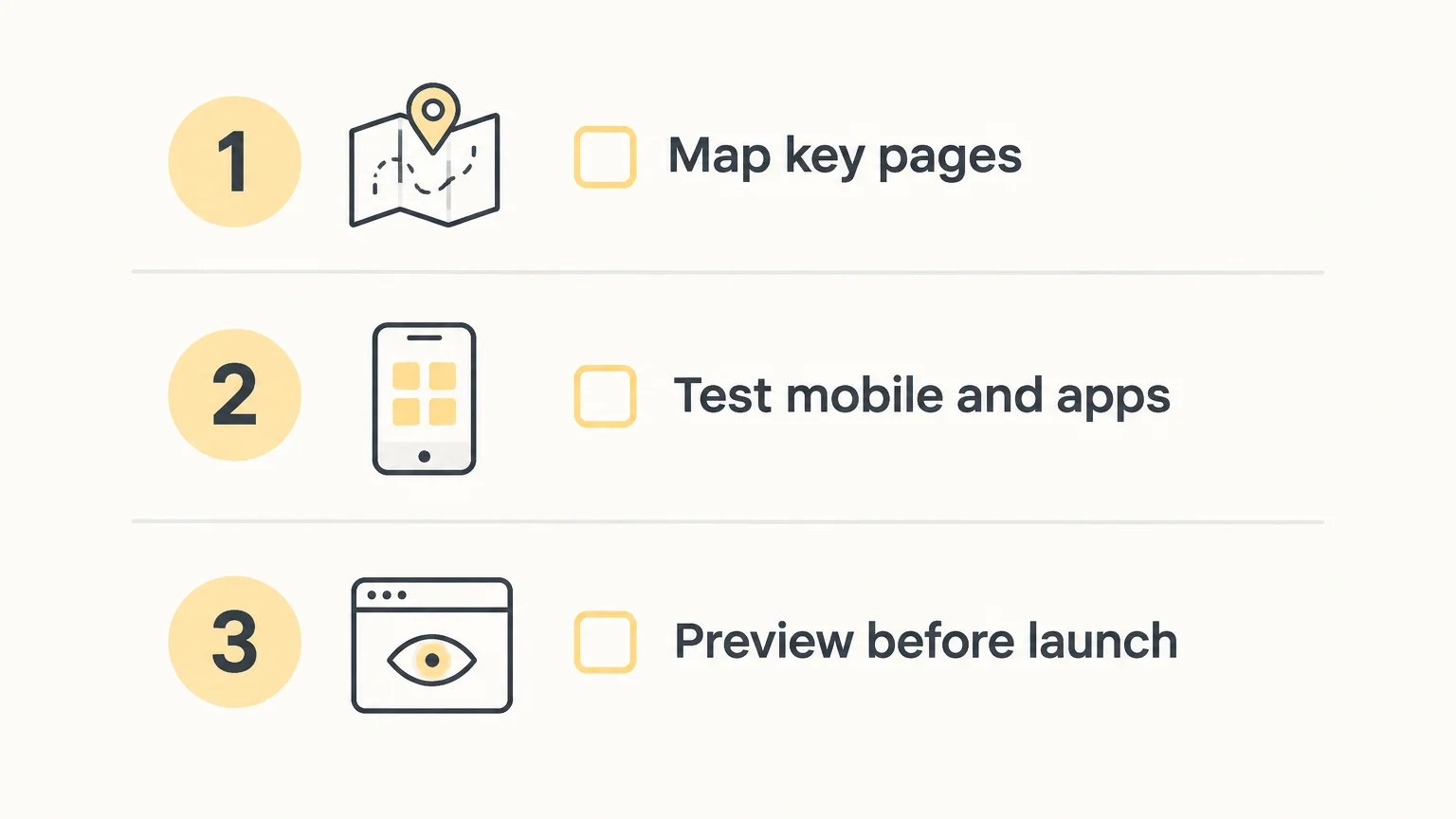
Before launch, use a short theme migration checklist: identify the most important templates, check each relevant app, preview on desktop and mobile, and verify key shopping actions. Shopify’s theme installation guidance is a useful reference when adding a theme to your library so you can work on it before publication.
Shopify maintains a public Horizon release notes page. If you customize theme files or rely on generated blocks, review the relevant changes before updating, and retest the store’s key pages afterward. Keep your previous published theme available until you have checked the new version in a real preview.
If you want to see how a separate premium theme handles customization, this video shows a theme being explored through demos and blocks.
The Shopify Horizon theme system gives merchants a block based way to shape pages, with a family of themes that share its foundation. Its flexibility is most useful when your store needs layouts that a preset alone does not provide. Choose a visual starting point, test your essential pages with real content and apps, and publish only after the mobile experience and key shopping actions are working as intended.
Horizon is Shopify’s theme system; the FullStack theme is a separate premium Shopify theme for merchants who want a broader set of native customization options. The team behind FullStack also developed The Deployer, a Shopify CRO agency with seven years of ecommerce experience, more than 150 store redesigns, and hundreds of A/B tests.
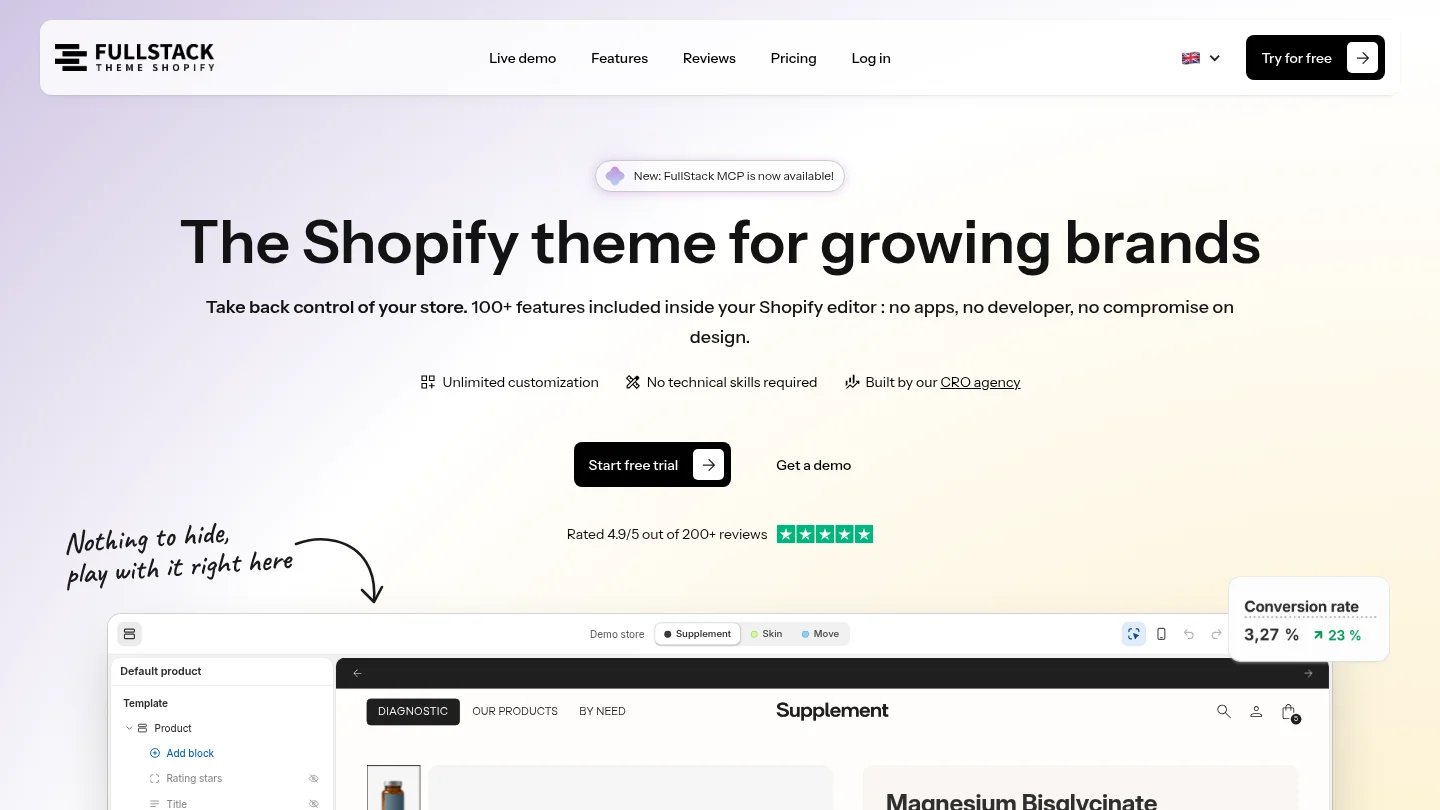
The FullStack theme includes 100+ native features, 12 one click page templates, training, updates, and support every day, in every language. It has more than 10,000 theme installations and a 4.9/5 rating across 221 Trustpilot reviews. You can start with a 14 day free trial, then review the theme comparison to see whether it fits your requirements.
Horizon is both the name of a Shopify theme and the foundation shared by a family of themes. The family members share an architecture but provide different starting configurations.
Theme blocks are reusable content elements that can be placed across sections and nested inside other blocks. They give merchants more ways to arrange page content in the theme editor.
Many layout changes can be made in Shopify’s visual editor by arranging sections and blocks. Custom requirements may still call for code or additional setup, so test your actual pages and apps before publishing.
Switch when the new architecture addresses a specific need, not simply because the theme is newer. First rebuild and preview your key templates, app elements, and mobile layouts in an unpublished theme.
The FullStack theme is a separate premium Shopify theme with 100+ native features and a 14 day free trial. Compare its documented features with your requirements before deciding whether it is a better fit for your store.
Rated 4.9/5 out of 200+ reviews






