Block
Layout
The Fullstack theme offers over 100 features, distributed across more than 40 sections and over 60 blocks. All this, without compromising your brand's visual identity.
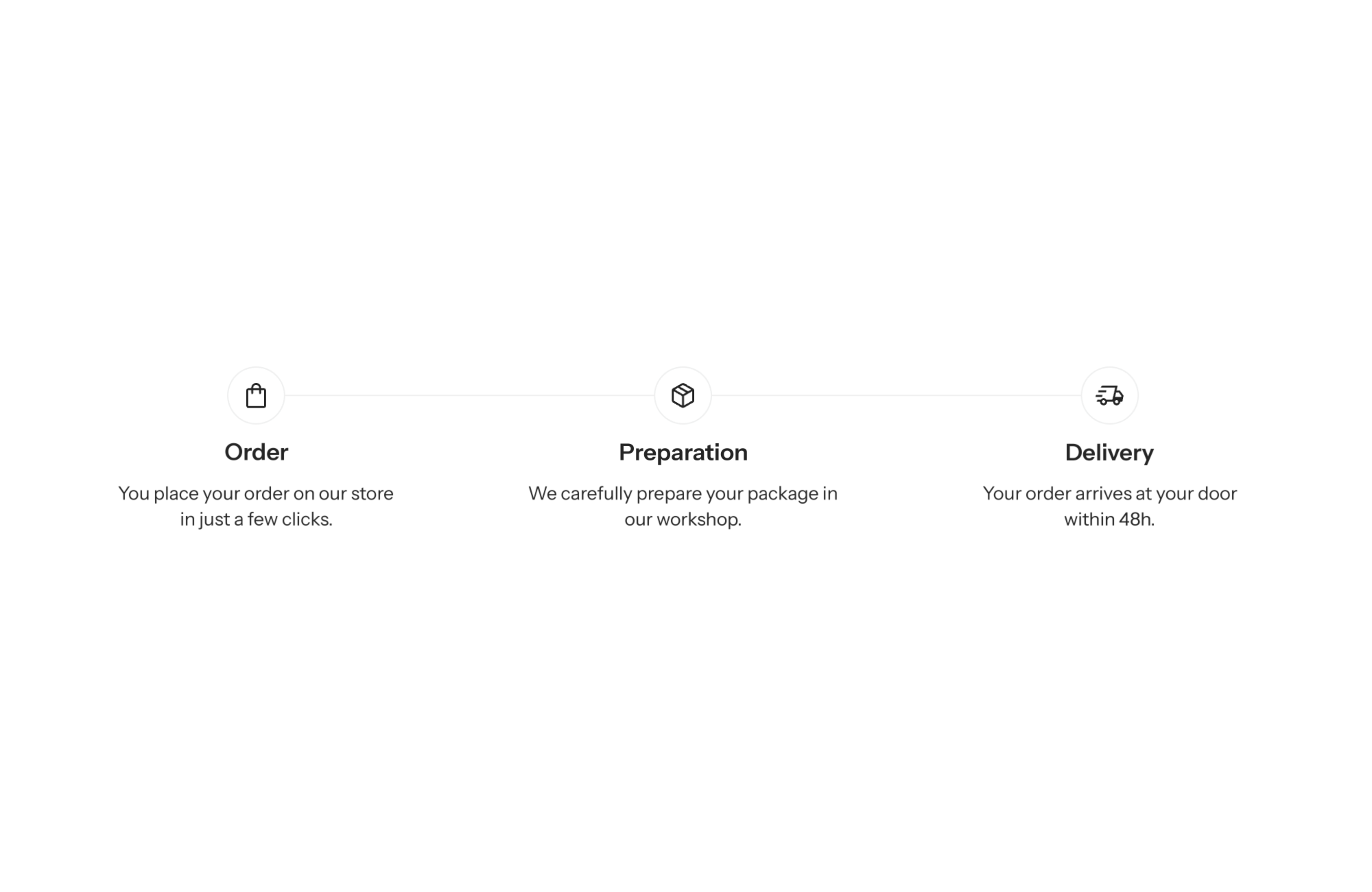
A Shopify theme with a timeline block shows a series of steps linked by a line: “how it works”, the delivery journey, a usage routine or your brand story. Each step has its own marker (number, icon or dot) and its own content. Shoppers grasp a process at a glance instead of piecing it together from a paragraph.
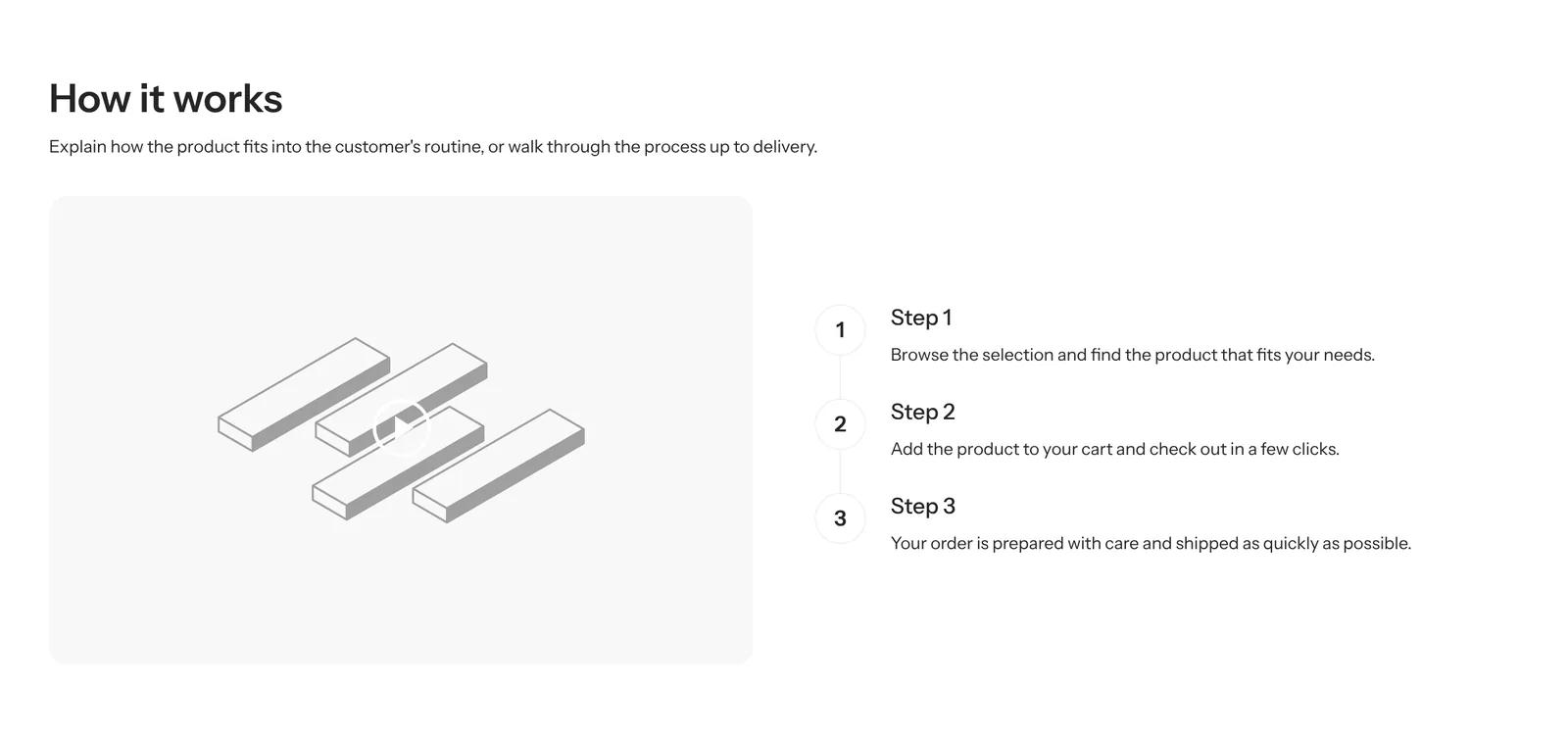
Many pre-purchase doubts are about what comes next: how to use the product, how long before results show, what happens after ordering. Until shoppers can picture it, they put the decision off.
A timeline answers those questions in a format that takes no effort to scan: three or four short steps, in order. It also makes a brand story far livelier than a long “About us” page.
It works for support too. When the process is spelled out on the page (order, preparation, shipping, first use), fewer shoppers need to email you to ask what happens next, and the ones who buy know exactly what to expect.
The Timeline block is a public block: add it to a custom section, a group or a product page. The custom section also offers a ready-made Timeline preset. The block itself comes in two presets: horizontal with icons and vertical with numbers. Its settings:
Each step has its own icon (icon, or icon_custom by Material Symbols name), gap and alignment, with separate mobile values if needed. It accepts text, button, image, icon, icon with text, separator and rating stars blocks.
Horizontal preset, step_marker_style set to icon: “Your program arrives”, “Take 2 capsules each morning”, “Check in after a month”.
A numbered vertical timeline next to a product range photo: cleanse, apply the serum, moisturize. Add an image block to each step if texture matters.
Vertical numbered preset on the “Our story” page, one step per brand milestone, with a dotted connector for a more editorial look.
The connector is set at the timeline level, not per step: style, thickness and color are shared. The direction cannot change from one step to the next. The block is included in the license described on the pricing page.
Yes, with layout_mobile. But the theme recommends vertical on mobile, which reads better on a small screen.
Set the marker style (step_marker_style) to number: steps are numbered in display order.
The connector color (connector_color) is nearly transparent by default. Pick a stronger color in the timeline settings.
Rated 4.9/5 out of 200+ reviews



Rated 4.9/5 out of 200+ reviews