Block
Conversion
The Fullstack theme offers over 100 features, distributed across more than 40 sections and over 60 blocks. All this, without compromising your brand's visual identity.
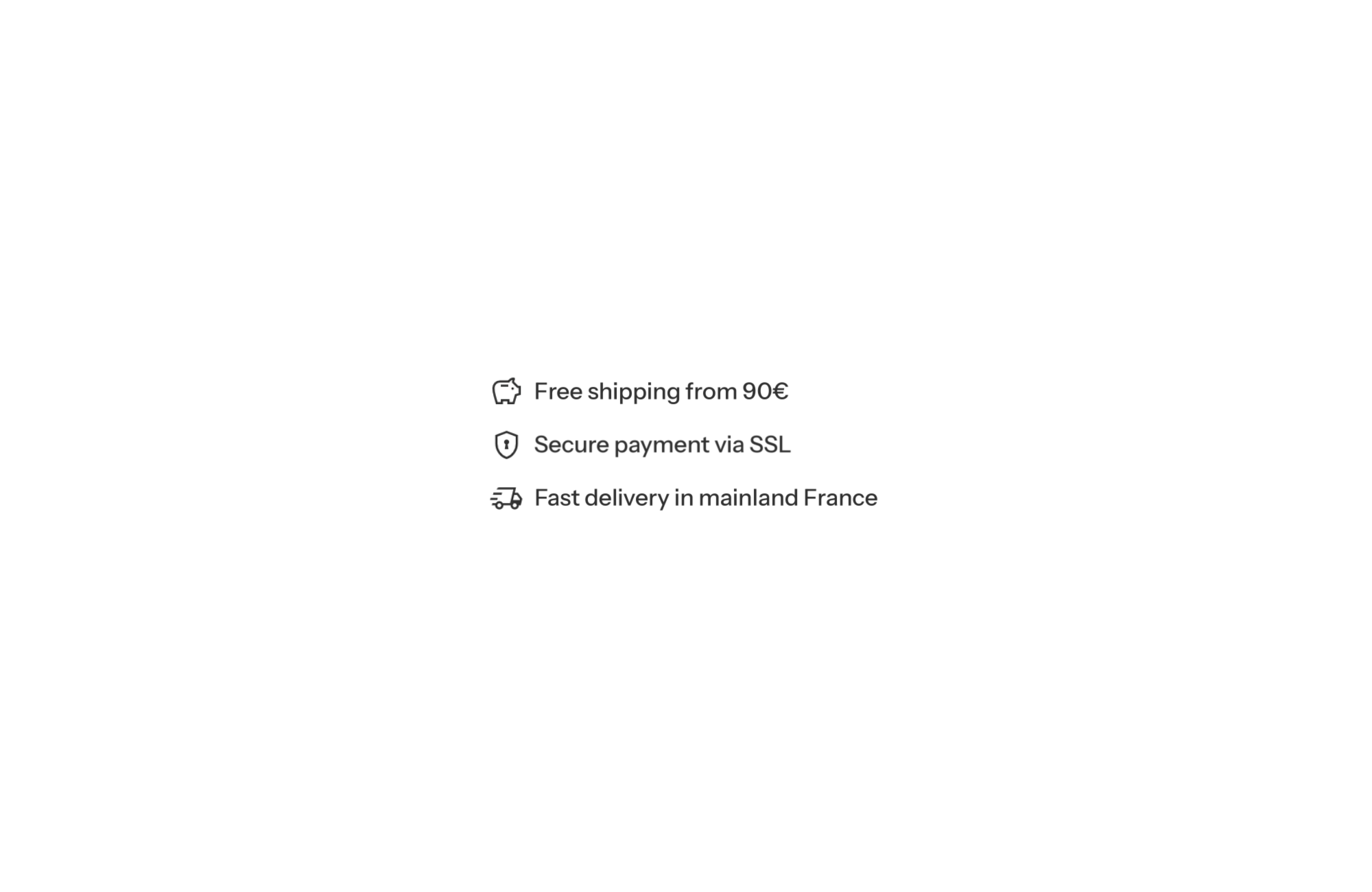
A Shopify theme with reassurance lines shows a short list of promises on the product page: one icon and one sentence per line, stacked on top of each other. “Free exchanges”, “Free shipping over €150”, “Lifetime warranty”: three lines are enough to clear the last doubts right next to the price and the buy button. In FullStack, this is the native Icon with text block, no app needed.
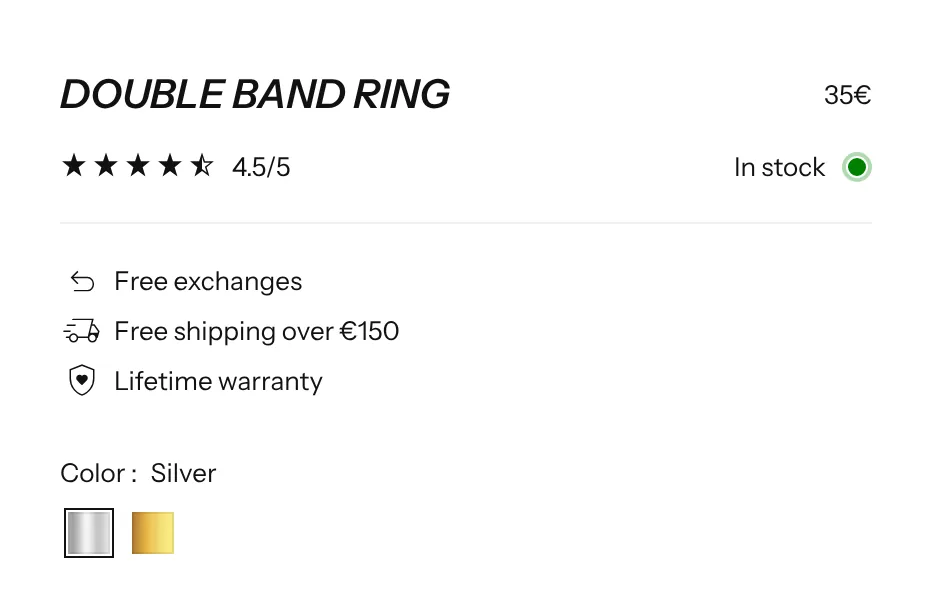
Space on a product page is precious: the info column has to fit the title, price, variants, offer and add to cart button. A row of reassurance blocks with large icons and descriptions takes up too much room there. Lines are denser: a subtle icon, one sentence, and the shopper has read all three promises at a glance.
It is also the format that reads best on mobile: each line fits the width of the screen, with no carousel or cramped columns. And because it sits near the price, it answers questions at the exact moment the shopper is weighing the cost.
Each line is an Icon with text block: an icon and rich text laid out side by side. To create a list, place several of these blocks inside a Group block set to a vertical direction, with a small gap. The settings that matter:
The Icon with text block is one of the most versatile in the theme. It is accepted:
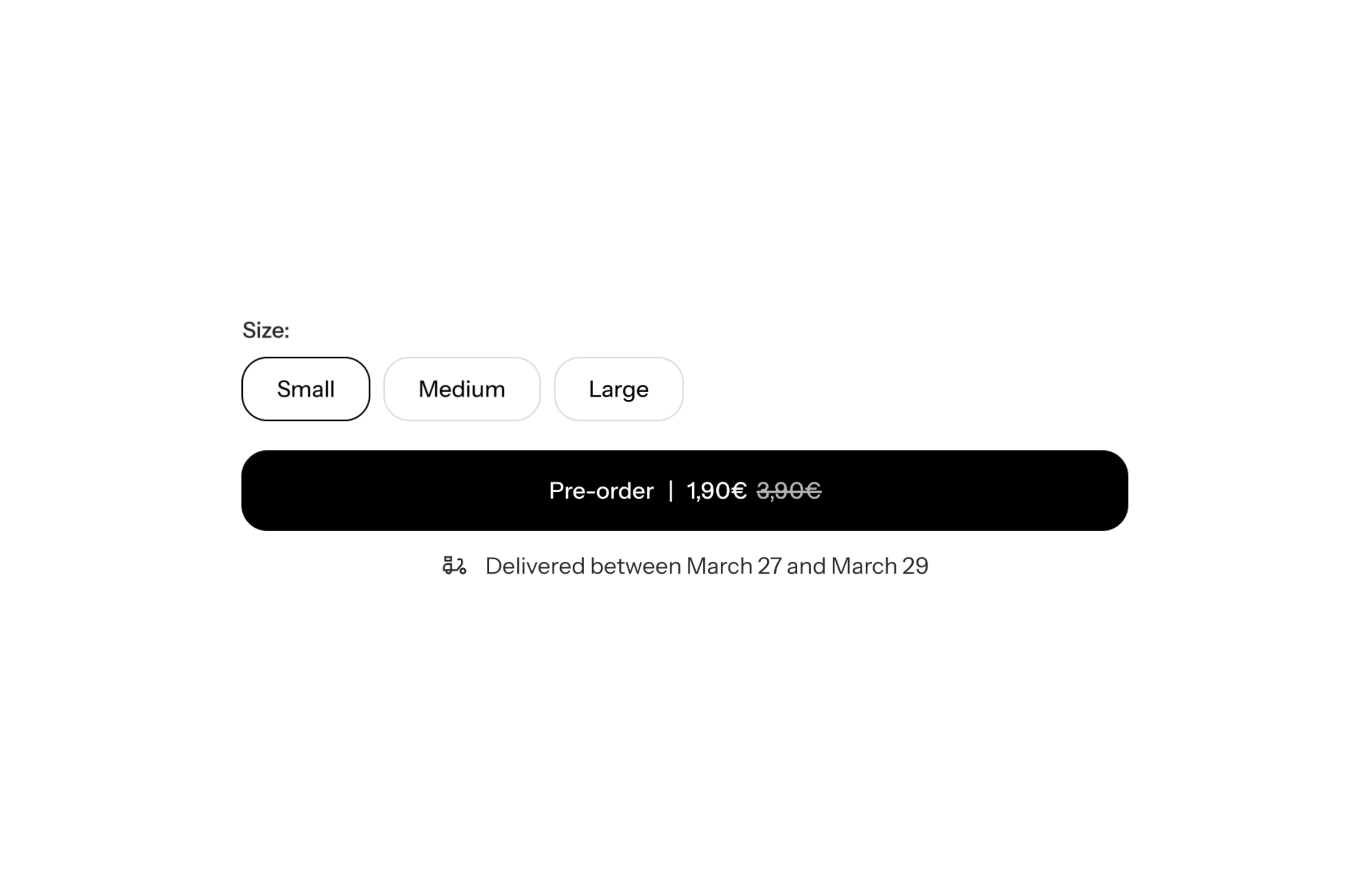
On the product page, these lines sit comfortably alongside the stock indicator, product rating, delivery estimate and information accordions.
Three lines below the rating, just like the demo store: free exchanges, free shipping threshold, lifetime warranty. Thin icons, paragraph text with a slightly heavier weight.
Below the title, three lines with a check icon listing the main benefits. Then, below the buy button, a second list for service promises (money-back guarantee, secure payment).
One line per product property (lightweight, breathable, recycled materials), with custom icons through icon_custom to match the technical vocabulary.
Reassurance lines are content you type in: they don’t update automatically by product or country. If your terms change, edit them in the theme editor. For a more visual layout, in columns or cards, see the reassurance blocks instead. License and free trial details are on the pricing page.
Leave same_as_desktop on with a row direction: mobile then uses the same layout as desktop.
Yes, the Icon with text block is accepted inside the product form, below the add to cart button.
Yes, switch the icon type to image and upload your file. Check that all icons render at the same size.
Rated 4.9/5 out of 200+ reviews



Rated 4.9/5 out of 200+ reviews