Learn what shopify theme mcp can mean, how Shopify's Dev and Storefront MCP differ, and where theme-specific AI context fits into a safer workflow.

Thomas GiraudLinkedIn
Co-founder of FullStack, founder of the CRO agency The Deployer
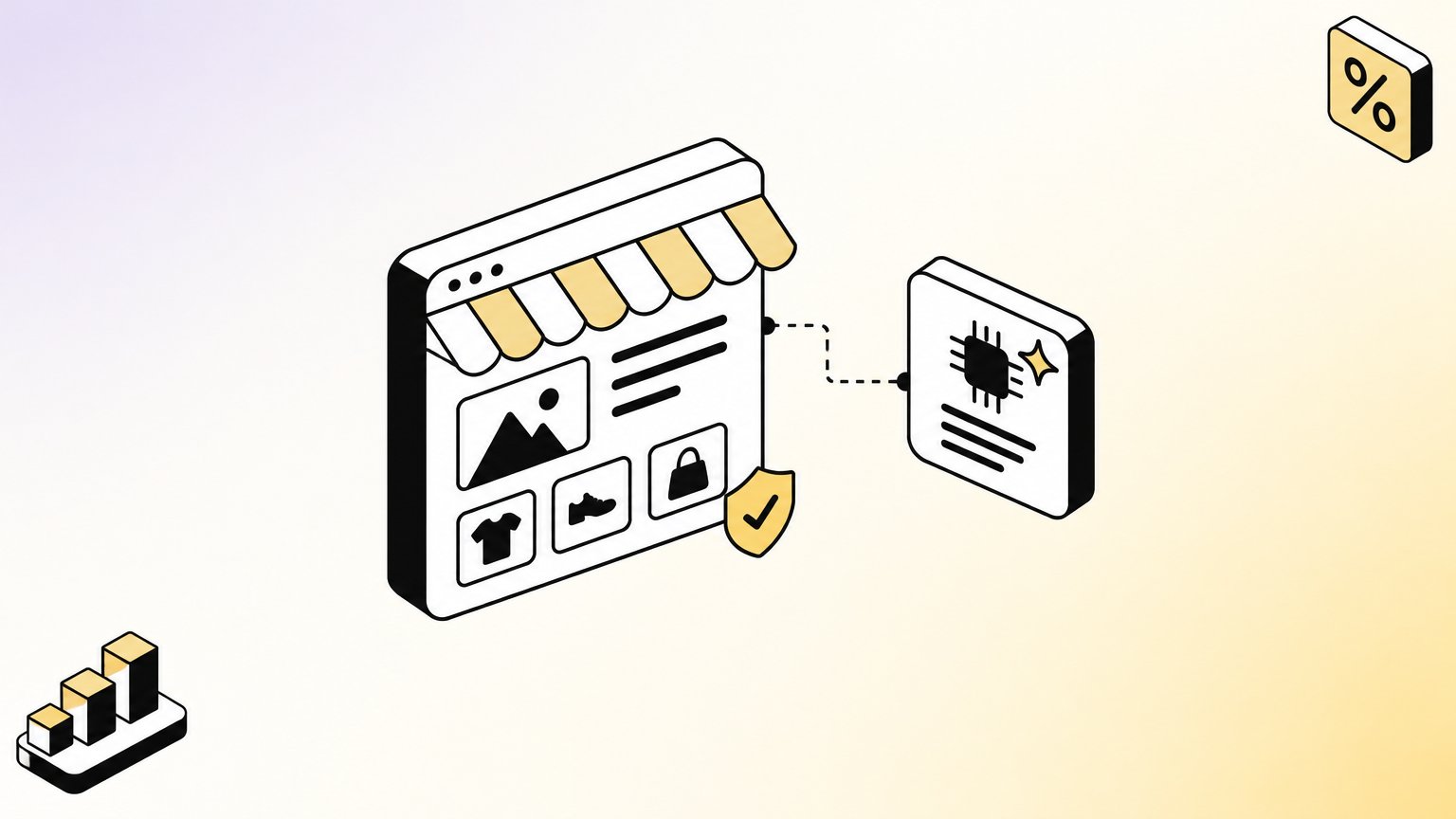
“Shopify theme MCP” is a useful search phrase, but it does not name one standard Shopify theme feature. The practical question is which kind of context you need: help with Shopify development, information for AI-assisted shopping, or an AI that understands the structure of a particular theme. Our Shopify theme MCP integration addresses that last use case by giving compatible AI tools context about the FullStack theme.
MCP, short for Model Context Protocol, is a way for an AI client to connect with tools and information. The label alone does not tell you what a server can read, whether it can execute actions, or whether it can publish changes. Those distinctions matter when an AI is working near a live storefront, so assess each connection by its purpose, access, and review process.
Imagine asking an AI to “add a product section.” Without theme-specific context, it may suggest generic Liquid code that does not fit the theme’s existing blocks or design system. A different MCP might help a developer look up Shopify documentation, while another might help an AI shopping assistant find products. They all use a similar connection pattern, but they solve different problems.
A useful first distinction is between developer context, theme context, and shopper-facing tools. Developer context explains Shopify’s platform and validates code. Theme context explains the architecture and options of one theme. Shopper-facing tools support product discovery or commerce interactions. A theme research MCP is another category: for example, Shopinfo’s theme data MCP describes access to theme catalog and market information, not to a merchant’s theme files.
Before connecting anything, ask what data it receives and what actions its tools can take. An MCP that retrieves public documentation is different from one connected to an authenticated store, and both differ from a theme-aware assistant that composes files without connecting to the live shop.
A developer working on a custom section might need to check Liquid guidance, confirm a platform schema, and validate code before testing it. Shopify’s AI Toolkit connects supported AI coding tools with Shopify developer resources, including documentation and API schemas, and provides code validation. Its official setup documentation describes installation options and prerequisites, including Node.js 18 or higher.
The Dev MCP server is the MCP route for connecting an AI client to Shopify development resources. Shopify’s documentation describes it as running locally without authentication for those resources. Store-management tasks are a separate matter: when a workflow uses Shopify CLI with an authenticated store context, the user chooses whether to execute the proposed task. Treat generated code as a draft to inspect and test, not as a substitute for review.

That makes the toolkit relevant for building Shopify apps, extensions, and theme code. It does not, by itself, mean an AI understands the conventions of every third-party theme. If your work depends on a particular theme’s components, settings, and file structure, confirm that the MCP provides that theme-specific context.
Storefront MCP refers to the shopper-facing side of the distinction: helping an AI interact with storefront information for shopping tasks, rather than helping a developer author theme files. That is a different job from finding a setting in a theme or composing a section in its native architecture.
For merchants, the distinction is practical. A shopper-facing connection concerns product discovery and shopping interactions. A developer connection concerns platform documentation and code. A theme-specific connection concerns how to work within one theme. Do not infer that a server can perform one of these tasks just because its name includes “Shopify” or “MCP”; check its documented tools and permissions.
Theme adoption data is also a separate category. For example, ShopThemeDetector’s Q3 2026 trend report describes observed theme shares across storefronts. Such market observation can tell you what theme labels were detected in its dataset, not what a theme-aware AI can read or change in your store.
Suppose you want to rebuild a section from a screenshot, find the right setting, or create a landing page using existing theme components. A theme-specific context gives the AI information about that theme’s structure and documentation, so its suggestions can be grounded in the components the theme actually provides.
FullStack MCP connects Claude, ChatGPT, or Cursor to the FullStack theme’s knowledge so they can assist with tasks such as composing sections and landing pages, finding settings, and auditing theme use. It does not connect to the Shopify store and does not publish changes. The merchant remains responsible for reviewing the work and deciding whether to import or publish it. The MCP costs €199 as a one-time purchase from the Hub, remains active while the theme subscription is active, and includes a 14-day money-back guarantee.
That context builds on a theme developed by the team behind The Deployer, a Shopify CRO agency with seven years of e-commerce experience, more than 150 store redesigns, and hundreds of A/B tests. Those figures describe the team’s experience, not a guaranteed result for a merchant. If you are still deciding what foundation your store needs, our guide to why choosing the right Shopify theme matters explains the role of the theme itself.
Start with the task, then examine the server’s access and workflow. A tool intended to answer development questions should not need broad store permissions just to retrieve public documentation. For any authenticated connection, confirm which account and store it uses, what actions are enabled, and whether changes are reviewed before they reach customers.
For theme work, check whether the AI can use the theme’s native sections and blocks instead of producing disconnected custom code by default. Our Best Shopify themes page can help you evaluate theme options, while a theme-specific MCP is most useful when you already know which theme you want to work within.
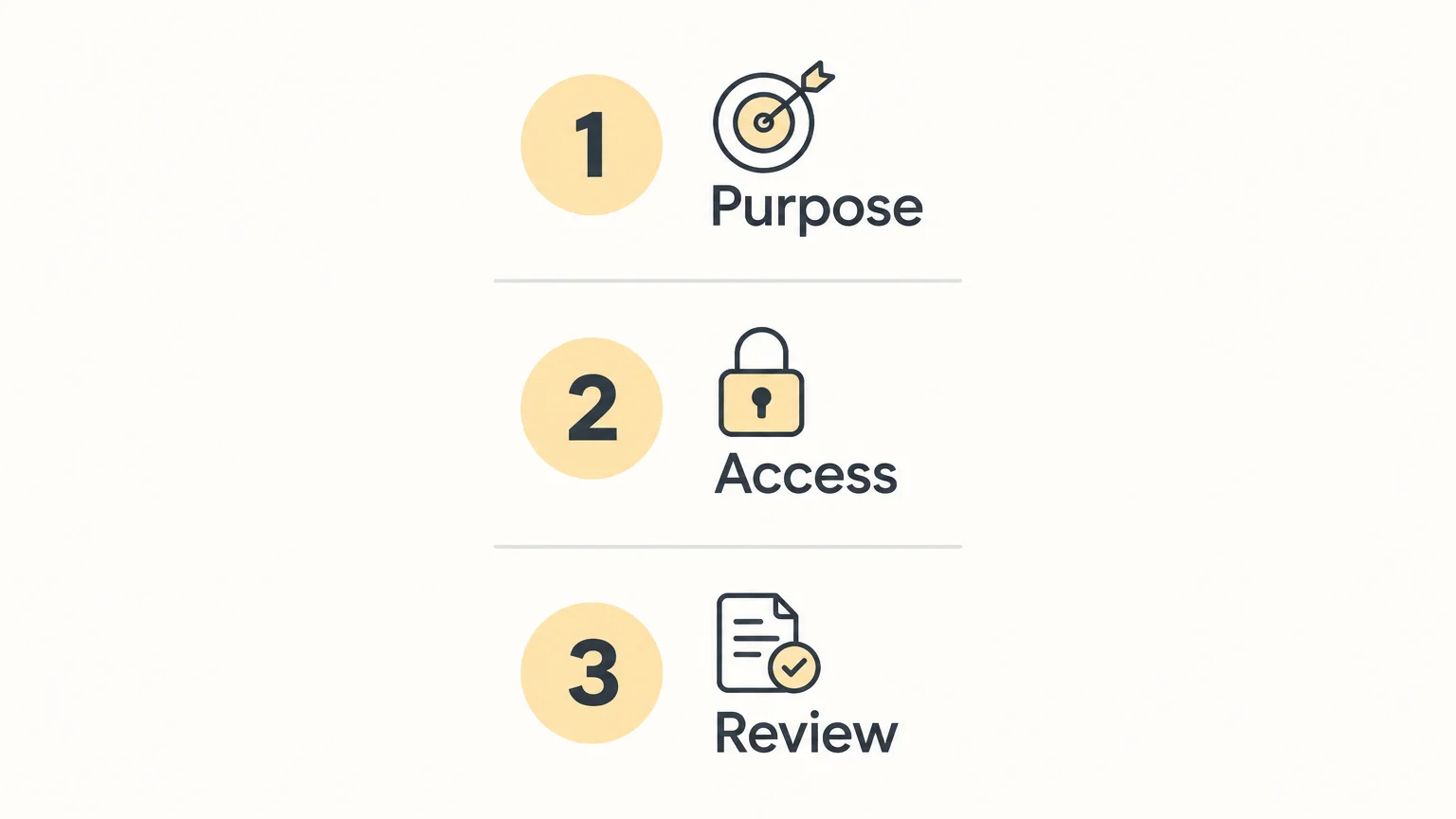
Keep the published theme under your control. Work in a duplicate or development environment where appropriate, inspect generated files, and preview changes before publication. An MCP can provide useful context and assist with composition, but your review process determines what becomes part of the live storefront.
MCP for Shopify themes is not one tool with one purpose. Shopify’s developer resources, shopper-facing connections, theme research servers, and theme-specific context address different needs. Identify the task, verify what information the MCP can access, and keep review and publishing decisions with the merchant. The right connection is the one whose scope matches the work you actually need to do.
If you want an AI to work with a theme’s actual building blocks, the theme itself matters. FullStack is a premium Shopify theme with more than 100 native features, a global design system, and customizable sections and blocks. FullStack MCP is a separate tool that provides AI context for the FullStack theme.
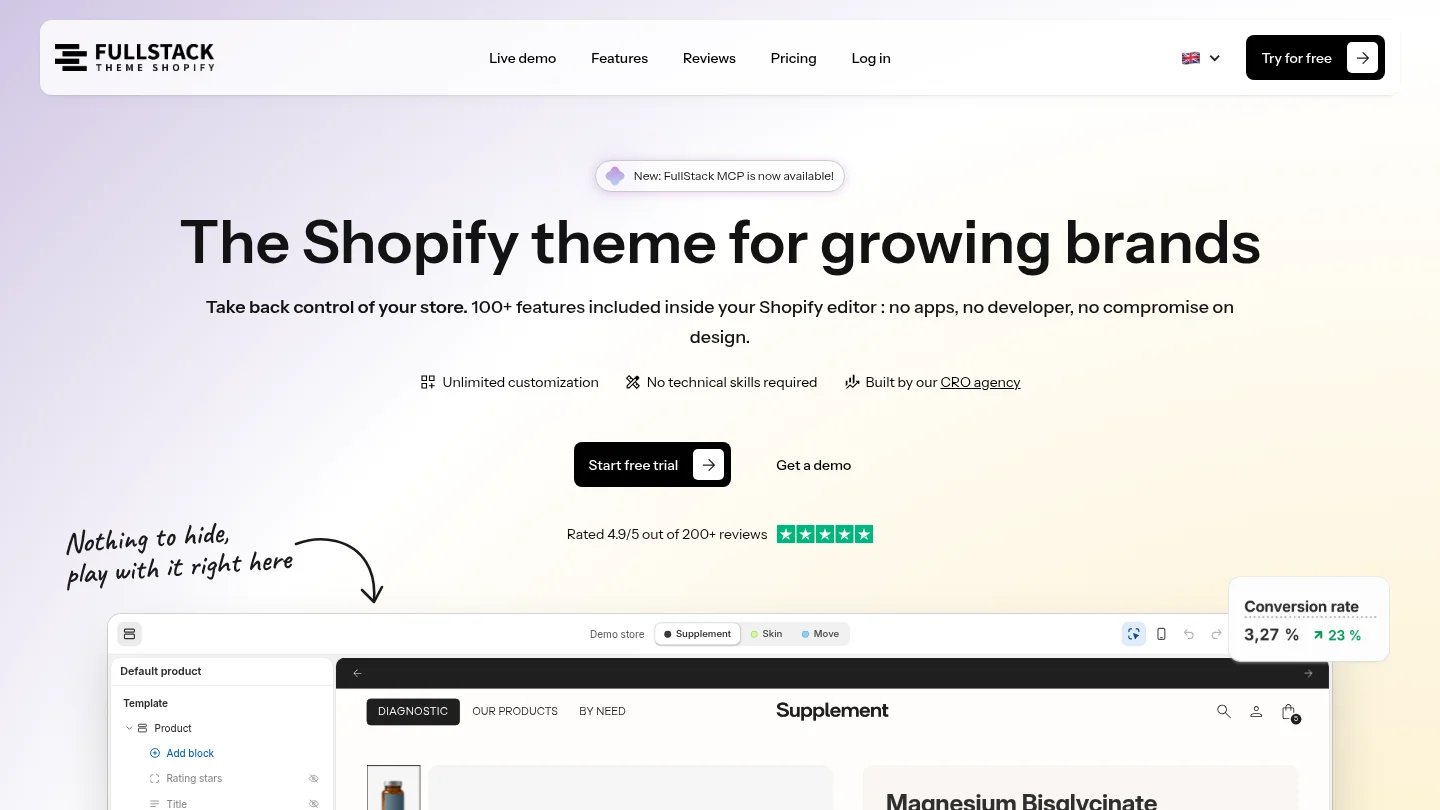
FullStack is developed by the team behind The Deployer and has a reported 4.9 out of 5 rating across 221 Trustpilot reviews. A theme subscription includes a 14-day free trial, with a credit card required and the option to cancel during the trial. Explore Shopify themes and assess whether the theme and its MCP workflow fit your store.
No, the phrase is a broad search term, not the name of one official Shopify theme feature. Shopify’s AI Toolkit and Dev MCP support developer workflows, while theme-specific MCP products provide context for particular themes.
The Dev MCP connects AI clients to Shopify development resources, and Shopify CLI can support authenticated store-management workflows. Review the available tools and permissions for your setup, and test changes before publishing.
It supplies context about a particular theme’s structure, options, and documentation, which can help an AI compose work using that theme’s components. FullStack MCP is one example, and it does not connect to the store or publish changes.
An MCP can support research, code composition, or routine theme tasks, but generated work still needs review and testing. Keep a qualified developer involved when a change requires specialized implementation or diagnosis.
Match the server to your task, then check its data access, permissions, execution capabilities, and review process. For theme customization, verify that it understands the theme you use and lets you control what gets published.

Replace your apps with one Shopify theme
 4.9/5 · 10,000+ installs
Cancel during the trial and you won't be charged
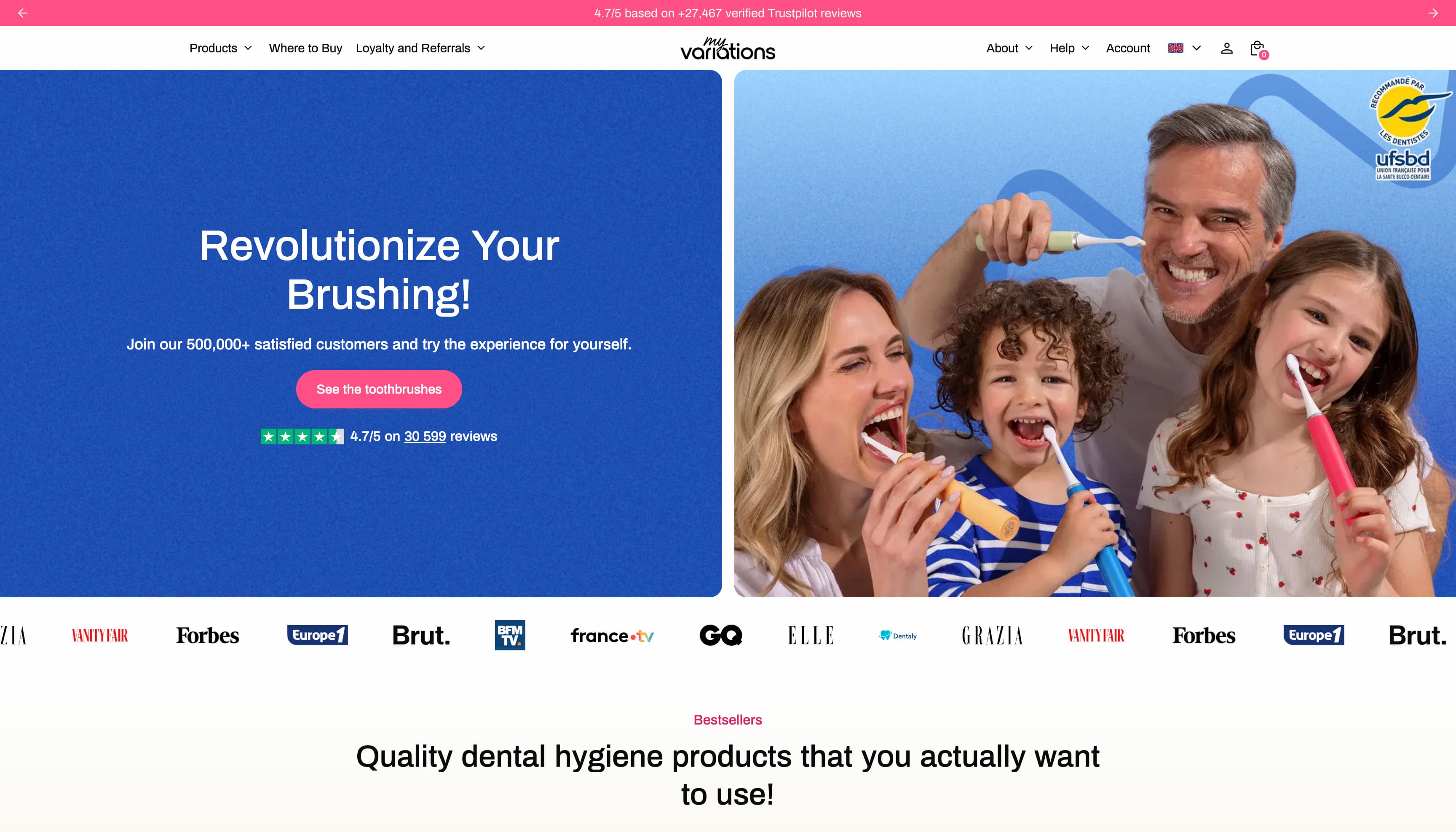
The oral care brand migrates to a technical foundation fully controlled in-house. Fewer apps, more velocity, and a storefront that finally matches the brand's image.
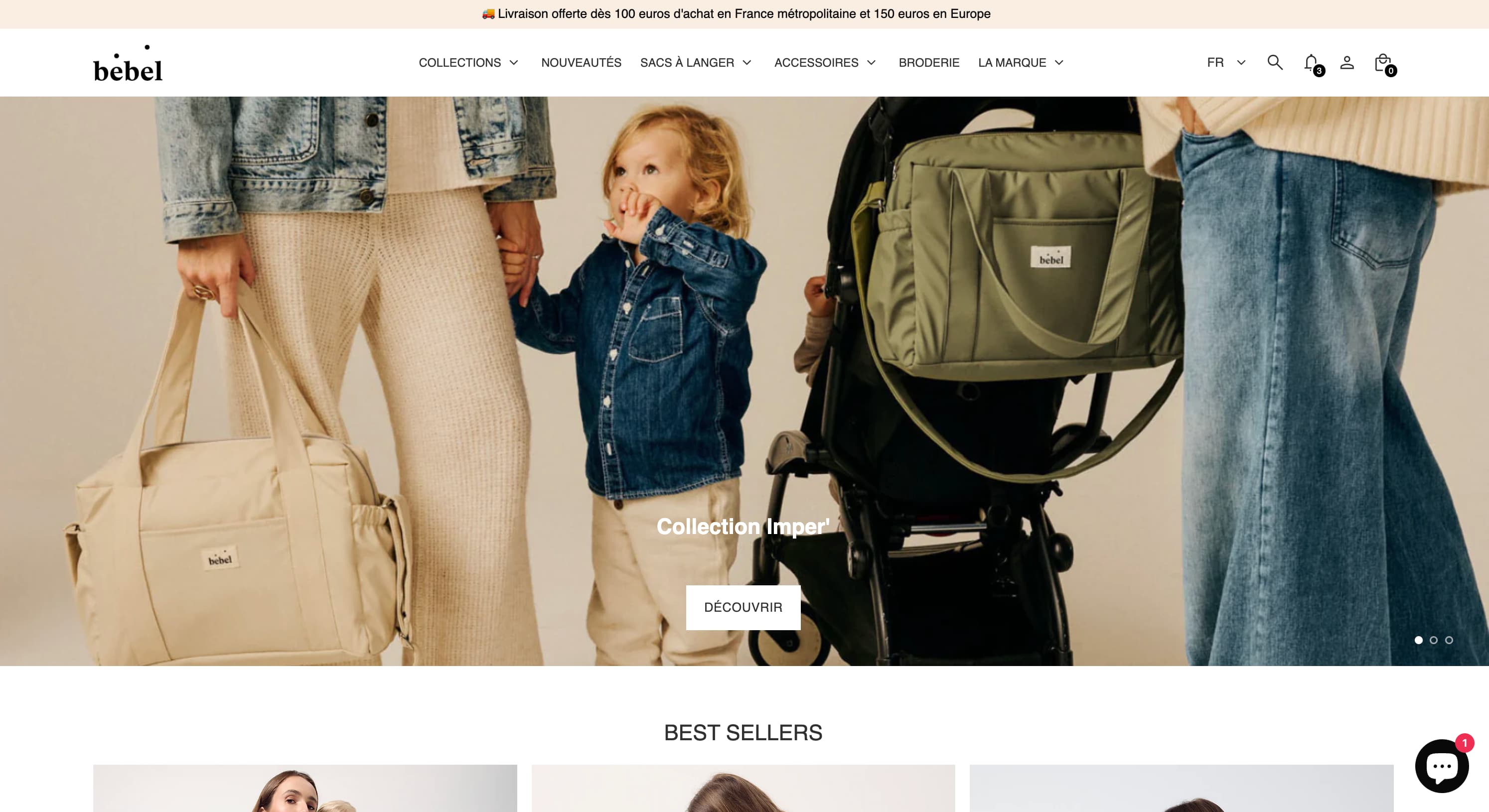
Changing bags, sleep sacks, Oeko-Tex double gauze — a like-for-like rebuild of the made-in-France baby care store on Theme FullStack, delivered by The Deployer.
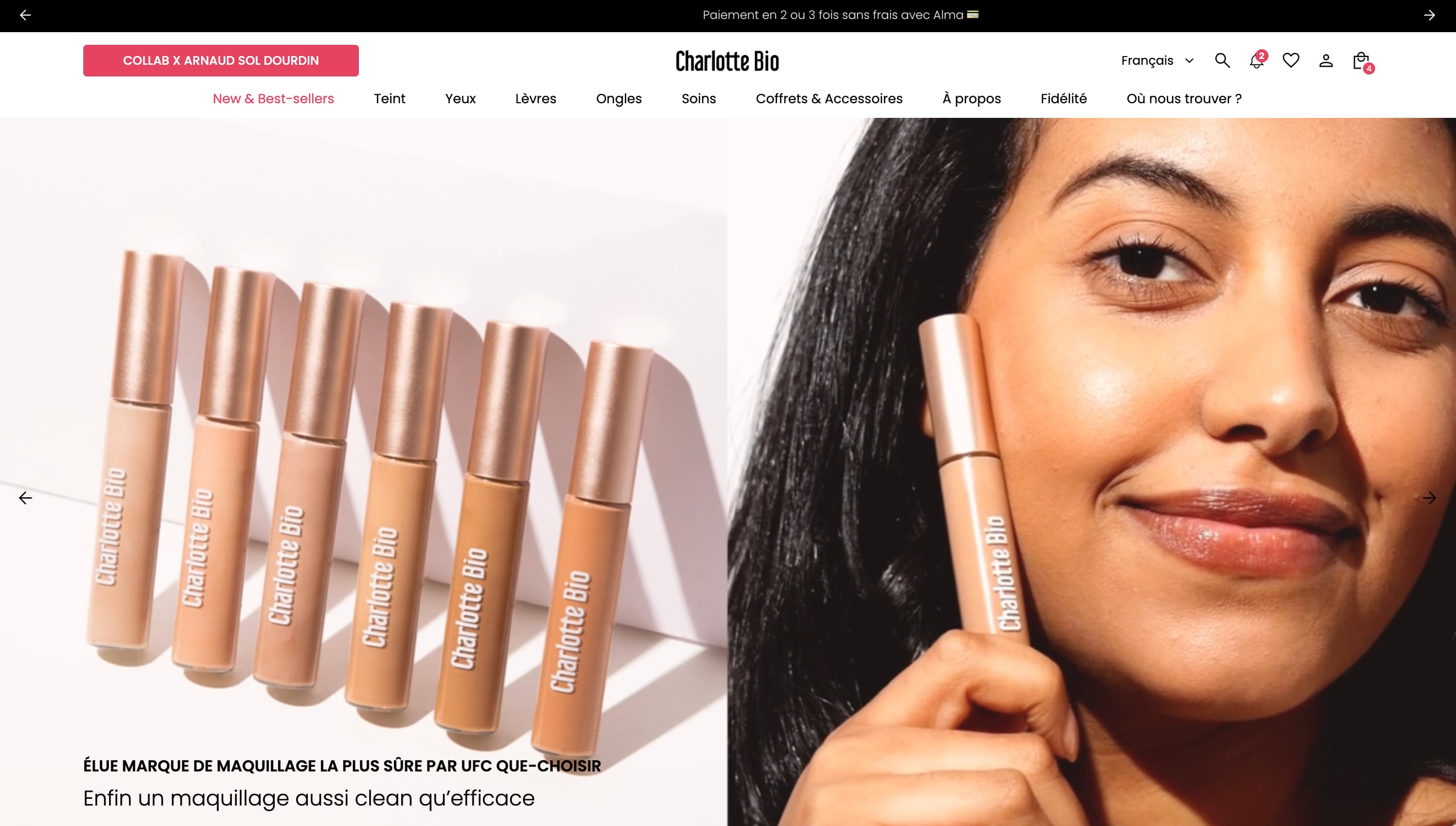
Visual mega menu, custom pack builder, FR/EN/ES internationalization, cart cross-sell — a full redesign on Theme FullStack executed by The Deployer.
Rated 4.9/5 out of 200+ reviews


Rated 4.9/5 out of 200+ reviews