Feature
Navigation
The Fullstack theme offers over 100 features, distributed across more than 40 sections and over 60 blocks. All this, without compromising your brand's visual identity.
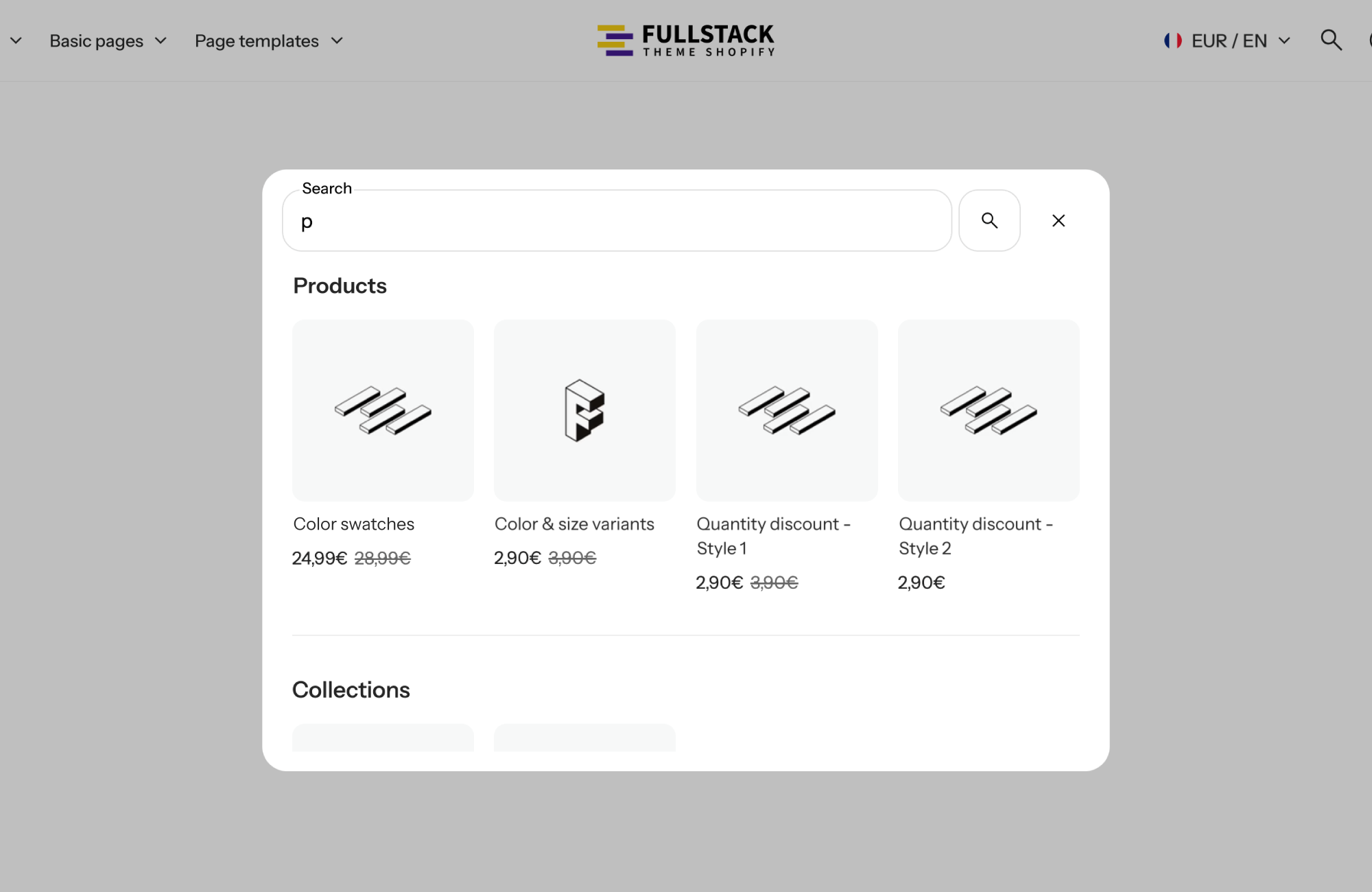
A Shopify theme with built-in predictive search shows product suggestions while the shopper is still typing, before they hit enter. That matters for conversion: people who use search usually know what they want. The faster they see the right product, with its image and price, the shorter the path from intent to add to cart.
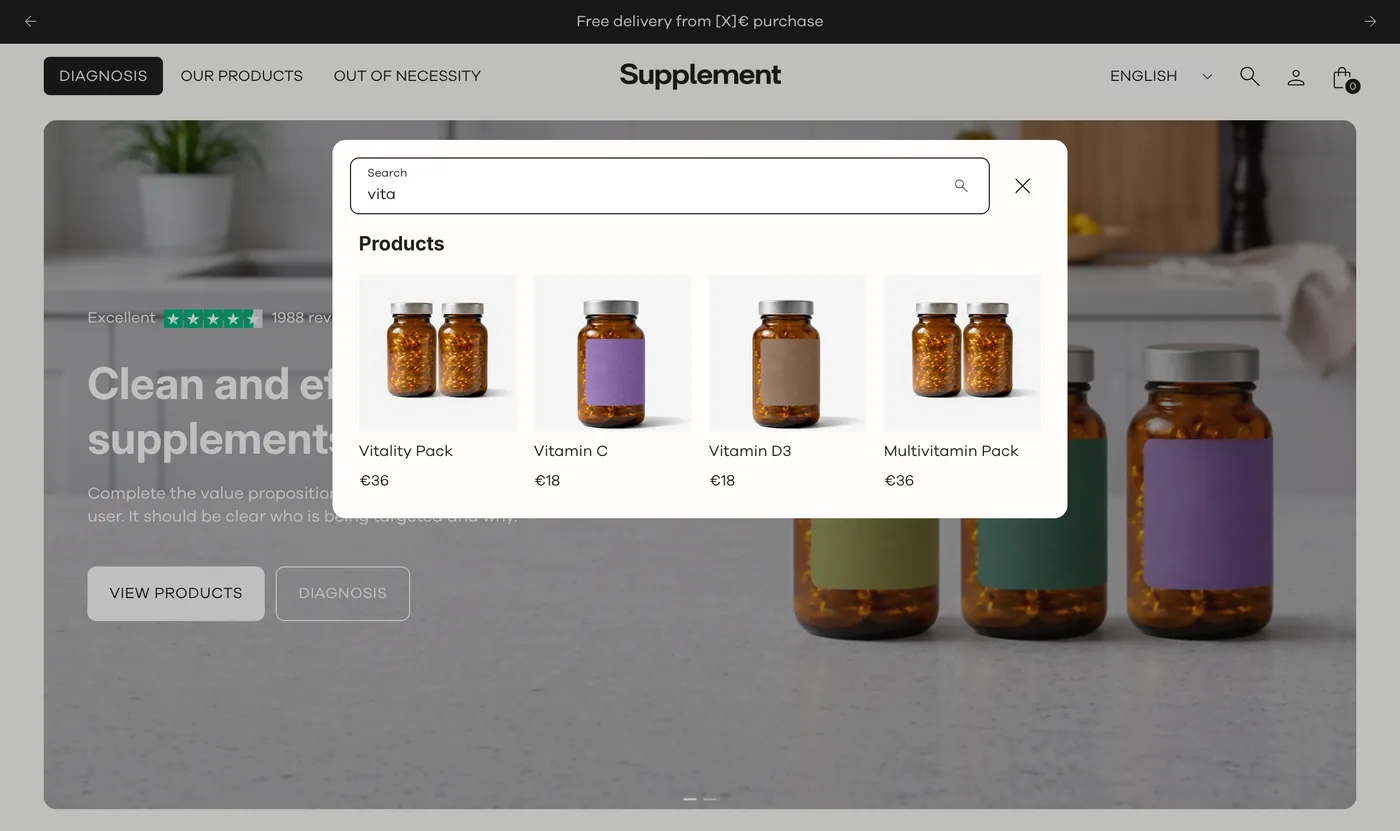
Search is one of the few places where customers describe their need in their own words. Without instant suggestions, they type a full query, submit it, wait for a results page, then start over if they used the wrong term or misspelled it. Every extra step is a chance to bounce.
When suggestions appear as they type, shoppers see right away whether you carry what they want. They click a product directly, adjust their query on the fly, or discover an item they would never have reached through the menu. On mobile, where typing is slower, that time saved counts even more.
Everything is set in the Header section, no code required:
When the shopper submits a query, the results page takes over: a search form, a result count or a “no results” message, then paginated results. Pages are listed as text links above the grid, while products and blog posts use the theme’s cards. You set the number of columns on desktop (grid_columns, 2 to 5) and on mobile (grid_columns_mobile, 1 or 2).
Search is not an island. In FullStack it relies on the same building blocks as the rest of your catalog:
Customers type “vitamin”, “magnesium”, “collagen”. Keep enable_predictive_search on and put the main ingredient in your product titles: the suggestion shows up after the first letters, as in the screenshot above. Add quick add to the product card for repeat purchases.
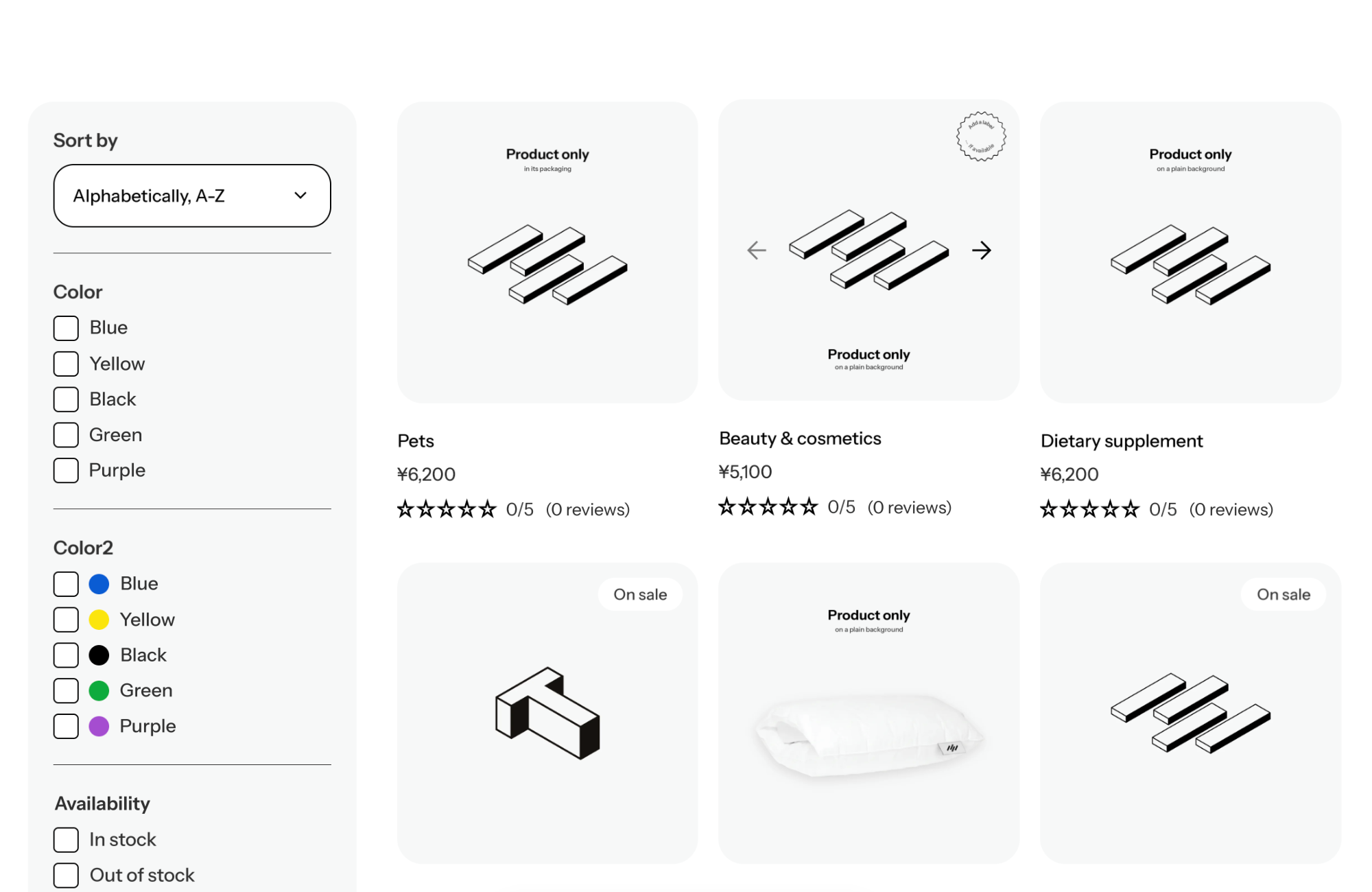
The shopper searches “black dress”, then wants to compare. On the results page, set grid_columns to 4 and add color swatches to the product card. On collections, put filters in a sidebar (display_mode set to sidebar) to refine by size and color.
For products people pick with their eyes, set grid_columns_mobile to 1 on the results page: each product shows up large on mobile.
Predictive search ships with the theme. You do not need a search app to offer instant suggestions: one checkbox in the header does the job. Fewer apps means fewer third-party scripts and fewer monthly subscriptions. See everything included on the FullStack pricing page. To help shoppers narrow down a product list, have a look at side filters too.
Yes, as long as search is shown in the header. Both settings are checked by default.
They land on the results page, which lists products, blog posts and pages with pagination. If nothing matches, a “no results” message is displayed.
Yes, if you add quick add to the product card. The results card is the same one used on your collections.
Rated 4.9/5 out of 200+ reviews



Rated 4.9/5 out of 200+ reviews