Block
Conversion
The Fullstack theme offers over 100 features, distributed across more than 40 sections and over 60 blocks. All this, without compromising your brand's visual identity.
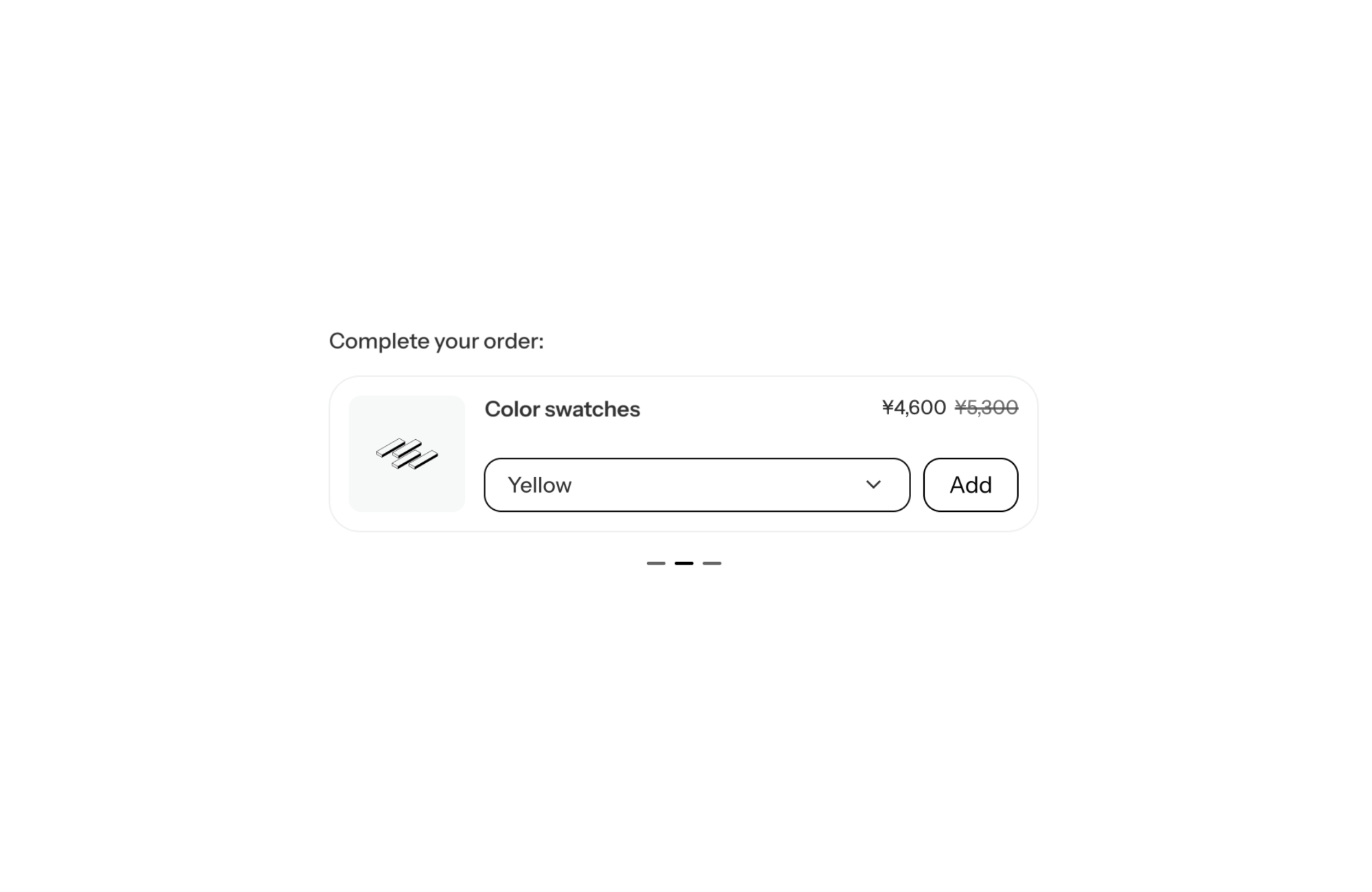
A Shopify theme with an inline cross-sell slider shows complementary products on the product page or in the cart as horizontal cards that slide: image on the left, title and price, variant picker and an “Add” button on the same row. Shoppers complete their order without leaving the page, and the product page stays compact even with several suggestions.
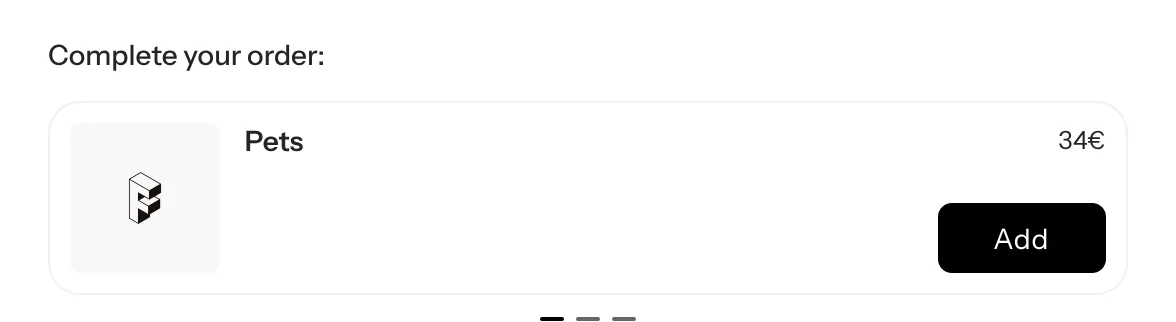
The moment a shopper looks at a product is when they are most open to a logical add-on: the refill, the accessory, the care product. Offering it right then, with one-click add to cart, grows the basket without sending the shopper on a new journey.
The problem is space. Stacking four or five cards under the add to cart button pushes the rest of the product page down. The row format in a slider fixes that: one card at a time, a single row of height, and shoppers swipe to the next ones if they want to.
This is the Cross-sells block, used with its “Cross-sells slider” preset. You add it to the info column of the Product section, or to the cart areas. The settings behind this layout:
For a multi-variant product, the card shows a variant picker before adding. For a single-variant product, the button is all it takes.
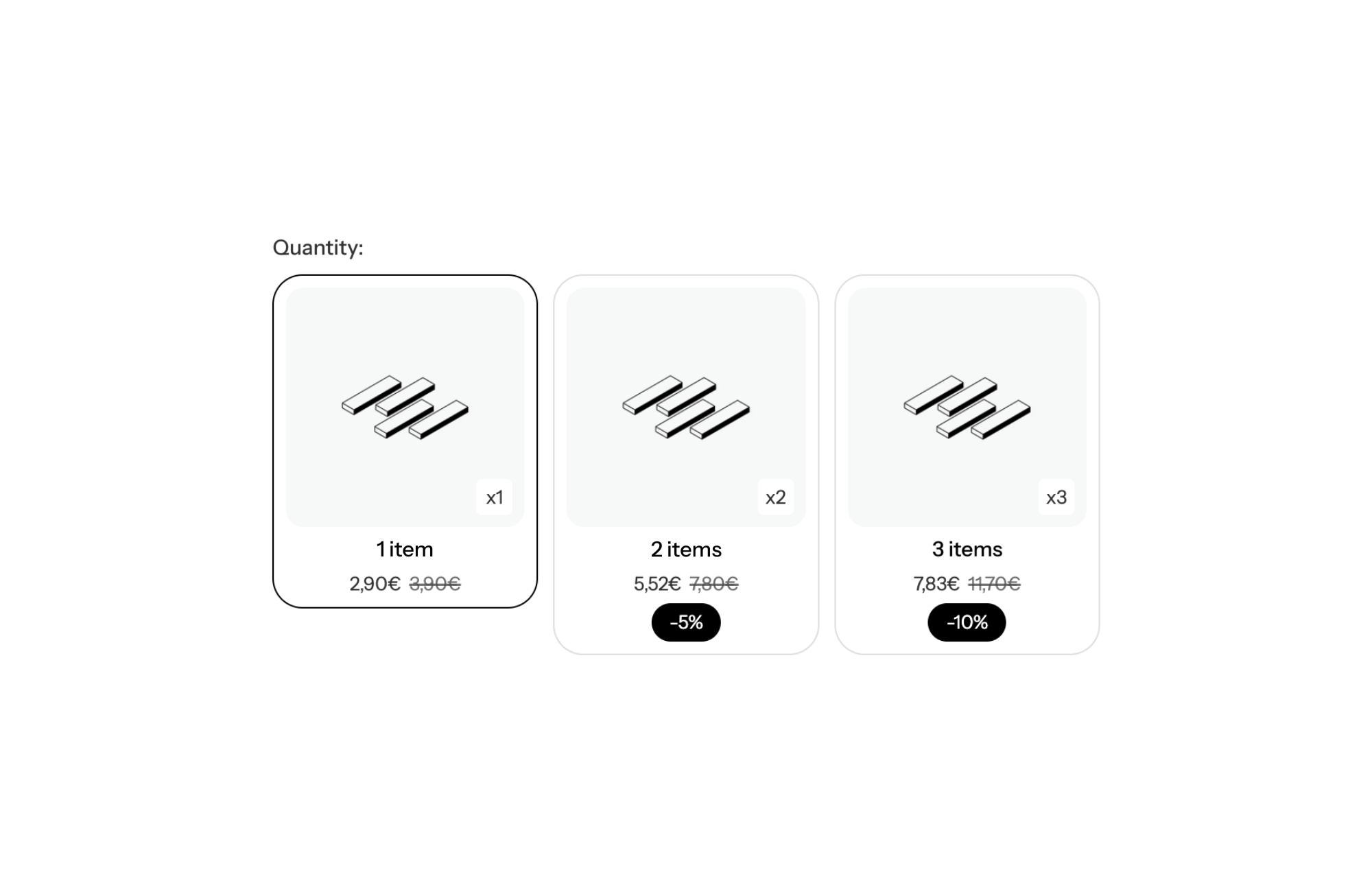
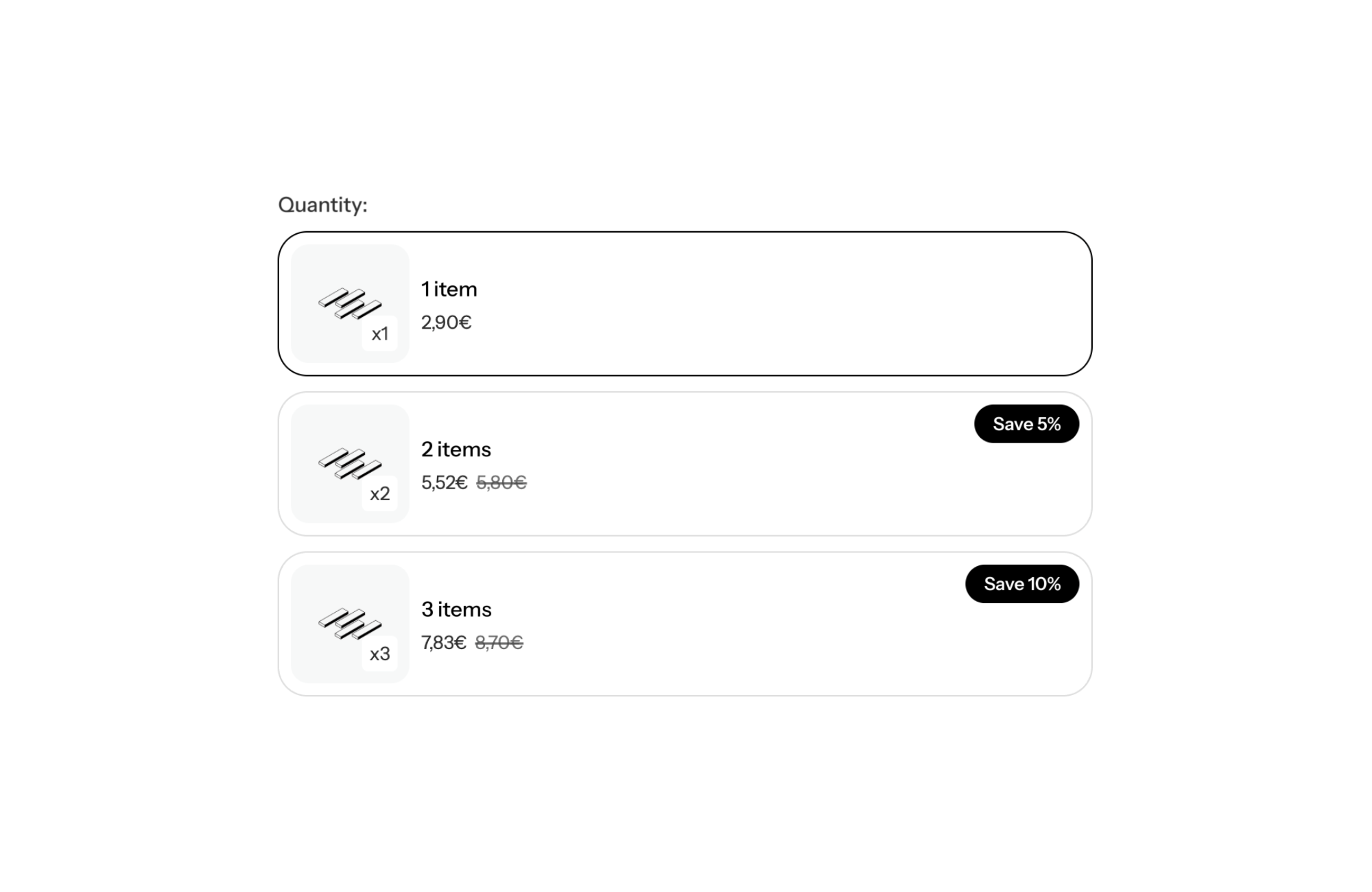
The Cross-sells block has two display modes. In “Column” mode each card is vertical (image on top, button below): that is the column cross-sells format, more visual. In “Row” mode it takes less height and fits neatly under the product form.
It also sits alongside the theme’s other upsell mechanics:
On a serum page, three complementary products (cleanser, cream, refill), one card per page, pagination on, price inside the add button. Shoppers see one add-on at a time and add it without thinking about layout.
Filters, grinder, storage tin: row mode, variant picker next to the button (next_to_variant_select), autoplay on to rotate suggestions.
On mobile, set per_page_mobile to 1.8 so the next card peeks in. Check the result: a cross-sell card already packs a lot of information, and it needs enough width for the size picker.
The block shows 10 products at most. With the preset, the list depends on the complementary products set in Shopify: if a product has none, pick products by hand in the products setting. The 1.8 mobile option turns off slider rewind. FullStack licensing and the free trial are on the pricing page.
No. The Cross-sells block is native to FullStack and handles display, variant selection and add to cart.
Yes. The preset reads each product’s complementary products, so every page shows its own suggestions.
In row mode the card is horizontal and compact. In column mode the image sits on top and the button below, for a more visual look.
Rated 4.9/5 out of 200+ reviews



Rated 4.9/5 out of 200+ reviews