Last updated on October 26, 2026
Kaching Bundle review: features, pricing, limits and alternatives to grow your Shopify AOV with bundles and volume discounts, plus tips to optimize your offers.
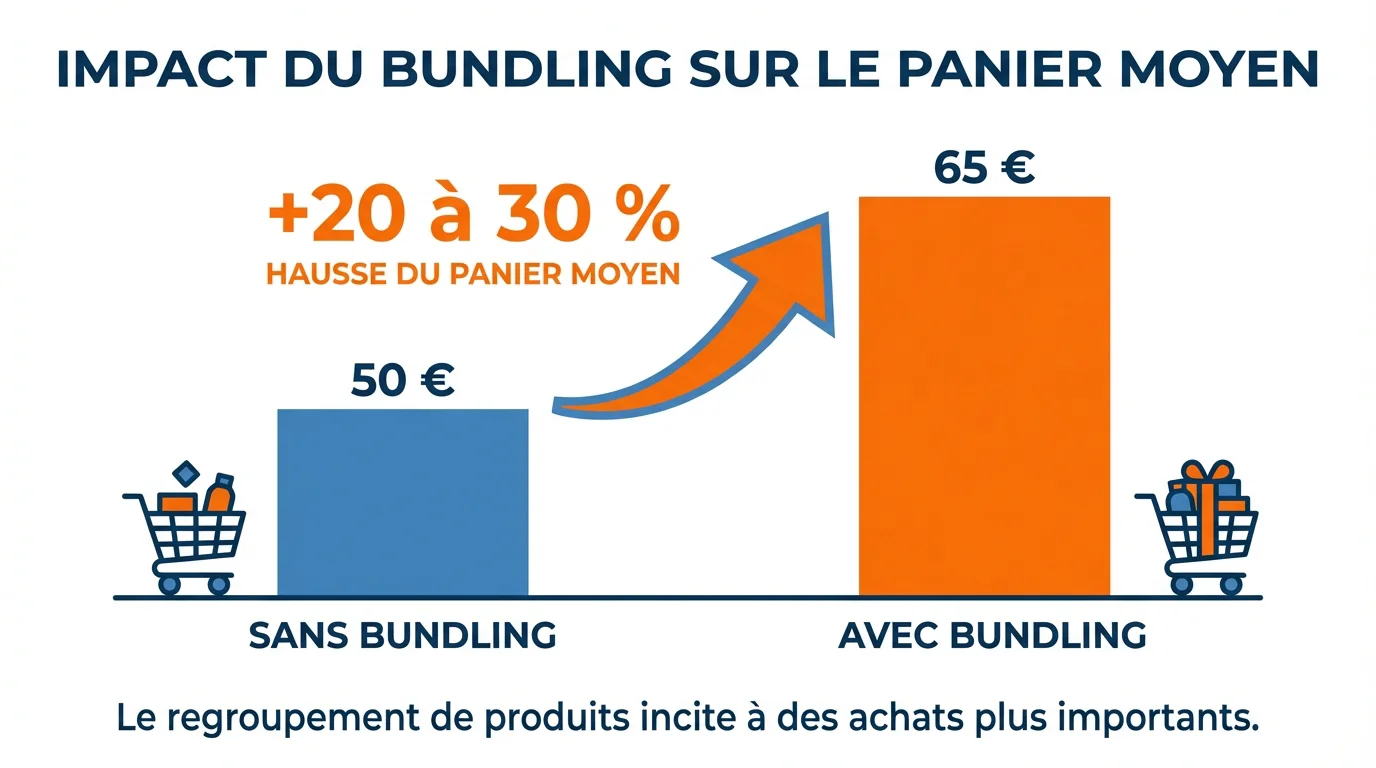
Summary: Kaching Bundle is a Shopify bundling app that lets you create product bundles and quantity discounts, with industry data pointing to a 20 to 30% lift in AOV.
E-commerce bundling is no longer just a promotional tactic. It has become a real revenue driver: up to 30% of online revenue now comes from products sold in bundles. In this ecosystem, Kaching Bundle has established itself as one of the most widely used apps on the Shopify App Store for creating bundle offers, quantity discounts and “buy X, get Y” deals.
The app is currently installed on more than 44,700 Shopify stores, with 110.5% year-over-year growth. Whether you're launching your first store or optimizing an existing catalog, understanding its features, limits and alternatives will help you make the right call to grow your average order value.
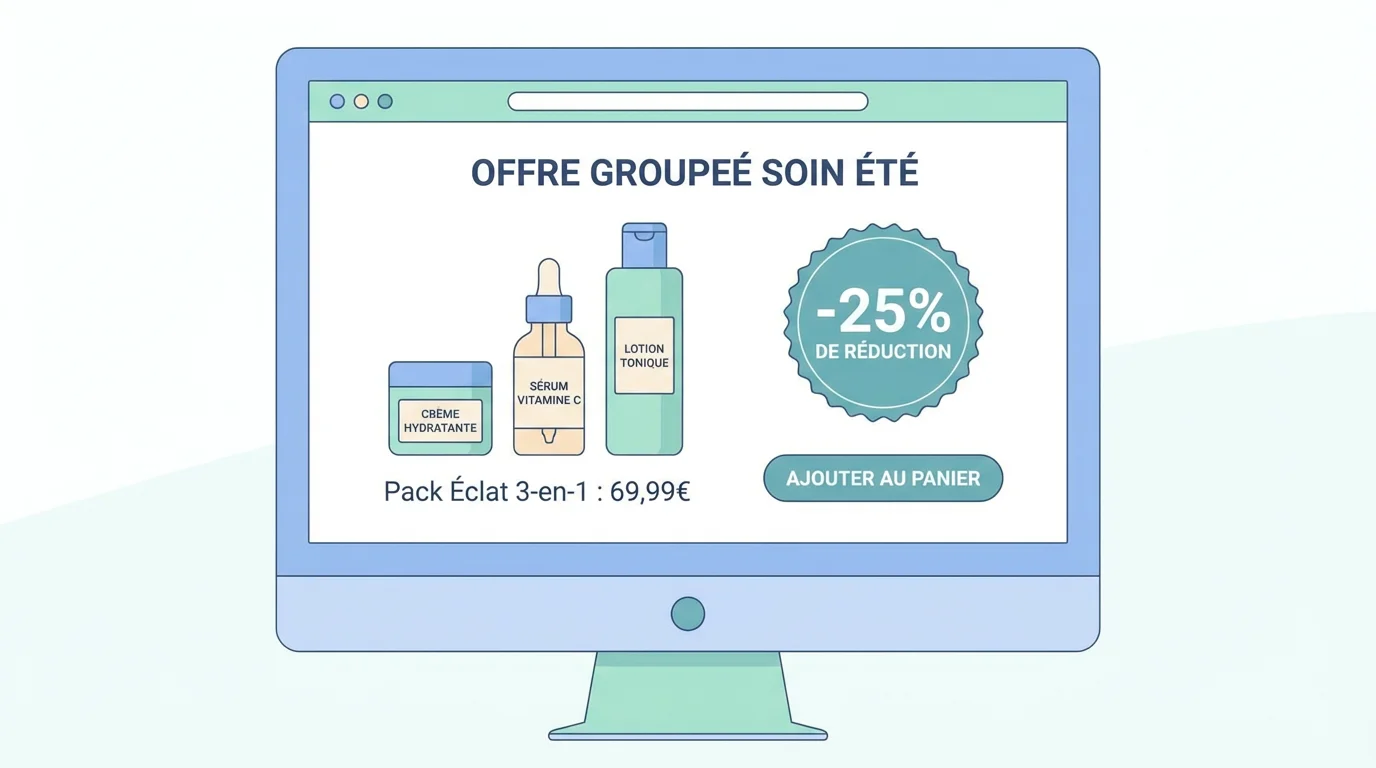
Kaching Bundle Quantity Breaks lets Shopify stores create custom bundle offers to increase average order value (AOV). The app offers quantity breaks, BOGO deals (buy one, get one), “Buy X, Get Y” offers and volume discounts.
In practice, the merchant selects the eligible products or collections, picks a discount type (percentage, fixed amount or specific price), then customizes the widget's look so it blends in with the store's design. A real-time preview lets you see your changes before publishing.
One of the tool's strengths is its built-in A/B testing. A/B tests let you show different versions of a bundle to different visitor segments at the same time, then compare conversion rate, average order value and additional revenue so you only keep the best-performing offers.
The app covers a wide range of bundle types. Here are the categories merchants use most:
The app comes with a full analytics dashboard. You can track the additional revenue generated by bundles, conversion rate and shopper behavior in real time, to identify the best-performing combinations and pricing strategies.
Pricing is built around three paid plans, plus free access for development stores:
Plan
Monthly price
Max additional revenue
Free trial
Development
Free
Unlimited (dev store)
—
Starter
$14.99/month
$1,000
7 days
Scale
$29.99/month
$5,000
7 days
Pro
$59.99/month
Unlimited
7 days
Annual plans save you between 25 and 33% depending on the plan. Some users feel, however, that the Pro plan price ($59.99/month) can weigh on small stores that only need basic volume discounts.
Beyond the tool itself, a product bundling strategy relies on solid psychological mechanisms. According to McKinsey, cross-selling and bundling techniques increase sales by 20% and profits by 30%. This figure, often quoted in the industry, comes from a McKinsey case study on a major online retailer.
Statistical analysis confirms that bundling improves conversion rates by 15 to 25%, with the best implementations reaching gains of up to 40%. As the Shopify guide to bundling points out, bundles increase the perceived value of an offer without necessarily requiring a steep discount.
Bundle buyers show a customer lifetime value 2.7 times higher than shoppers who buy single items. The larger initial purchase builds a stronger connection with the brand, and these customers show higher retention rates.
To measure the real impact on your store, you can use our upsell and cross-sell rate calculator to simulate potential gains before launching your first offers.
Creating a bundle isn't enough; it also has to convert. Here are the key steps for a successful setup, whether you use Kaching Bundle or another solution:
To enrich the shopping experience even further, consider pairing your bundles with one-click cross-sells that suggest complementary products without friction.
No app is perfect. Here's what to plan for:
This is exactly why we built our theme with native bundling features: to cut down on this kind of reliance on multiple apps. Our product packages with variants feature builds this logic directly into the theme, with no extra app.
The Shopify App Store lists more than 270 apps in the “product bundles” category. Here's a factual overview of the most installed options:
Solution
Starting price
Bundle types
A/B testing
Speed impact
Kaching Bundle
$14.99/month
10+ (fixed, BOGO, volume, mix&match, subscription)
Yes
Third-party app (extra load)
Shopify Bundles (native)
Free
Fixed, multipacks
No
Minimal (native)
Bundler
Free (limited)
Fixed, mix&match, volume
No
Third-party app
FullStack theme (native)
Included in the theme
Packs, quantity breaks, cross-sells, BXGY
Via third-party A/B testing tools
None (built into the theme)
A solution built into the theme has a double advantage: no extra app to maintain and fast load times preserved. With 100+ native features, our theme covers most use cases without stacking apps. 87% of Shopify merchants use apps to extend their store's functionality, with an average of 6 apps installed per store, according to data from Uptek. Cutting that number is a direct performance lever.
In 2026, bundling is moving toward more sustainability, more automation and AI-powered suggestions. We're seeing the rise of low-waste bundles, smart product recommendations and bundles configured automatically based on customer behavior.
Subscription bundling is also gaining ground. For brands selling consumables (skincare, supplements, pet food), combining a bundle with recurring delivery helps stabilize revenue while increasing customer lifetime value.
Finally, mixed bundling (offering both bundles and individual purchases) generates 25 to 35% more revenue than pure bundling, according to data compiled by Swell. Giving shoppers a choice is still the best strategy.
Whatever trend you follow, the key is to measure every move. Start with a simple bundle on your bestsellers, analyze the results for two weeks, then expand step by step.
Kaching Bundle is a solid app for Shopify merchants who want to launch bundle offers and quantity discounts quickly. Its A/B testing, analytics dashboard and compatibility with many themes make it a relevant tool. That said, every app you add to a store is a trade-off between functionality and technical performance.
Remember the key figure: according to industry data, well-executed bundling lifts average order value by 20 to 30%. So the question isn't whether you should offer bundles, but how to add them without weighing down your store.
If you're looking for an approach that natively includes bundling, cross-sells and quantity breaks without stacking apps, our “This pack contains” section lets you get started in minutes with zero impact on load speed.
The app is free for development stores. Live stores get a 7-day free trial, then plans start at $14.99/month. An additional revenue cap applies to the first two tiers.
Yes, the app is compatible with several page builders and Shopify tools. However, stacking bundling and upsell apps can weigh down your store. An alternative is to use a theme that includes these features natively, like the FullStack theme, to reduce dependencies.
Mixed bundling (bundles offered alongside individual purchases) delivers the best results. Quantity bundles work especially well for consumables, while “Build Your Own” bundles appeal to fashion and beauty catalogs.
Rated 4.9/5 out of 200+ reviews






