Section
Narrative
The Fullstack theme offers over 100 features, distributed across more than 40 sections and over 60 blocks. All this, without compromising your brand's visual identity.
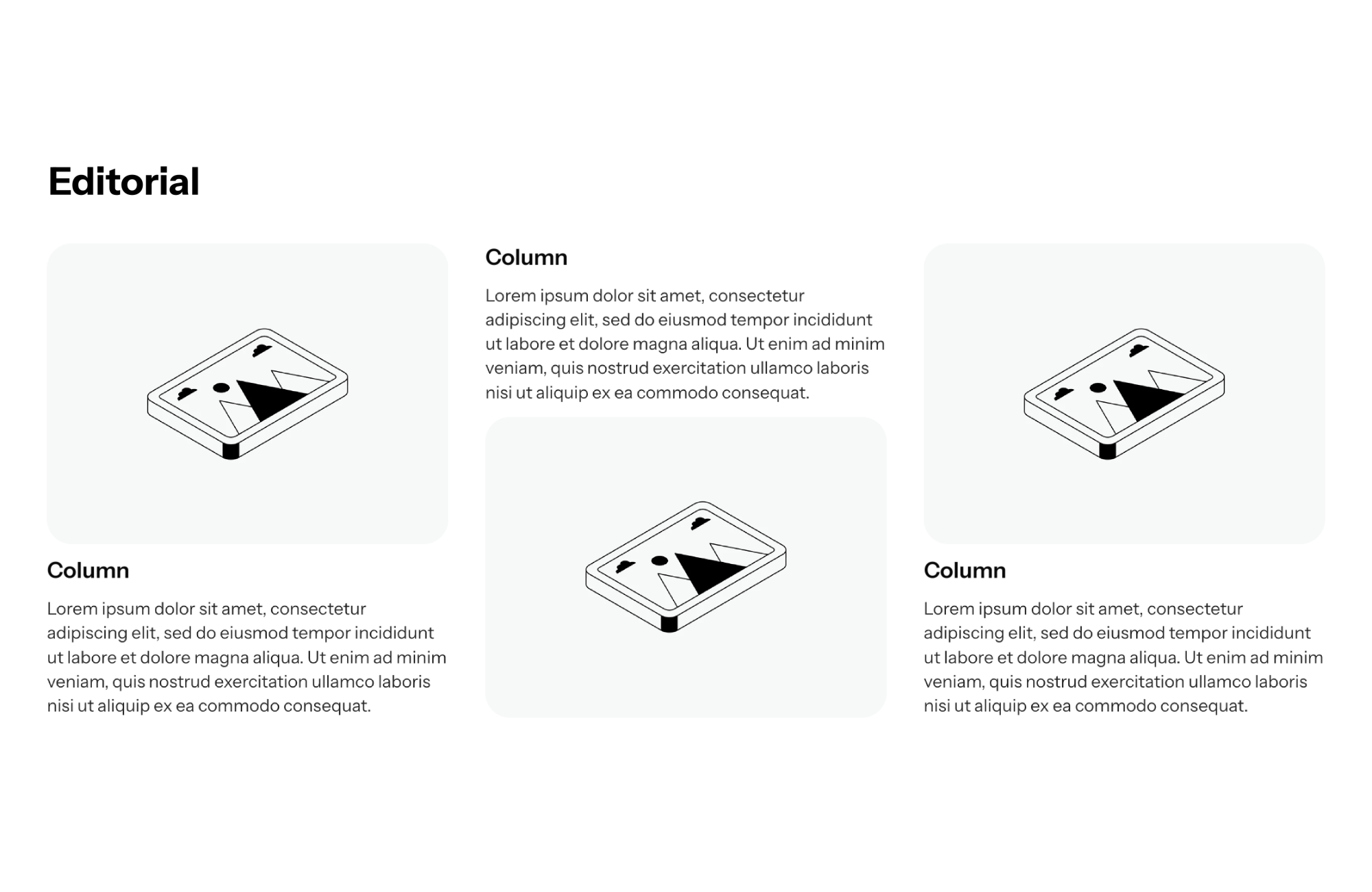
A Shopify theme with editorial section gives you a magazine-style layout: three columns mixing images and text at staggered heights, under one shared heading. In FullStack it is the Editorial preset of the custom section. Use it to tell your brand story, show your craft or set a mood with more rhythm than a rigid grid, with no code and no app.
About pages, "our story" pages and craft pages are usually built from identical blocks: image left, text right, repeat. Visitors spot the pattern and scroll past without reading. An editorial composition breaks that repetition: the eye follows a path from image to text, and your brand content actually gets read.
That content matters in the buying decision, especially for a brand priced above the market: it explains what the price pays for (materials, making, commitments). The layout has to make people want to read it.
It also helps search engines and AI assistants understand who you are. Real paragraphs about your materials, your process and your origin give them something concrete to quote, where a page made only of images and slogans gives them nothing.
Add a Custom section and pick the Editorial preset (editorial). Here is what it contains:
Everything is editable in the theme editor. The Image block offers four ratios (auto, portrait, square, landscape), a width in percent per device, rounded corners and an optional link. Since every column is a Group, you can add other theme blocks inside: a button, an icon with text, a badge.
Three steps (sketch, casting, polishing), each with a workshop photo in landscape ratio. The staggered columns read like a design notebook.
One column per fabric in the collection, with a close-up of the material. Add a button in the last column linking to the matching collection.
Grower, terroir, roasting: three columns tracing the product's journey, on an "our story" page or at the bottom of the homepage.
The editorial section is a composition of blocks, not a section with product logic: it doesn't replace a collection showcase or a shoppable product card. On mobile, simplify rather than squeeze three columns side by side: a three-column layout reads better stacked. Text and images are entered by hand in the editor. For license details, see the pricing page.
Yes. Columns are Group blocks: delete or duplicate them in the editor, and the parent group lays them out in a row.
Multicolumn lines up identical text columns. Editorial mixes images and text in a different order in each column, for a more organic look.
No. The preset is added and edited entirely from the Shopify theme editor.
Rated 4.9/5 out of 200+ reviews



Rated 4.9/5 out of 200+ reviews