Section
Narrative
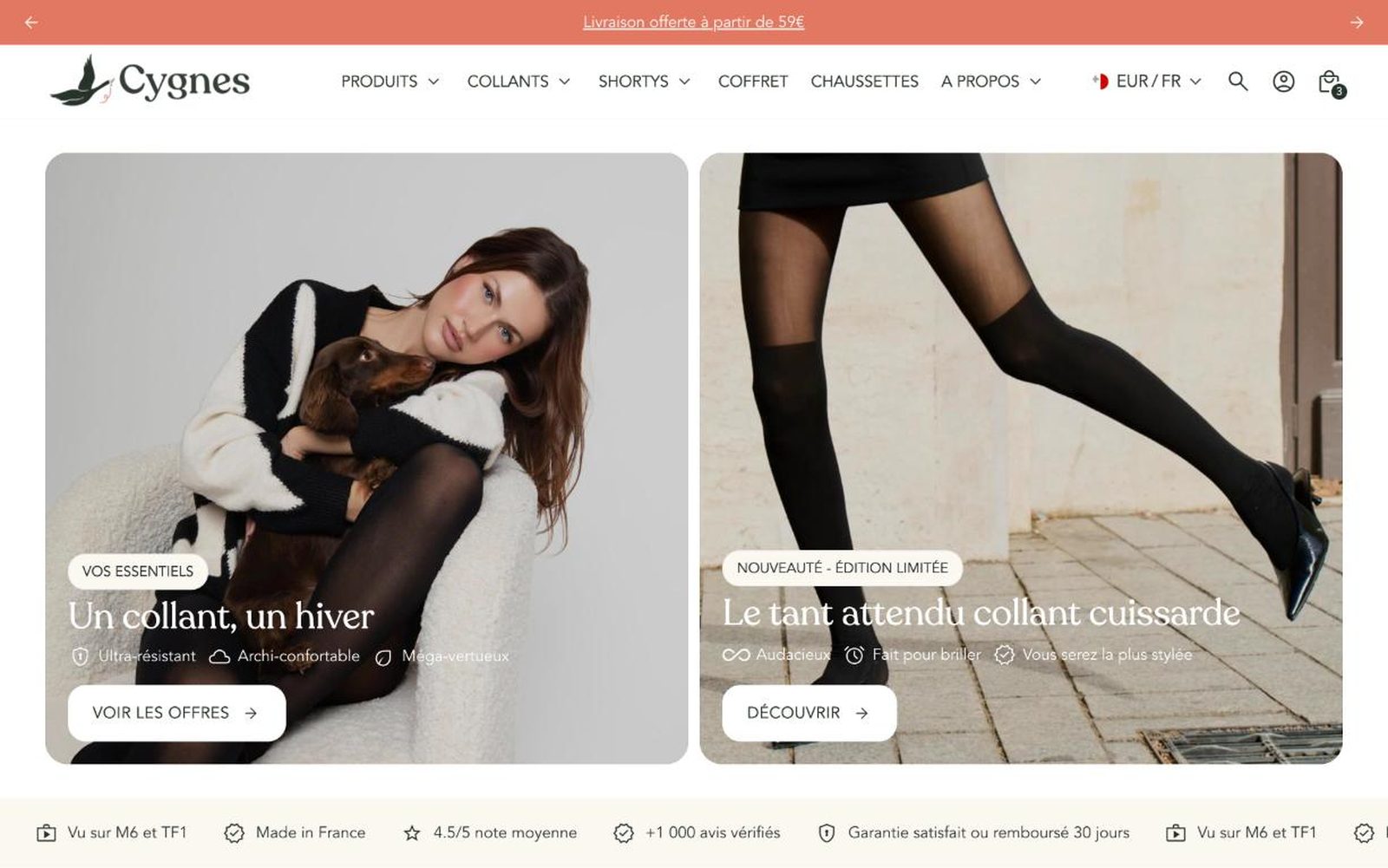
The Fullstack theme offers over 100 features, distributed across more than 40 sections and over 60 blocks. All this, without compromising your brand's visual identity.
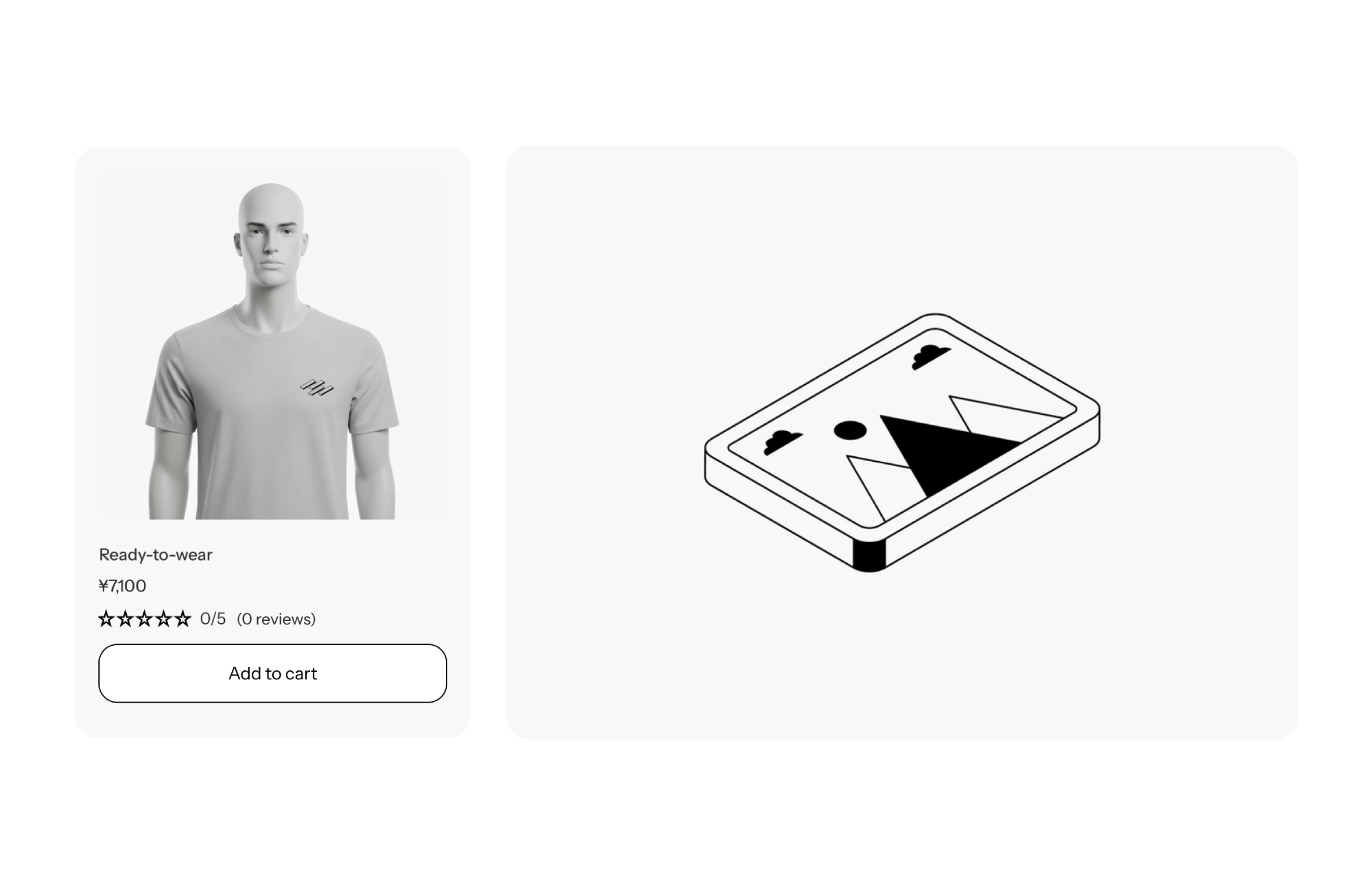
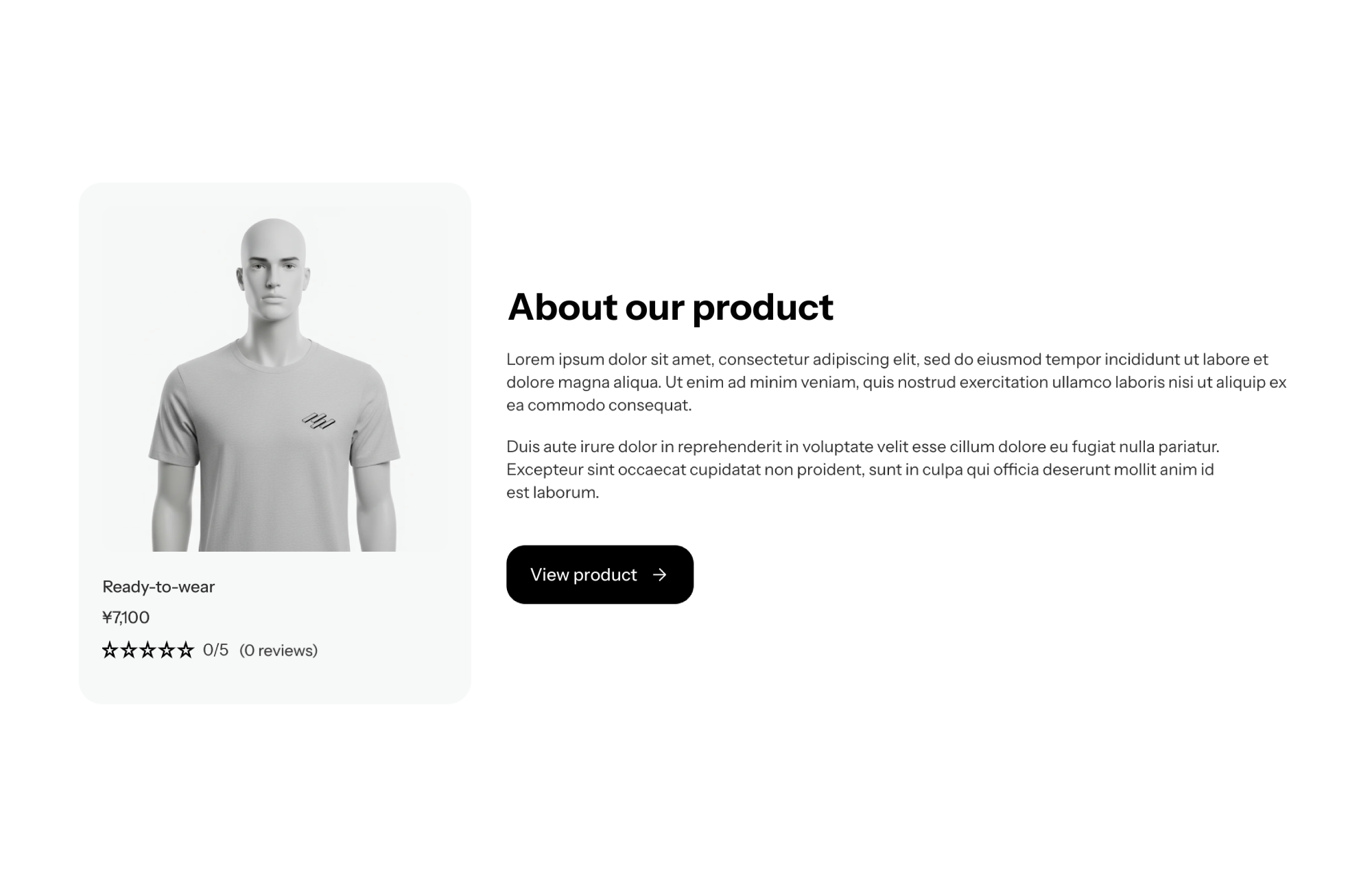
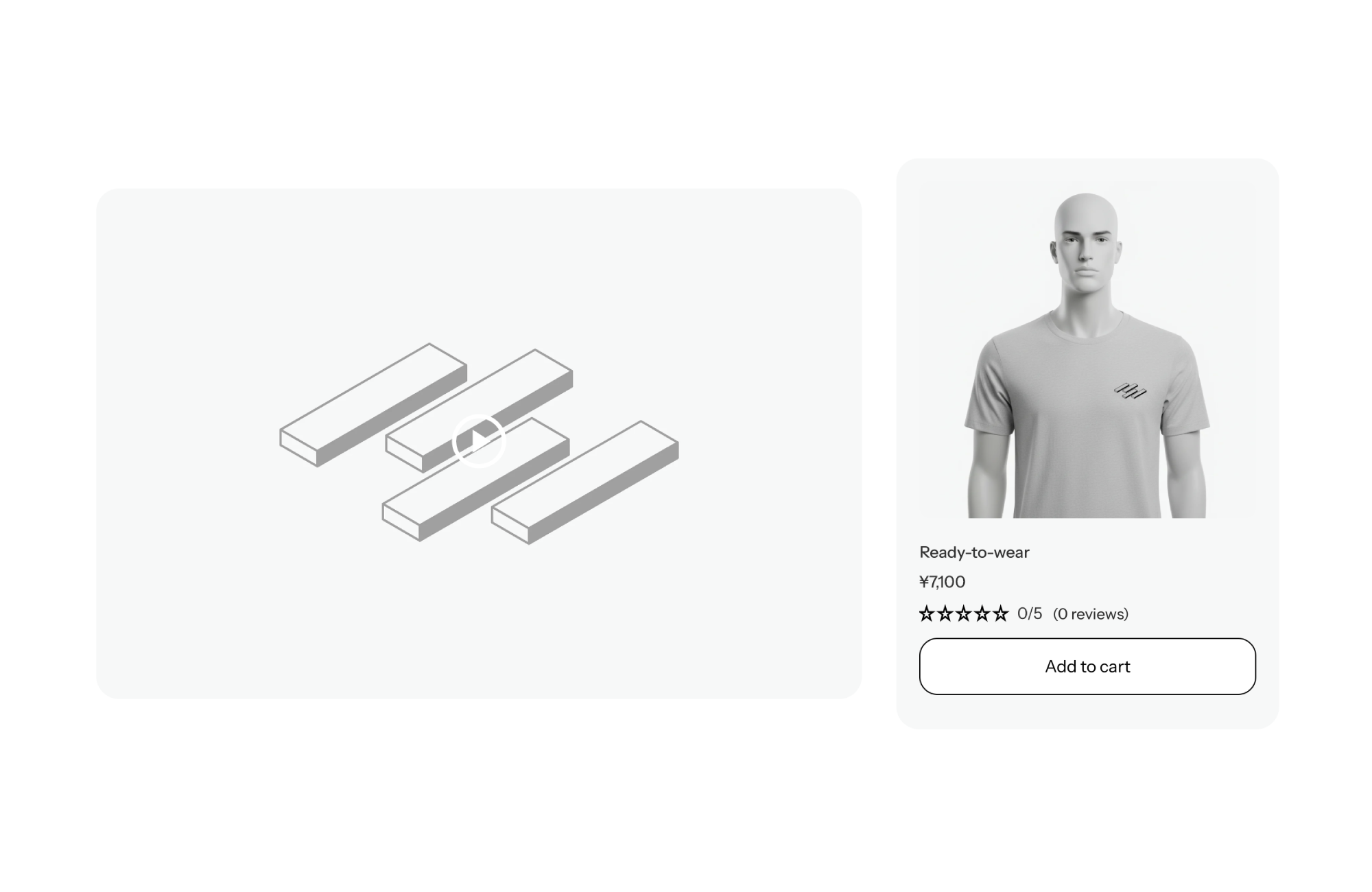
A Shopify theme with a product card and image section places a large lifestyle image right next to a shoppable product card: the image sets the mood, the card shows price, reviews and variants and lets shoppers buy without leaving the page. In FullStack, it is a preset of the custom section, built from blocks you adjust with no code.
On a homepage or a landing page, purely visual sections spark desire but give shoppers nothing to act on: they have to click, find the product, then come back. A product grid on its own, on the other hand, shows packshots with no context.
The product card with image section does both at once. The image shows the product in context (worn, installed, in use), which helps shoppers picture it in their lives. The card, right beside it, carries the buying information: product photo, price, rating, available colors. It is the ideal format for a hero product, a new arrival or the product behind a campaign.
Add a custom section and pick the Product card with image preset. Its structure:
In the product card, always pick the product explicitly (the product setting): with nothing selected, the editor shows a misleading preview. The Wrap in card setting (wrap_in_card, on by default) adds a background and a color scheme (color_scheme), and spacing between elements is set with layout_gap.
A large campaign photo with the piece being worn, and the card with color swatches to show every available shade. Shoppers go from inspiration to purchase without switching pages.
The image shows the armchair or lamp in a styled room; the card shows the packshot, price and rating. Avoid repeating the packshot in the image: the card already carries it.
On an acquisition landing page, repeat the section for two or three products in the range, alternating image and card order to give the page rhythm.
The section features a hand-picked product: it does not update on its own based on sales or new arrivals. To show a whole collection, a featured collection section is a better fit. The stars only show a rating if a reviews app fills the product’s metafields. Licensing details are on the pricing page.
On any page that accepts a custom section, such as the homepage or a landing page: add a custom section and pick the Product card with image preset.
Yes, if you add the quick add block to the product card. The base preset shows the gallery, title, price, rating and swatches.
Yes, by setting the section’s layout direction, separately on desktop and mobile.
Rated 4.9/5 out of 200+ reviews



Rated 4.9/5 out of 200+ reviews