Section
Layout
The Fullstack theme offers over 100 features, distributed across more than 40 sections and over 60 blocks. All this, without compromising your brand's visual identity.
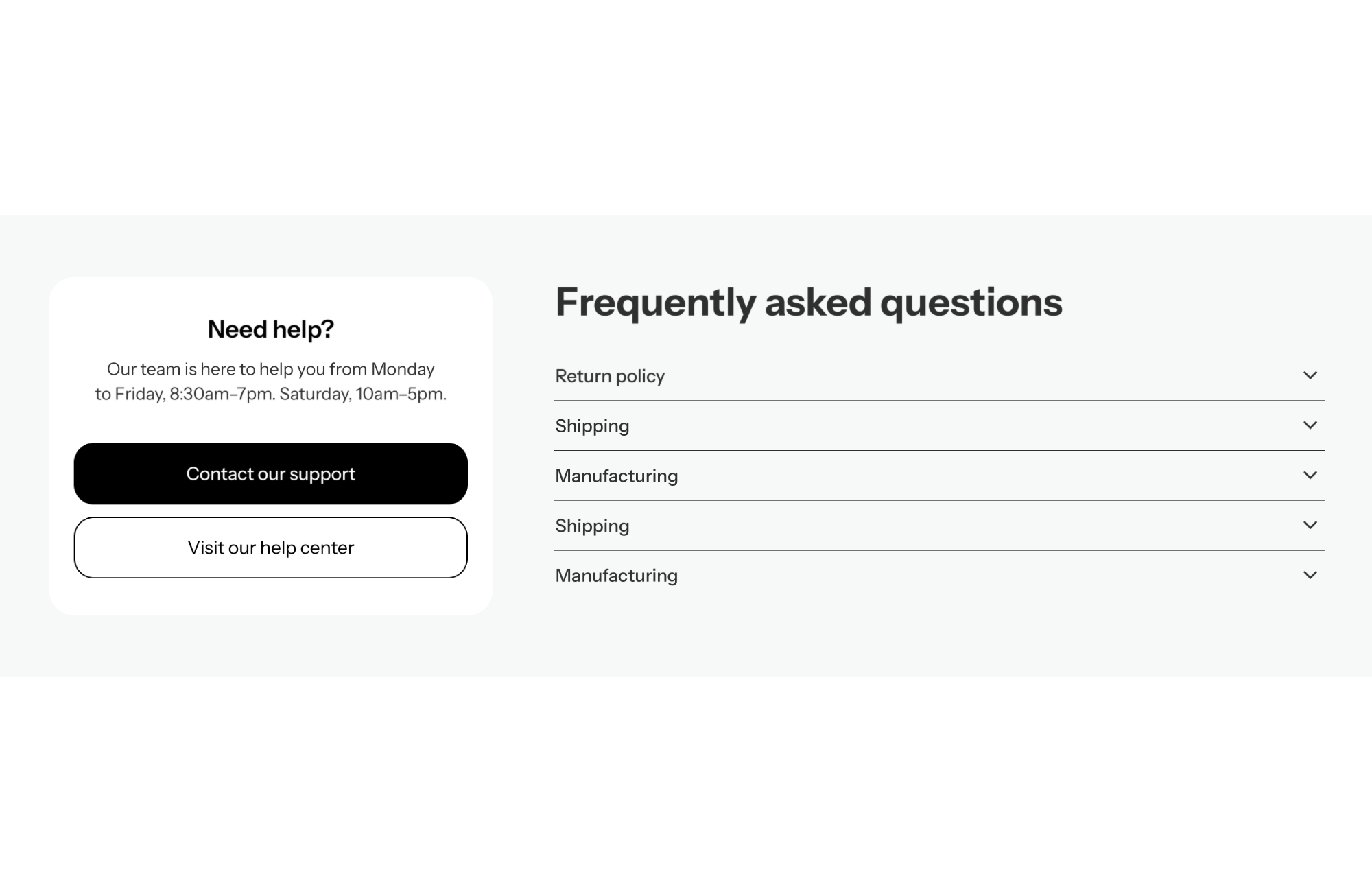
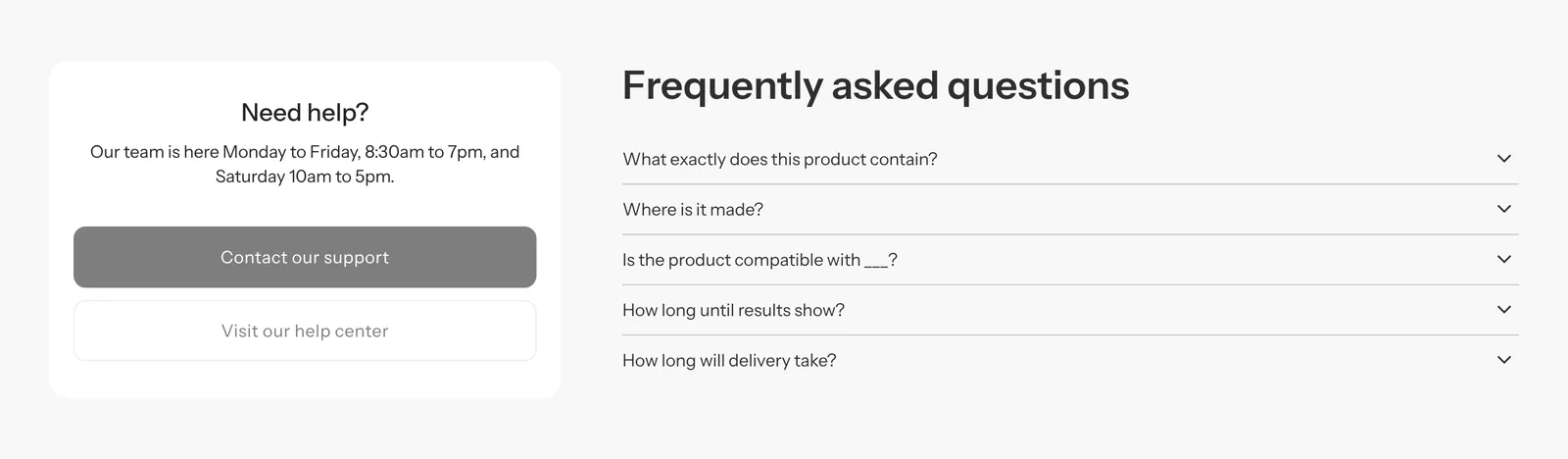
A Shopify theme with FAQ and contact section shows your frequently asked questions as accordions and, right beside them, a "Need help?" panel with your support hours and buttons to reach your team. Shoppers either find the answer on their own or know exactly how to contact you. In FullStack it is a ready-made preset of the custom section, with no app.
An unanswered question is a reason not to buy. A shopper wondering when the order will arrive, whether the product fits their needs or how returns work will hesitate, then go compare elsewhere. A well-placed FAQ handles those objections where they come up, on the product page or the homepage.
But no FAQ covers every case. The contact panel owns that limit: it shows there is a real team, when it answers and how to reach it. For a brand whose customer service is a selling point, that panel reassures as much as the answers do.
Add a Custom section and pick the FAQ 2 preset (faq_2), the FAQ with a help panel. It has two columns:
On desktop the two columns sit side by side (the panel takes 55% of the width in the preset, adjustable). On mobile the questions come first and the help panel moves below them.
Useful accordion settings: the open icon (caret or plus), spacing (accordion_padding), dividers between questions (dividers). For each question you set the real HTML tag of the title (heading_tag, a paragraph by default) separately from its visual style (heading_style), an optional icon, and whether it opens on load (open_by_default).
Questions on ingredients, dosage and how long results take. The panel shows support hours for more personal questions. That is the setup on the demo store above.
Questions on sizing, exchanges and shipping times. The secondary button leads to your size guide page or help center.
Questions on the trial period, delivery to your floor and the warranty. Turn on an icon for each question (delivery, warranty) to make the list easier to scan.
The section displays content you type in: it does not add live chat or a help desk. For chat you need a dedicated app, and the button can simply link to it. Accordion appearance settings apply to all questions at once, not question by question. License details are on the pricing page.
Yes. Duplicate an accordion in the theme editor, or delete the ones you don't need.
Yes. The custom section can be added to the product page, the homepage, a contact page or a landing page.
The title is real text on the page, and you choose its HTML tag (h2, h3, paragraph and so on) with the heading_tag setting.
Rated 4.9/5 out of 200+ reviews



Rated 4.9/5 out of 200+ reviews