Feature
Conversion
The Fullstack theme offers over 100 features, distributed across more than 40 sections and over 60 blocks. All this, without compromising your brand's visual identity.
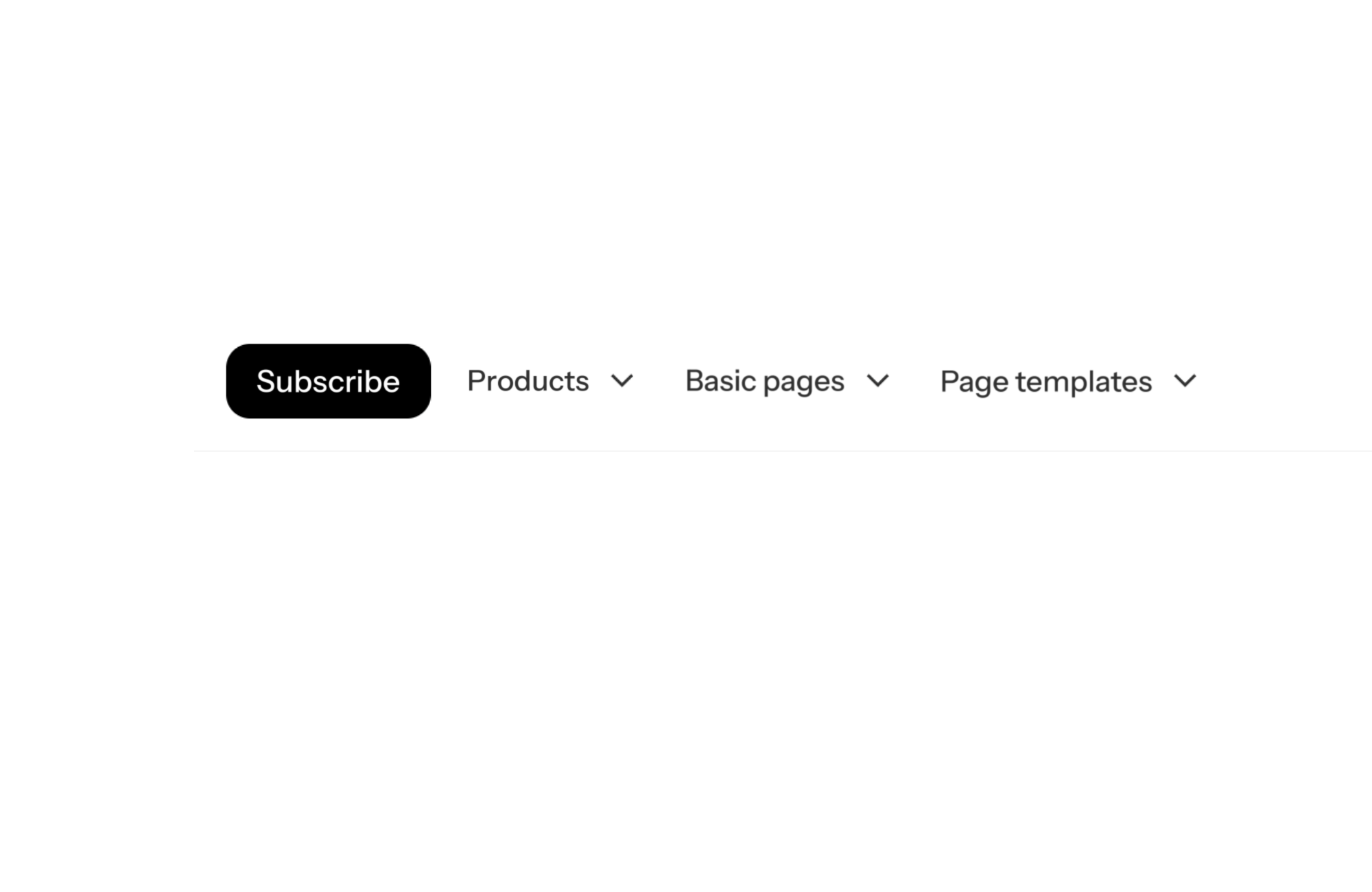
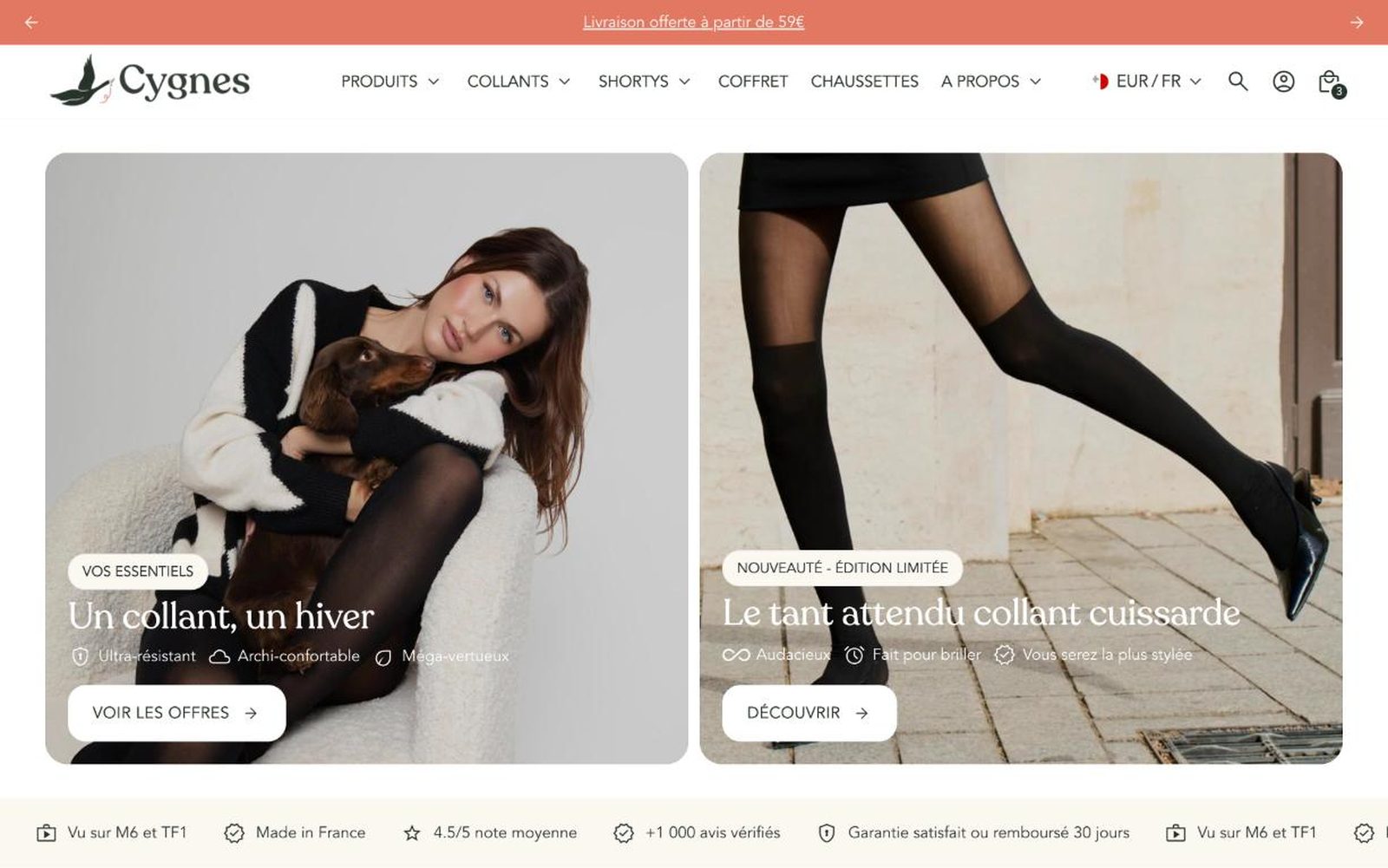
A Shopify theme with a button in the header lets you add a call to action that’s visible on every page, right in the header next to the menu: “Diagnosis”, “Quiz”, “Sale”, “Book now”. Where a menu link blends into the navigation, a button stands out instantly. In FullStack, it’s a native block of the Header section, no code or app required.

The header is the only element on every page, and it stays in view while scrolling when it’s sticky. That makes it the ideal spot for the one action you want to offer everywhere: a skin diagnosis that points to the right product, a recommendation quiz, a sale collection, an appointment booking.
A plain menu link carries the same visual weight as “FAQ” or “Contact”. A button stands apart through its shape and color: it tells shoppers this is the action you recommend, without them having to dig through the menu to find it.
The Header section accepts a Button block. Its position depends on the header layout you pick (header_layout), which comes in six variants: logo centered, logo left, logo and menu left, logo centered above the menu, logo left above the menu, and logo centered with two menus. Button settings:
The button uses the button styles defined in the theme’s global settings, so it stays consistent with the rest of your store.
The Button block sits alongside the header’s other elements:
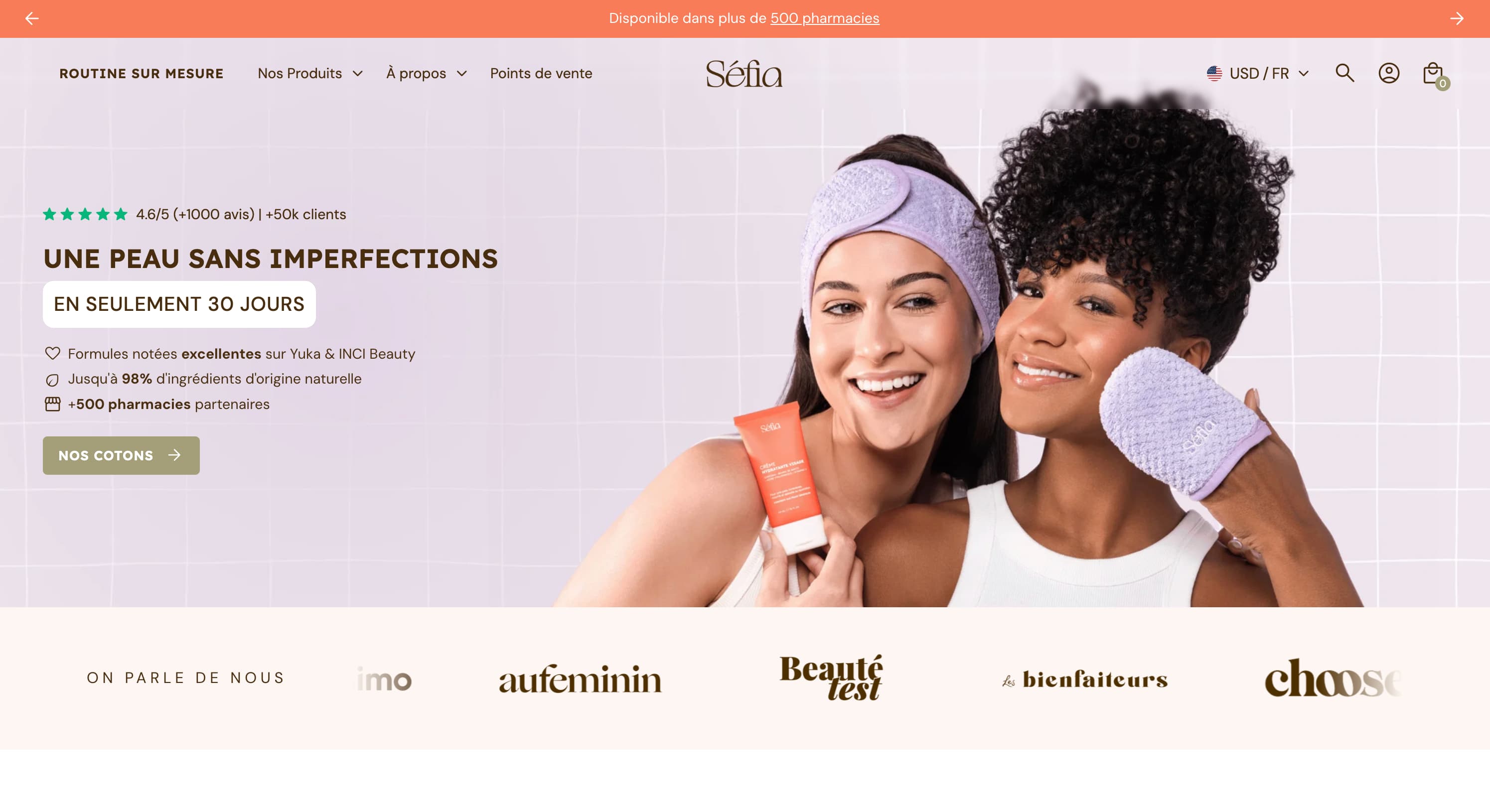
A primary “Diagnosis” button right after the menu, leading to a quiz page. That’s the setup of the demo store above, with the logo and menu on the left.
A “Quiz” or “My plan” button that guides shoppers to the right bundle. One word, so the button fits on a single line even on narrow screens.
During a sale, a secondary “Sale” button with an icon, linking to the collection. Remove it when the campaign ends to keep the header clean.
A “Book” button that opens your scheduling tool in a new tab.
The Header section takes one button, not a row of buttons: if you have several actions to highlight, use the menu or mega menus. The button’s exact position depends on the chosen header layout; there’s no separate position setting. To go further with navigation, see the mega menu. License and free trial details are on the pricing page.
Yes, as long as the header is sticky, which is FullStack’s default setting.
Yes, with the block’s display setting: desktop and mobile, desktop only, or mobile only.
A button without a link renders as disabled. Fill in the block’s link field.
Rated 4.9/5 out of 200+ reviews



Rated 4.9/5 out of 200+ reviews