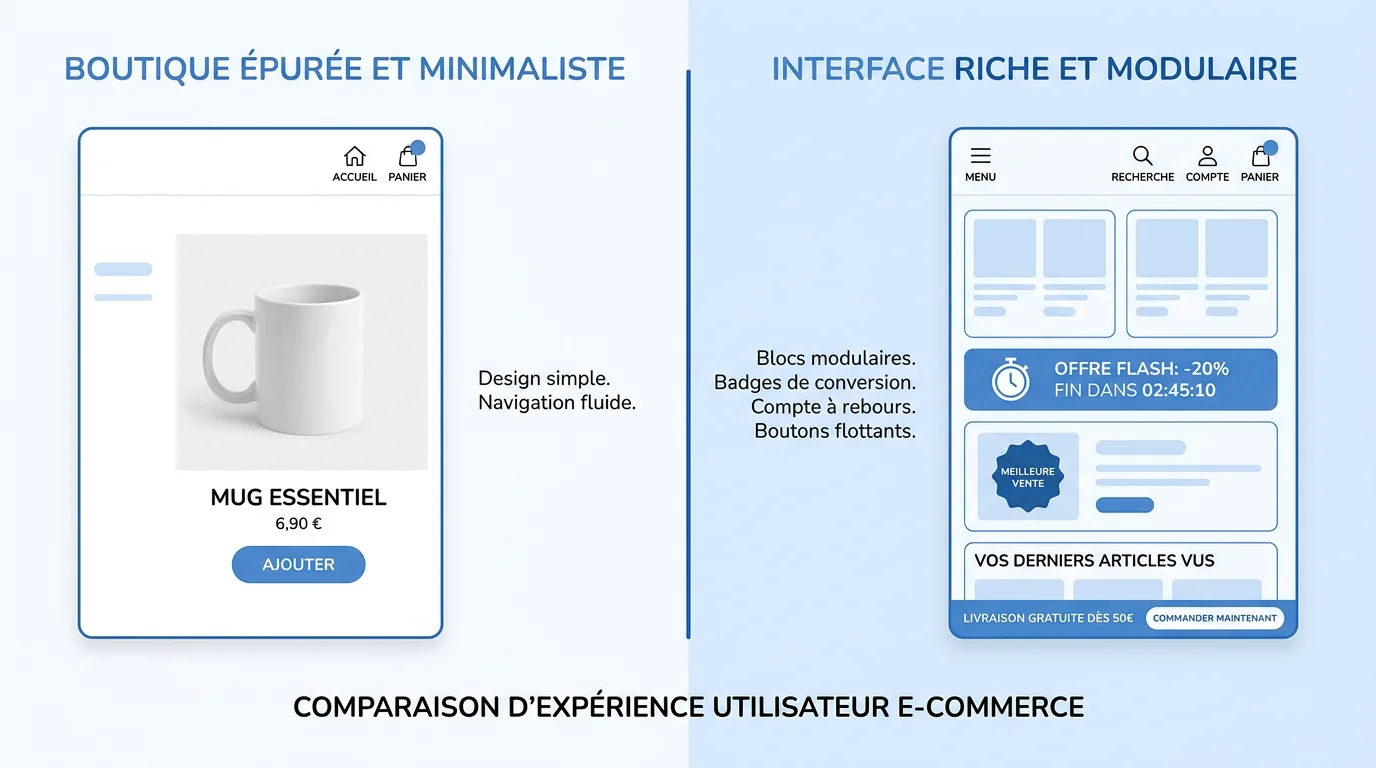
Last updated on October 26, 2026
FullStack vs. Dawn Shopify theme: features, customization, speed and reviews compared side by side. Find out which theme is the right fit for your store.
Summary: The FullStack theme outperforms Dawn on customization (44 public blocks vs. a limited set of sections), native conversion features and hands-on support, while Dawn remains a free but minimalist foundation.
In 2026, the Shopify theme market has fragmented, with more than 2,500 themes available. Yet only 30 to 40 of them really deserve your attention. In that context, the FullStack theme vs. Dawn theme comparison comes up constantly among merchants looking to combine performance, conversion and ease of use.
Dawn replaced the Debut theme when Online Store 2.0 launched and now powers more than 268,000 active stores as of March 2026. The FullStack theme, on the other hand, positions itself as an all-in-one solution built for conversion. Two radically different philosophies, one shared goal: helping you sell online. So which one actually fits your needs?
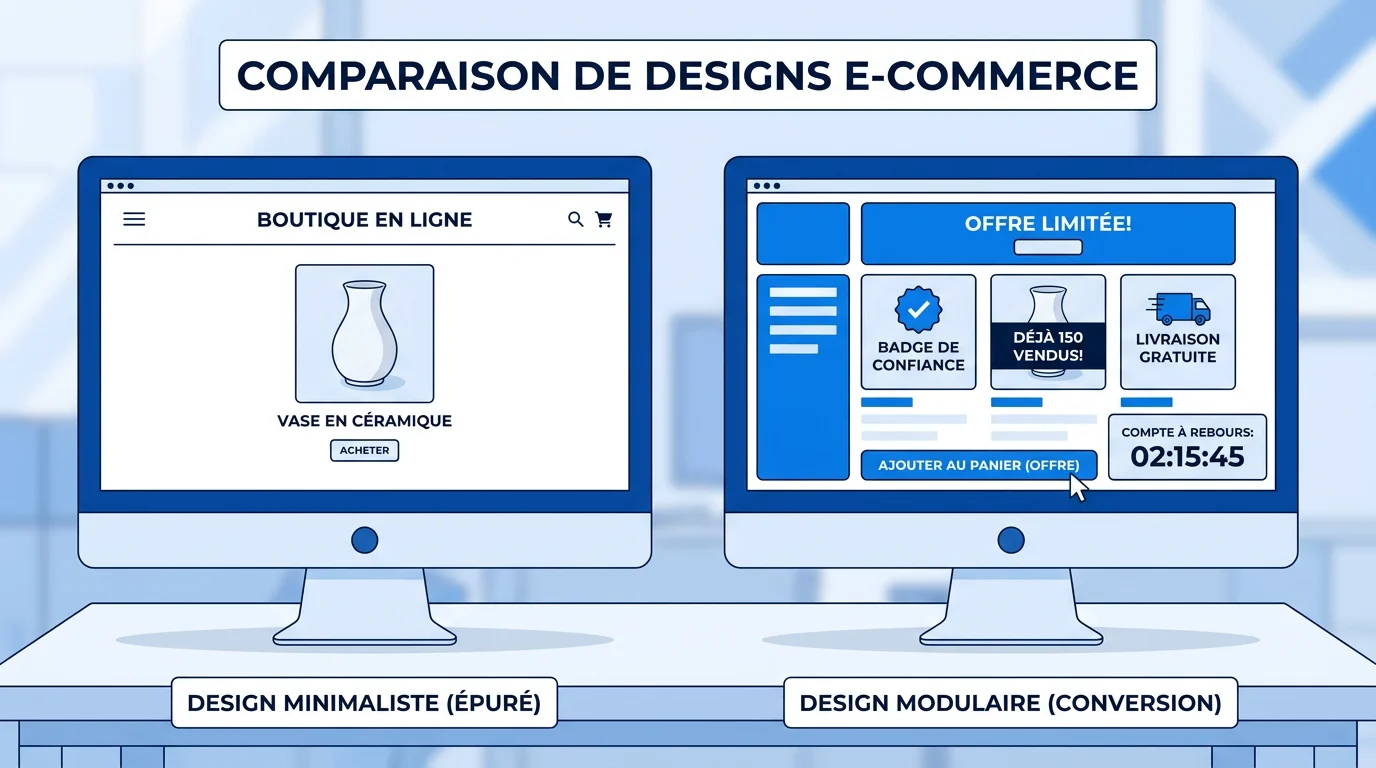
Dawn's philosophy rests on a simple principle: HTML first, JavaScript only when necessary. This approach produces a lightweight theme that is fast by default and customizable without touching code. Shopify went with a clean, minimalist art direction designed to let your products and content shine.
The FullStack theme takes the opposite approach: build in as many conversion-focused features as possible natively, so you don't pile up third-party apps. With 35 sections, 44 public blocks and 100+ native features, it delivers a complete ecosystem the moment you install it. The goal is clear: give e-commerce brands a tool that is ready to perform without outside dependencies.
In other words, Dawn gives you a lightweight blank canvas, while FullStack hands you a fully equipped workshop.
It's on built-in features that the gap widens the most. As a free theme, Dawn offers the standard Online Store 2.0 sections and blocks: slideshows, product grids, testimonials, contact forms. Dawn supports app blocks, which makes it easy to add apps to your store and customize how they look in the theme editor. But for advanced functionality (upsells, A/B testing, a sticky add-to-cart button, countdown timers), you have to rely on external apps.
The FullStack theme ships most of these elements natively. Its A/B testing-ready setup (custom IDs and classes that plug straight into your third-party testing tool) and its sticky add-to-cart (ATC) button mean fewer extra apps to install. That lowers your monthly costs, simplifies maintenance and limits code conflicts between extensions.
The real cost of a Shopify theme isn't just its purchase price: you have to add up the theme price, the apps you need (up to €790/month) and setup time. Over a full year, a free theme can end up costing more than an all-in-one premium theme.
Dawn has some customization limitations: its styling options are relatively narrow, which can block deeper customization without developer involvement. While generous for a free theme, Dawn's customization options can hit their limits for advanced customizations, requiring additional development costs.
The FullStack theme is built around modularity. Its 44 public blocks combine freely to create unique pages without writing a single line of code. One-click templates let you quickly roll out optimized product pages, landing pages and collection pages. To explore everything that's possible, check out the FullStack theme features.
In practice, where Dawn requires a Liquid developer to build a custom layout, FullStack lets merchants build their page visually in the Shopify editor.
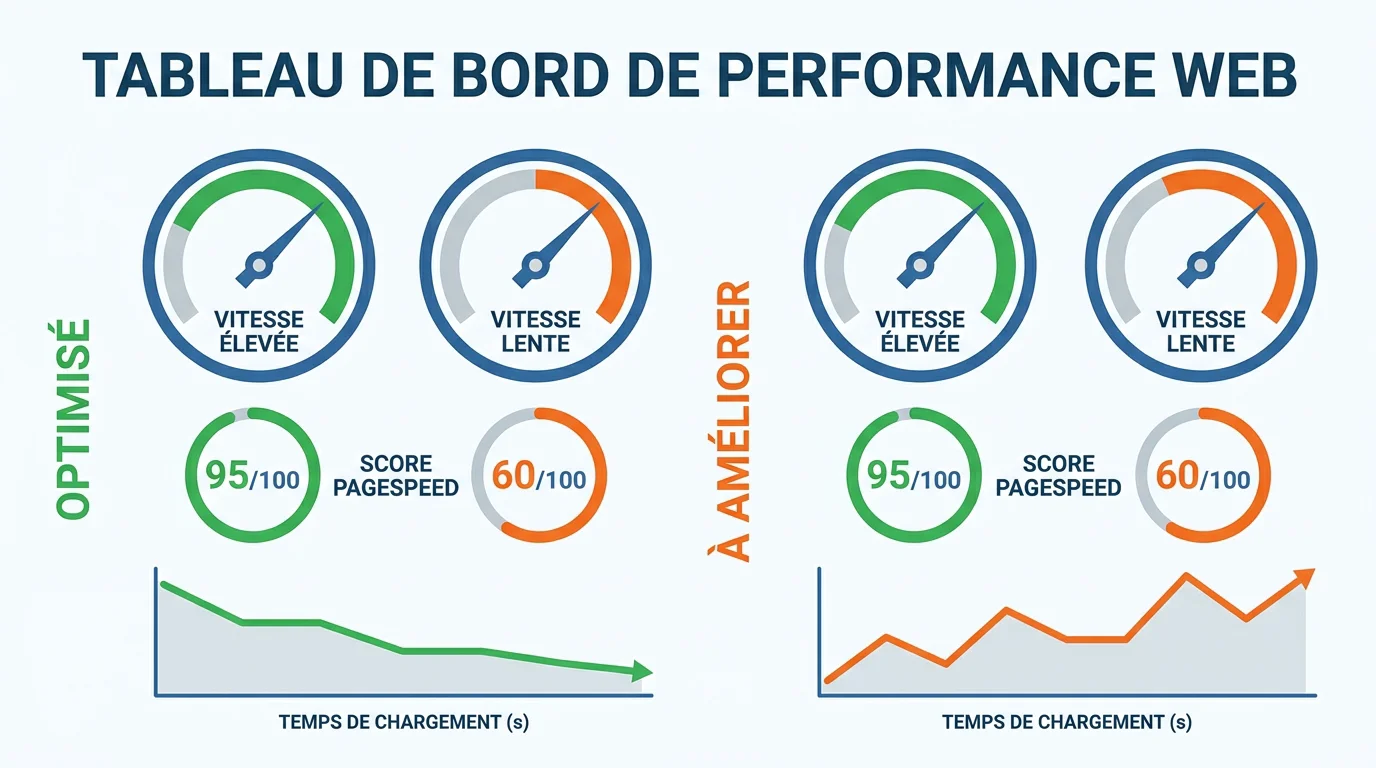
Dawn is billed as 35% faster than Debut, its predecessor, since Shopify made loading speed a design priority. In real-world conditions, Dawn scores between 75 and 80 out of 100 on PageSpeed depending on the test. That's a solid foundation, but still below the 90 threshold considered excellent for conversion.
The FullStack theme is built on a lightweight architecture designed by CRO experts. Despite packing in a large number of features, the code stays optimized to keep load times competitive. The key advantage is that these features are built into the theme instead of being added through external app scripts, which significantly increase page weight.
As a 2026 comparison published by Speed Ecom points out, choosing a theme isn't a cosmetic decision but a strategic one, with a direct impact on loading speed and therefore on conversion.
Dawn is a minimalist option designed to showcase every product or collection with large-format imagery, a clean design and crisp fonts. This minimalism has an upside: intuitive navigation that shoppers pick up instantly. But it also has a downside: every Dawn store looks alike unless you invest in custom development.
FullStack offers a far higher degree of differentiation. The combination of modular blocks, ready-to-use templates and advanced style settings lets you build a unique visual identity. Product pages include trust elements (badges, reviews, guarantees) and conversion mechanics (cross-sell, upsell, urgency) without hurting readability.
To dig deeper into how design affects your results, we've explained why your choice of Shopify theme can change everything in a dedicated article.
Reviews of Dawn are mixed. In 2026, Dawn is still one of the most popular free Shopify themes, known for its minimalist design and good baseline performance. However, on the official Theme Store, Dawn is at version 15.4.1 (December 2025) and has only 35% positive reviews out of 271 ratings. Users report recurring issues with updates and a lack of advanced features.
The FullStack theme has a 4.9 out of 5 rating, with more than 150 visible customer reviews and testimonials. Feedback highlights the depth of features, how easy it is to get started and the quality of support. With more than 10,000 installs and more than 150 supported redesigns, its user community provides a solid base of social proof.
| Criteria | FullStack theme | Dawn theme |
|---|---|---|
| Price | Subscription (14-day free trial) | Free |
| Modular blocks | 44 public blocks | Standard OS 2.0 sections |
| Native CRO features | 100+ (sticky ATC, upsell…) | Limited (via apps) |
| One-click templates | Yes | No |
| No-code customization | Advanced | Basic to intermediate |
| User rating | 4.9/5 | 35% positive reviews (271 reviews) |
| Support and training | Dedicated member area | General Shopify documentation |
| Installation | Under 5 minutes | Pre-installed |
Dawn is designed for emerging brands: artists, creators, editorial content, beginners and small budgets. It's ideal for testing an idea, but as soon as you have traffic, moving to a premium theme makes sense.
The FullStack theme is built for e-commerce brands that want to maximize their conversion rate without stacking apps or tying up a developer. Whether you're a growing SMB, an established pure player or a brand in the middle of a redesign, its modularity and native features cover most of your needs. To compare your options, browse all available Shopify themes in our comparison tool.
Dawn can show its limits with large catalogs: beyond 500 products, a more complete theme is a better fit. Features like advanced filtering, built-in upsells or industry-specific layouts often justify switching to a premium theme.
To take this further, find out why CRO is still underrated on Shopify.
This FullStack theme vs. Dawn theme comparison highlights two complementary approaches that become unequal as soon as you're aiming for commercial performance. Dawn remains a solid, free starting point, perfect for validating a concept. But its limits in customization, conversion features and support become obvious as soon as your store starts to grow. The real cost of a free theme, once you add apps and custom development, can far exceed that of an all-in-one solution.
The FullStack theme solves this equation by combining modularity, built-in CRO features and dedicated support to guide you every step of the way. To judge for yourself, check out the FullStack theme pricing and take advantage of the 14-day free trial.
Dawn works for getting started or testing a concept on a tight budget. As soon as you want to optimize your conversions, you'll need paid apps that weigh down your site and drive up costs. An all-in-one theme like FullStack builds these features in natively.
Yes. The FullStack theme installs in under 5 minutes from your Shopify admin, with no technical skills required. Your products, collections and content stay intact. One-click templates speed up rebuilding your pages.
Dawn doesn't natively offer a sticky add-to-cart button, urgency mechanics, built-in cross-selling or ready-to-use templates, and it isn't set up to make A/B testing easy. On Dawn, each of these CRO essentials requires a third-party app.
Rated 4.9/5 out of 200+ reviews






